Introduction
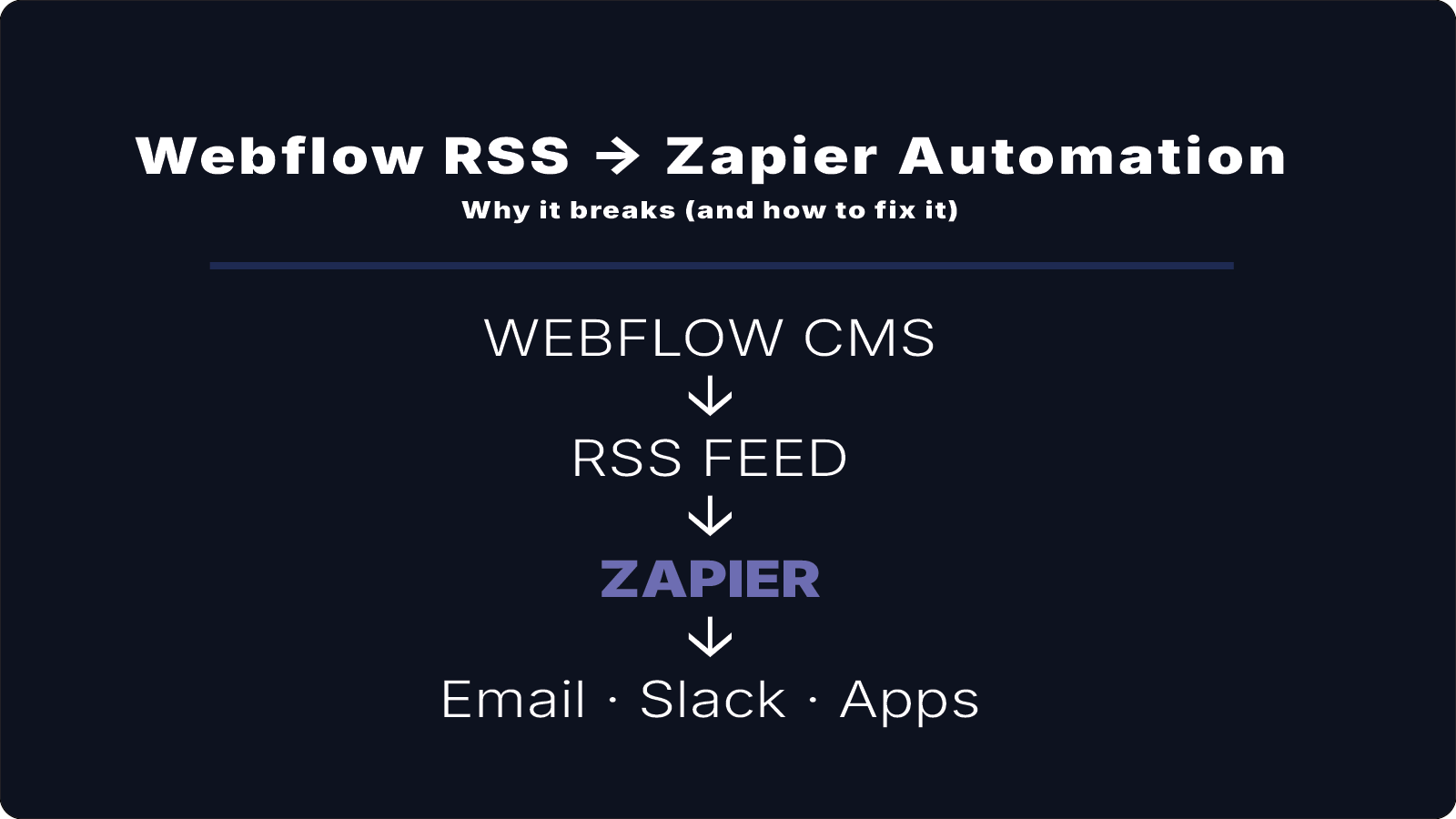
RSS feeds are commonly used to distribute content from websites to newsletters, apps, and feed readers.
Many teams using Webflow CMS rely on RSS feeds to power Mailchimp campaigns, podcast feeds, or automated content distribution.
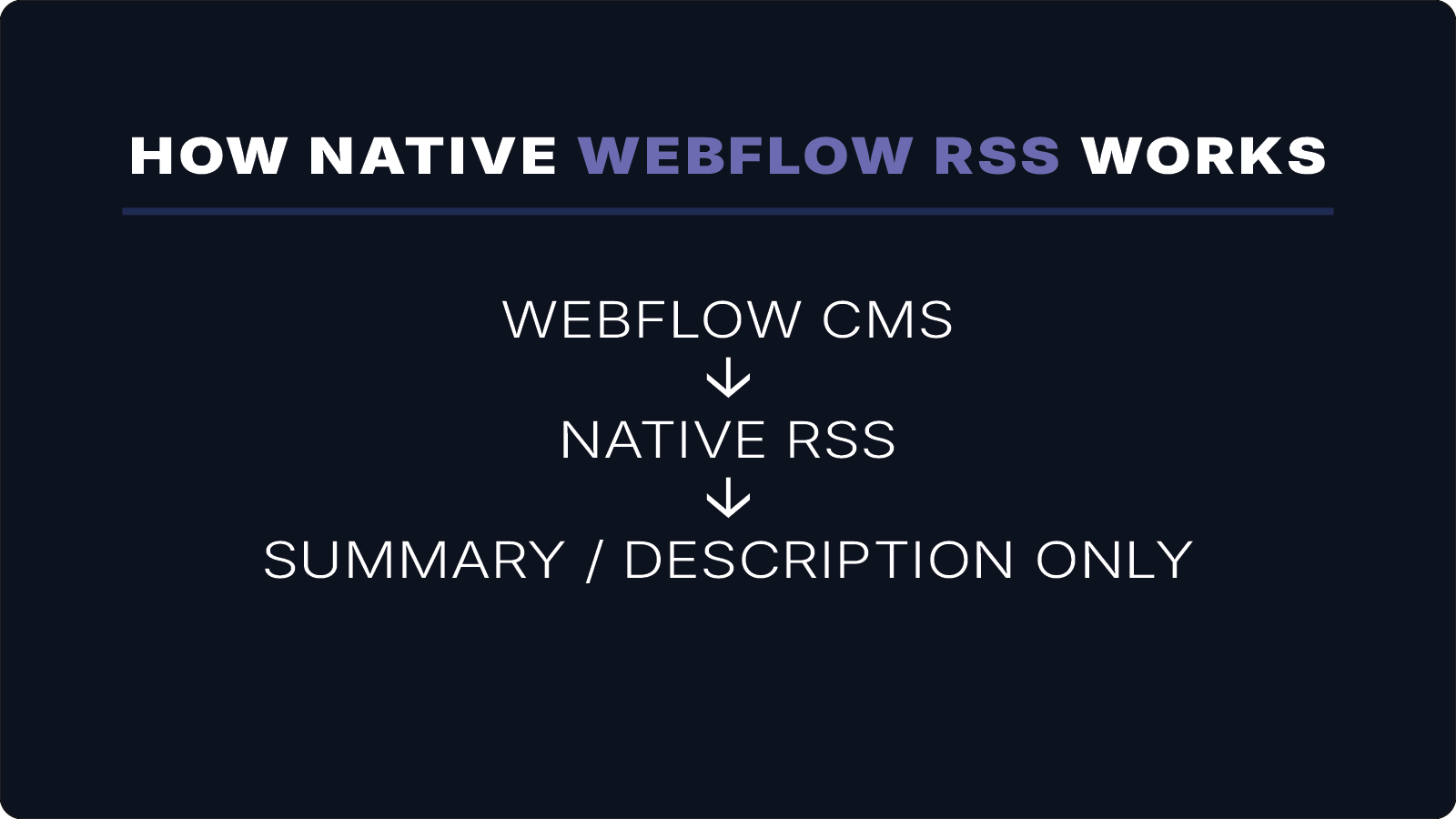
However, Webflow’s native RSS feeds often publish only summaries or preview text — not the full article content.
This creates problems when you need to distribute complete articles, including images, rich text formatting, and media.
In this guide, we’ll explain why this happens and how to generate full-content RSS feeds directly from your Webflow CMS.
Why Native Webflow RSS Feeds Only Show Summaries
Webflow automatically generates RSS feeds for CMS collections, typically for blogs or news content.
However, these feeds usually rely on the description or summary field rather than the full rich-text body.
As a result, RSS subscribers often receive:
- a short excerpt
- summary or preview text
- incomplete content
instead of the full article.
This creates limitations for many workflows:
- Mailchimp RSS campaigns display only excerpts
- RSS readers show incomplete content
- automation tools cannot access full articles
- podcast or media feeds require additional configuration
When your workflow depends on distributing complete content, this becomes a major limitation.
When You Need Full-Content RSS Feeds
Many publishing workflows require the entire article body to appear in the RSS feed.
Common examples include:
Newsletter Automation
Platforms like Mailchimp pull content directly from RSS feeds. If the feed only includes summaries, newsletters will also display incomplete content.
RSS Readers
Users expect to read full articles directly inside RSS apps without clicking through.
Content Syndication
Some platforms distribute content across multiple sites or applications using RSS feeds and require full article content.
Podcast or Media Feeds
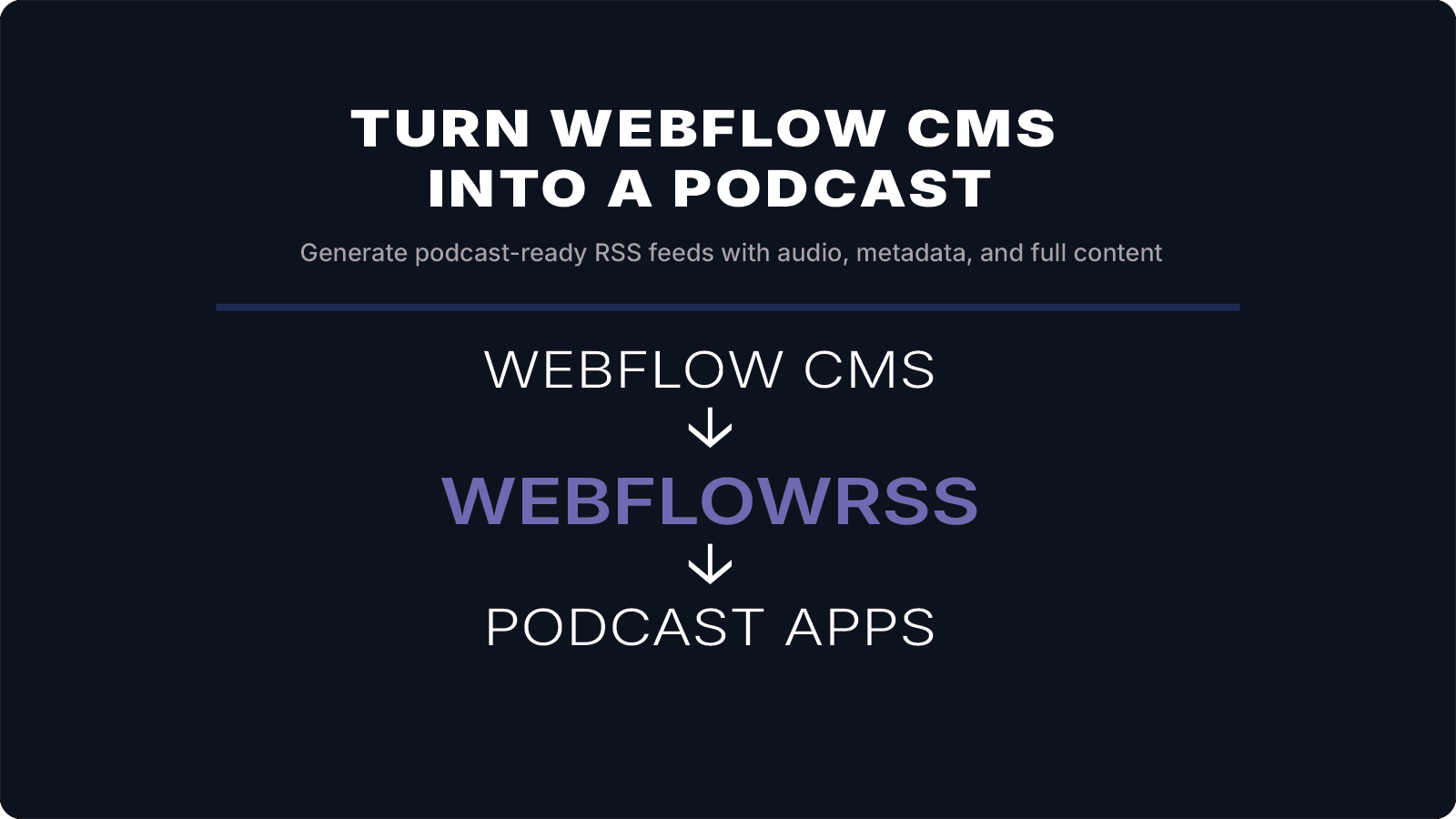
Podcast feeds often include audio enclosures, images, and metadata that must be present in the RSS feed.
If you're trying to get full-content RSS working from Webflow, this is usually where things get tricky.
I’ll help you set it up correctly the first time. 15–30 min • No commitment.
Generating Full-Content RSS Feeds from Webflow CMS
To generate a full-content RSS feed, the feed must include the actual content stored in your Webflow CMS fields.
This includes:
- article title
- publish date
- rich-text body
- images and media
- custom metadata
rather than relying only on summary fields.
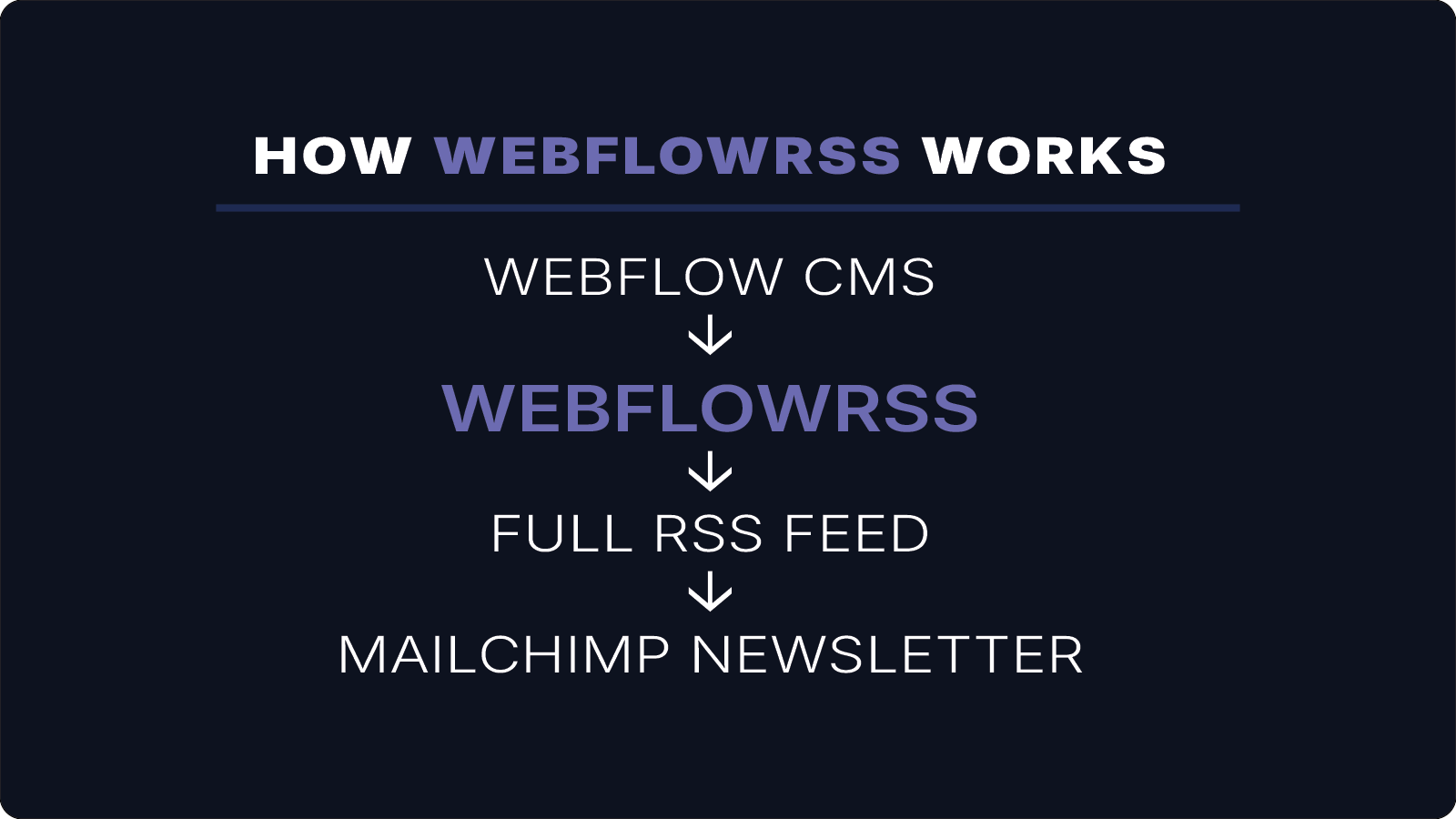
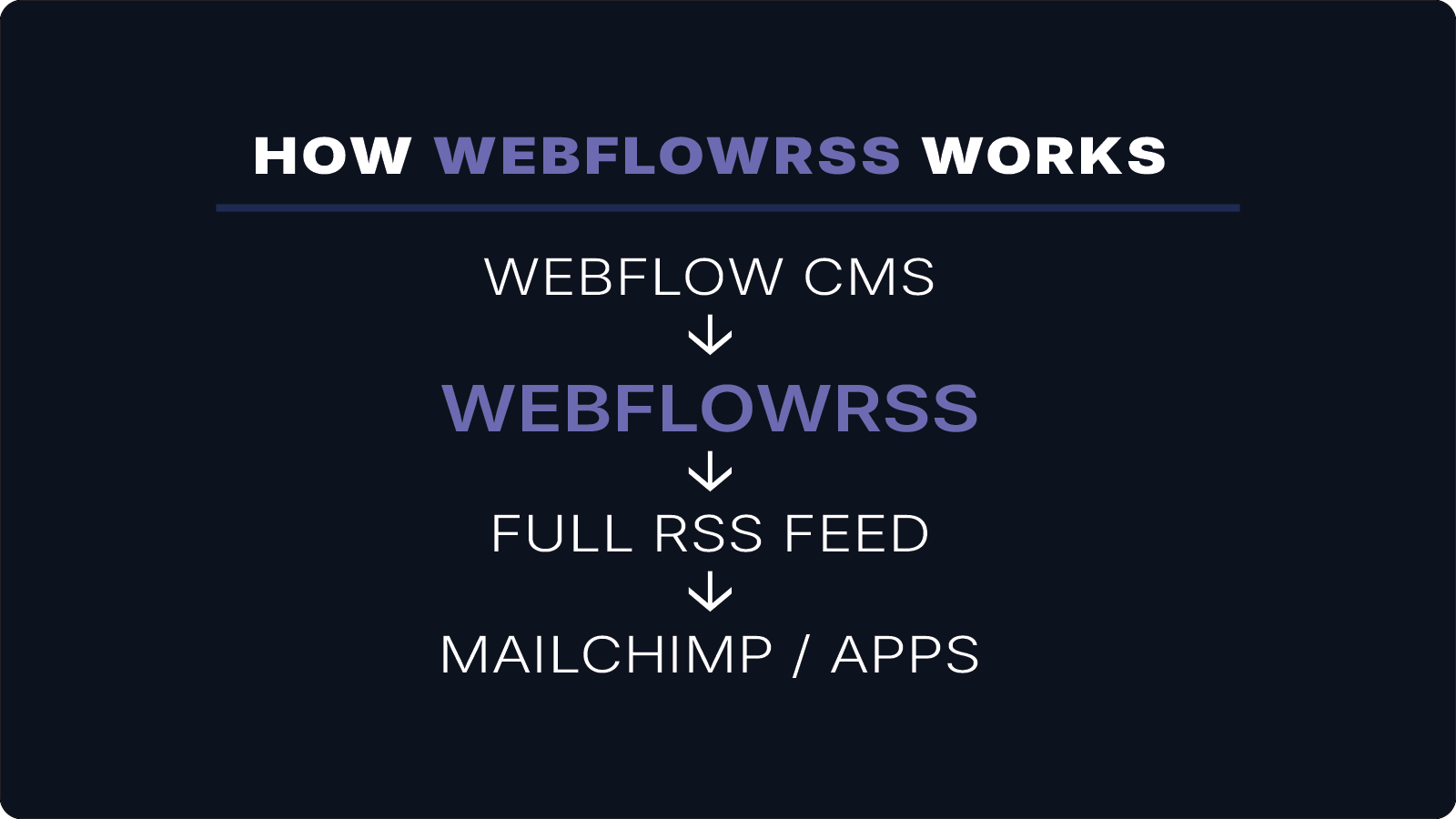
WebflowRSS connects to the Webflow API and generates RSS feeds using the full content stored in your CMS collections.
This allows feeds to include:
- the complete article body
- rich text formatting
- images and media
- audio files
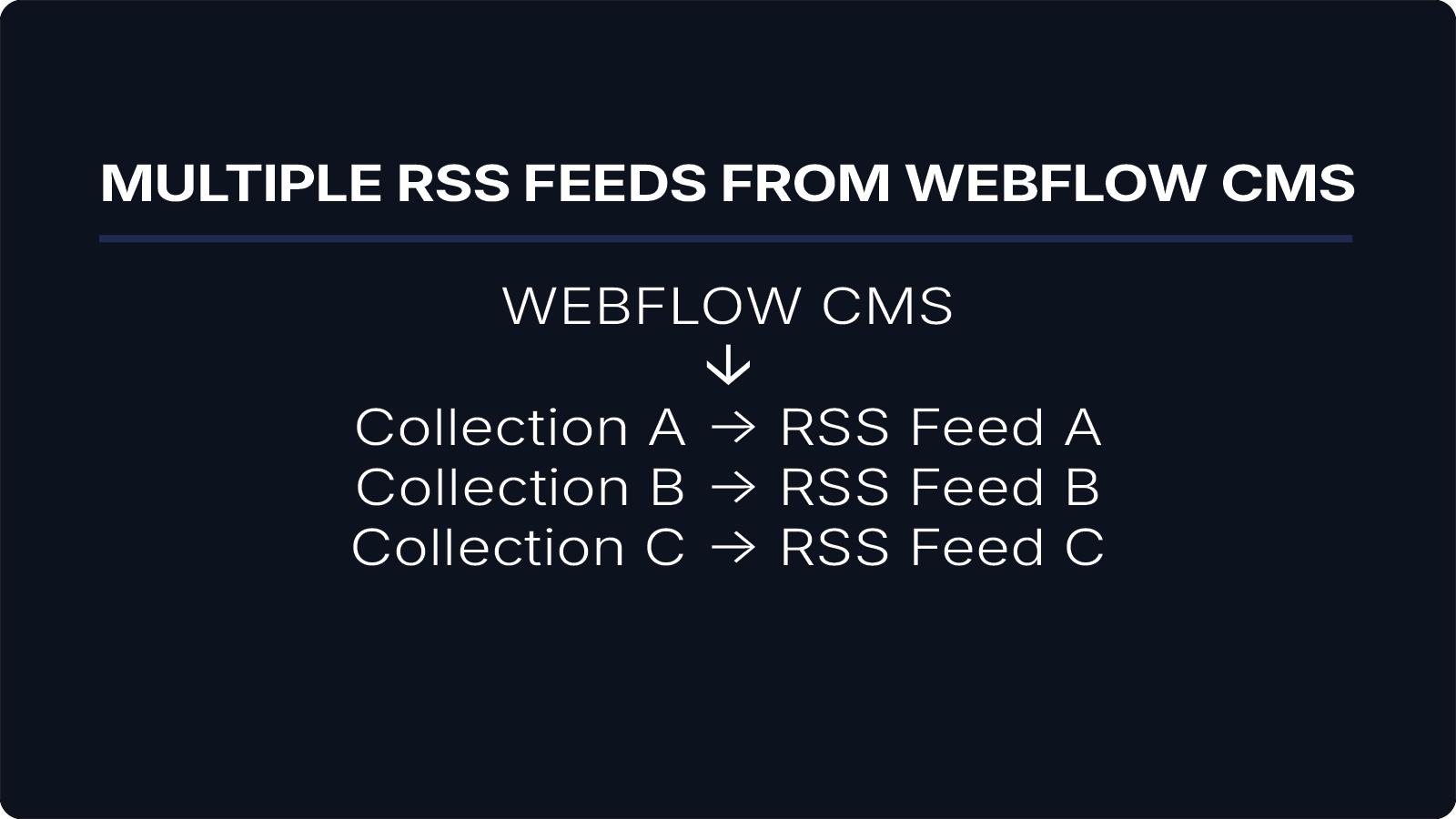
- multiple feeds for different collections
In this structure, the content:encoded field contains the full rich-text body of the article.
Benefits of Full-Content RSS Feeds
Generating full-content RSS feeds directly from Webflow CMS provides several advantages:
Complete Article Distribution
Subscribers and apps receive the entire article rather than just an excerpt.
Better Newsletter Integration
Mailchimp and similar platforms can display full article content inside campaigns.
Media Support
Images, audio files, and other media can be included within the RSS feed.
Multiple Feed Generation
Separate RSS feeds can be created for different CMS collections such as:
- blog posts
- newsletters
- podcasts
- announcements
Conclusion
Webflow CMS makes it easy to manage content, but native RSS feeds are designed for preview-style summaries rather than full article distribution.
If your workflow depends on sending complete articles to newsletters, apps, or RSS readers, generating a full-content RSS feed provides a more flexible solution.
By connecting directly to the Webflow API, WebflowRSS generates feeds that include the entire article body, images, and media — allowing your content to be distributed exactly as intended.
If you need a full-content RSS feed from Webflow CMS, WebflowRSS handles the setup so your content works reliably across newsletters, apps, and RSS readers.
Need help setting this up in your Webflow CMS?
I’ll walk you through the exact setup.
15–30 min • No commitment.