How to Connect Webflow RSS Feeds to Mailchimp
Introduction
Mailchimp supports RSS-driven campaigns that automatically send newsletters when new content appears in a feed.
Many teams use RSS campaigns to distribute blog posts, announcements, or other updates to subscribers.
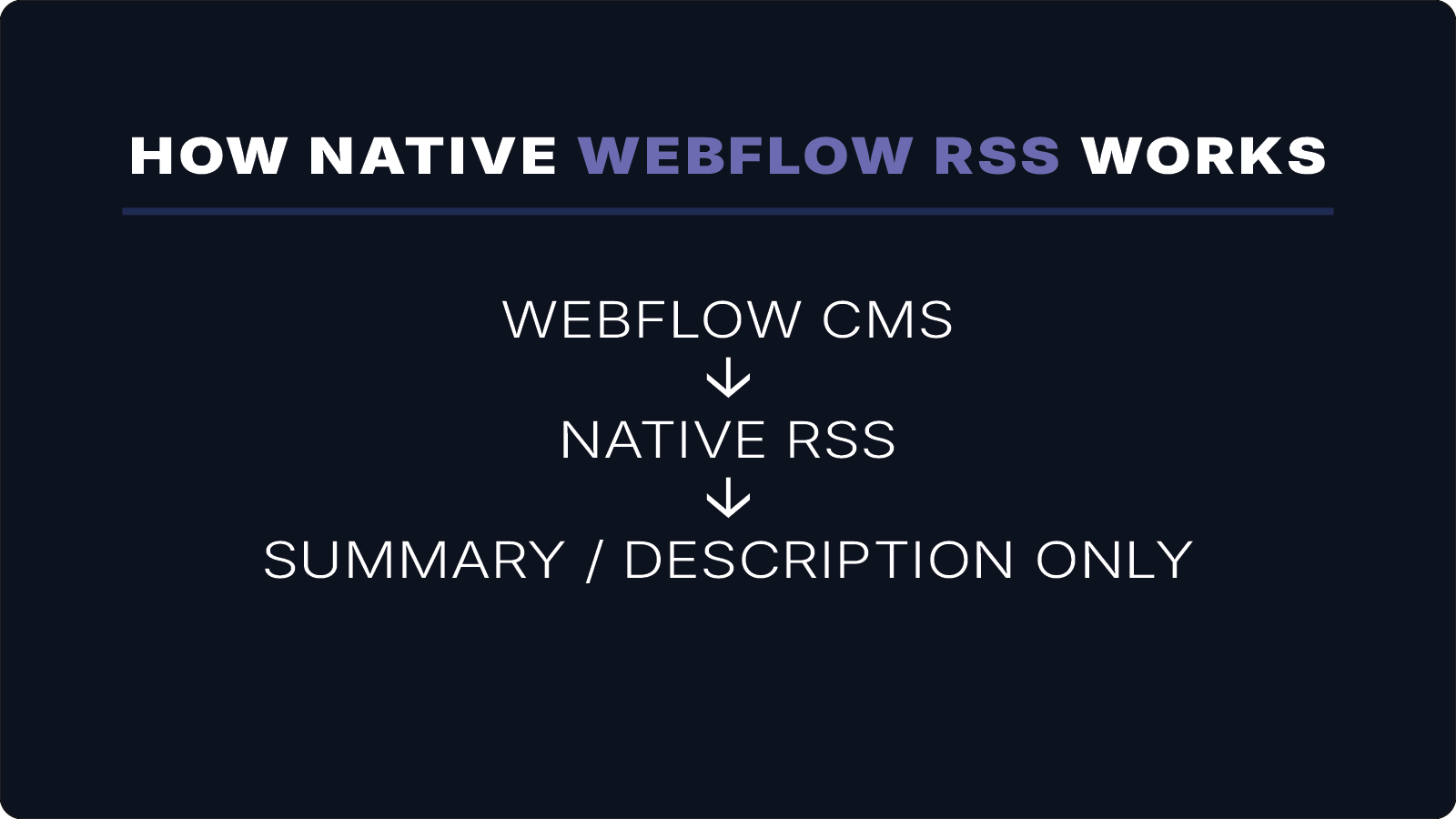
However, Webflow’s native RSS feeds often include only summaries or descriptions. As a result, Mailchimp newsletters may display short previews instead of full article content.
WebflowRSS solves this by generating full-content RSS feeds from your Webflow CMS collections.
This allows Mailchimp campaigns to include the complete article body, along with images, formatting, and media.
How Mailchimp RSS Campaigns Work
Mailchimp RSS campaigns pull content from an RSS feed and insert it into an email template.
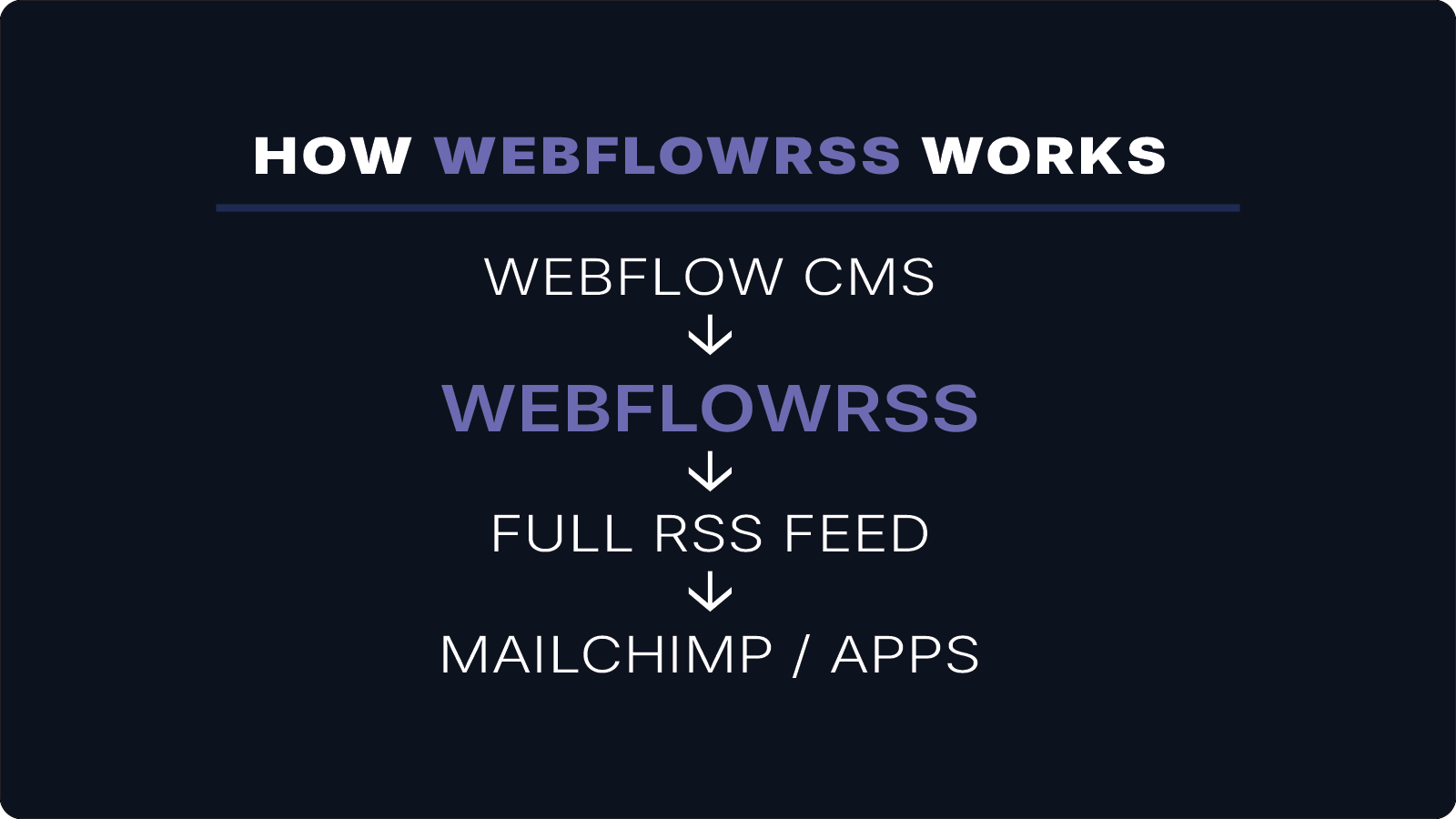
The typical workflow looks like this:
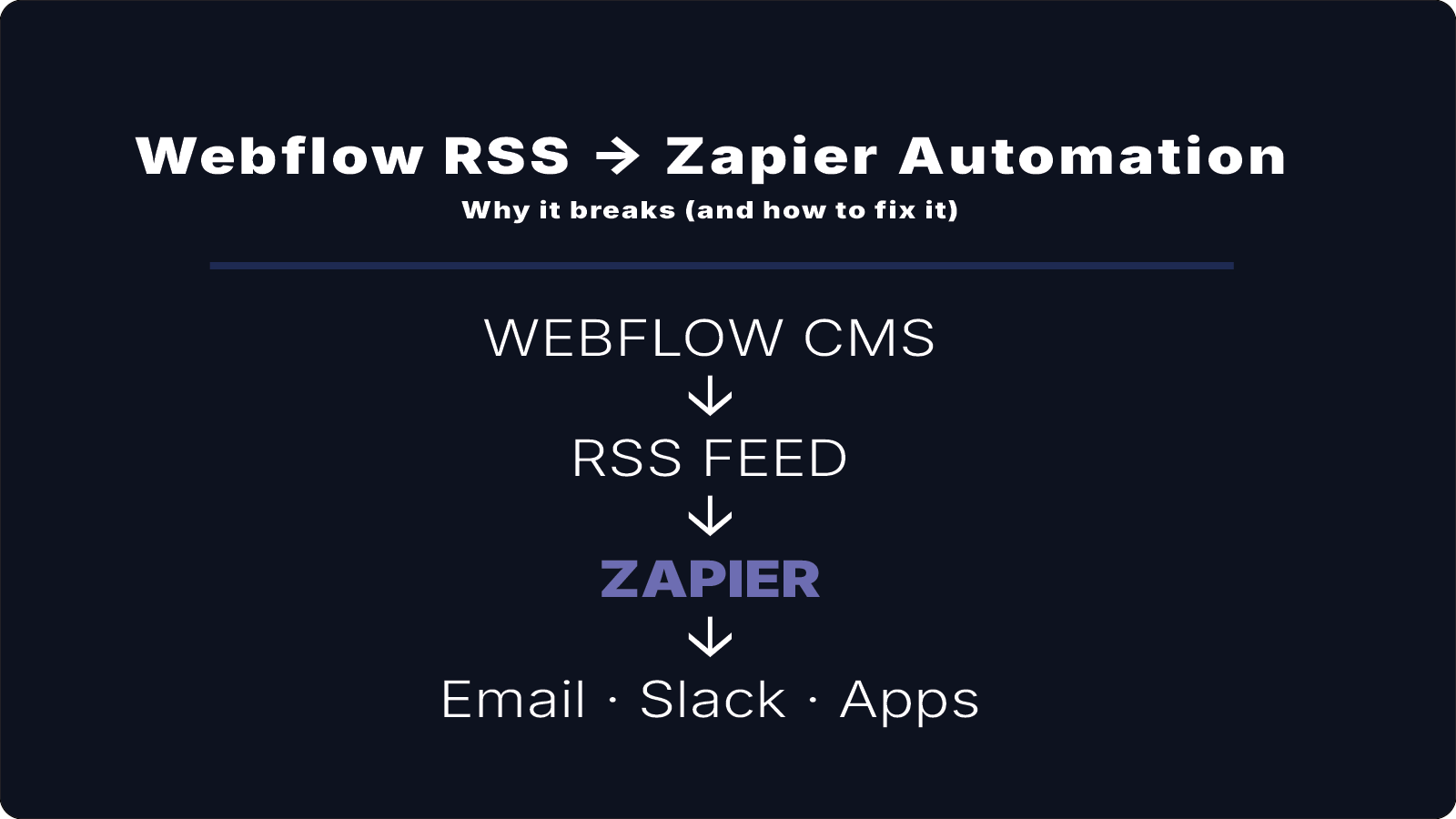
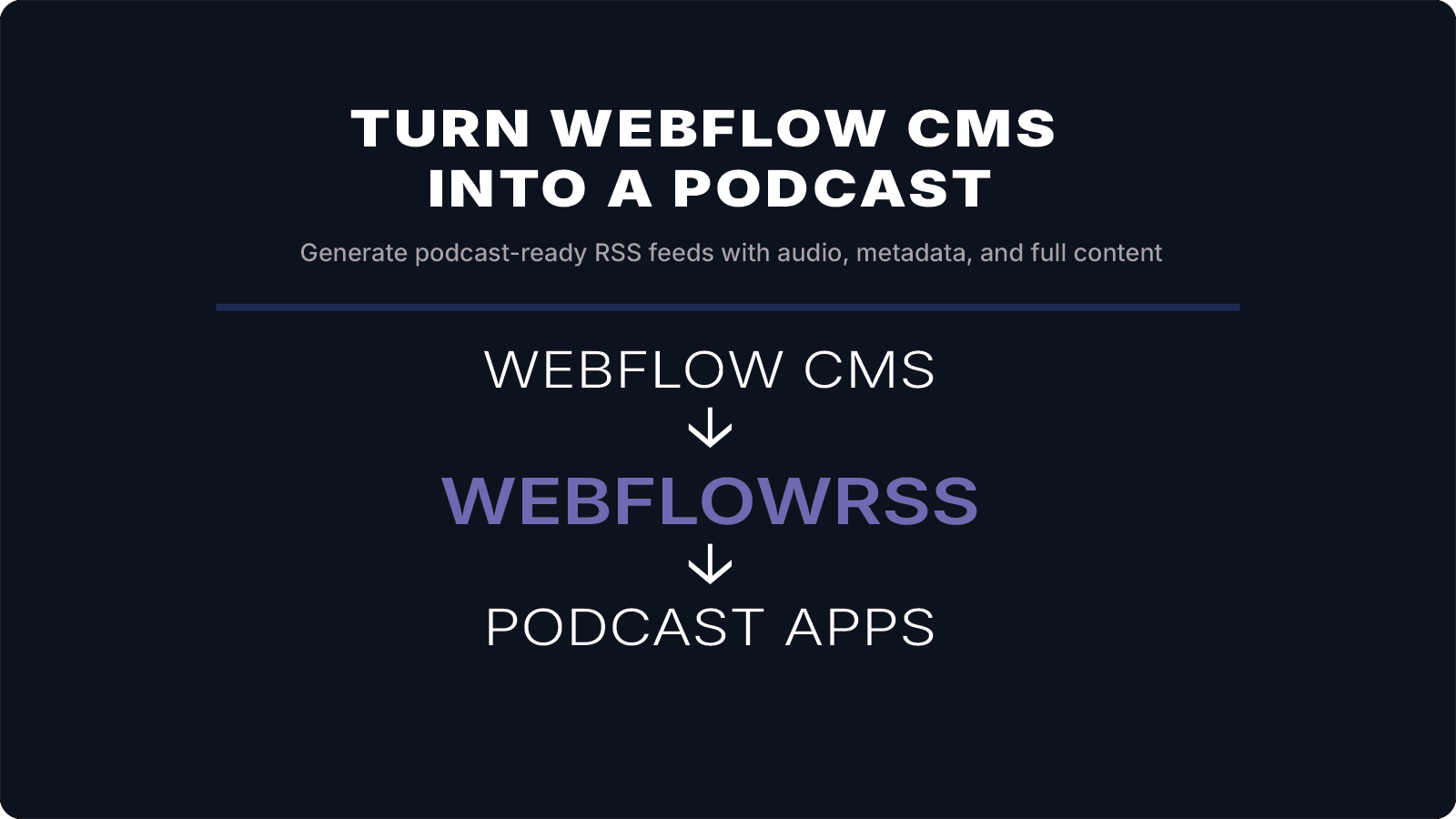
Webflow CMS
↓
WebflowRSS
↓
Full RSS Feed
↓
Mailchimp RSS Campaign
Whenever new content appears in the feed, Mailchimp automatically generates and sends a new email.
Why Webflow RSS Feeds Fail with Mailchimp
Webflow’s native RSS feeds are designed for previews, not full content distribution.
This can cause issues such as:
- newsletters displaying only summaries
- missing images
- broken or incomplete formatting
For newsletter automation to work properly, the RSS feed must include the full article content.
If you're trying to get full-content RSS working from Webflow, this is usually where things get tricky.
I’ll help you set it up correctly the first time. 15–30 min • No commitment.
Connecting WebflowRSS to Mailchimp
Once your WebflowRSS feed is generated, connecting it to Mailchimp is straightforward.
Step 1: Generate your RSS feed
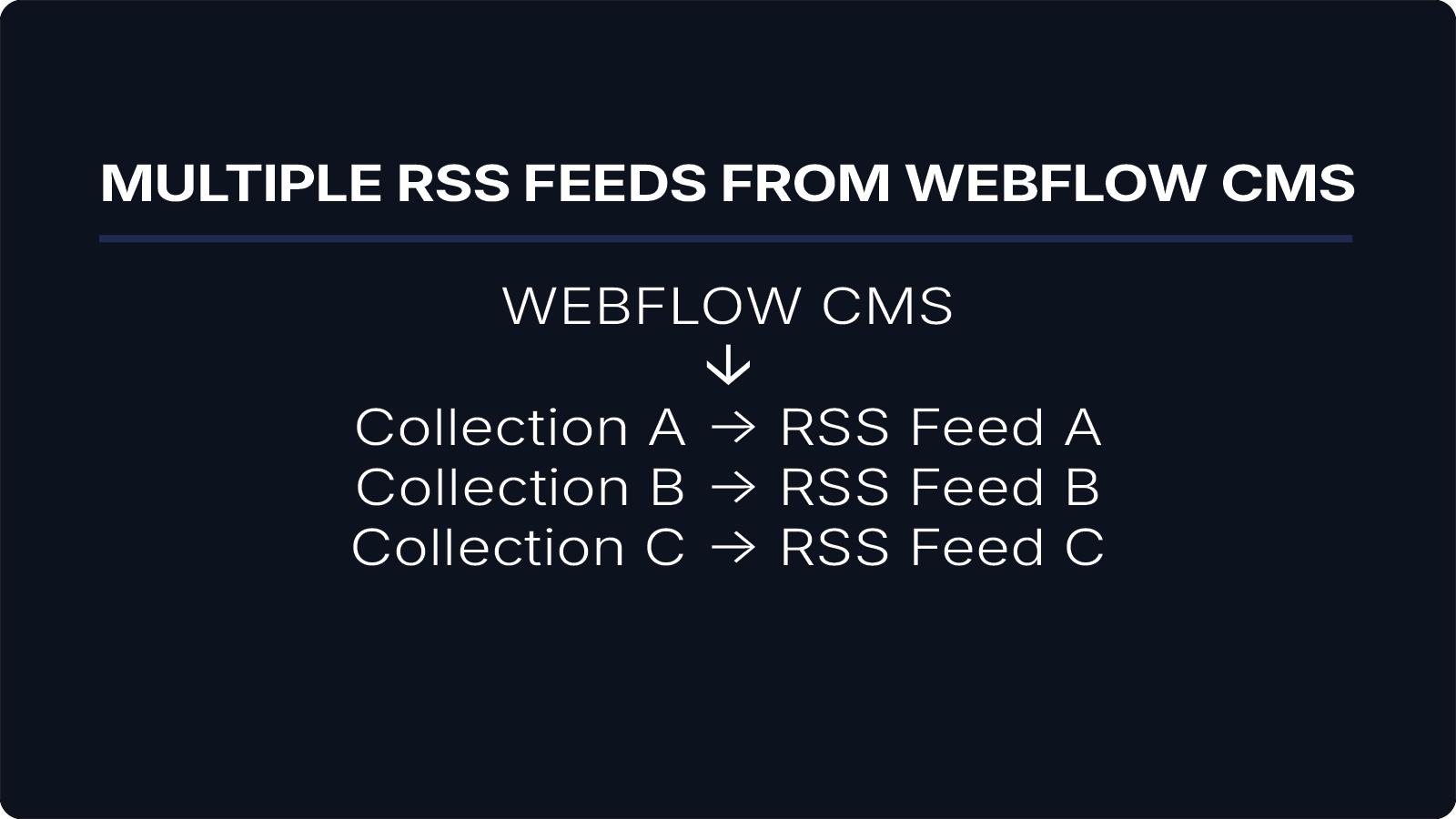
Create a feed using WebflowRSS based on the CMS collection you want to distribute.
Example:
Blog Posts → RSS Feed
Step 2: Create an RSS campaign in Mailchimp
Inside Mailchimp:
- Create a new campaign
- Select RSS Campaign
- Enter your RSS feed URL
Mailchimp will check the feed and detect new content automatically.
Step 3: Design your newsletter template
Mailchimp RSS campaigns use merge tags to insert content from the feed.
Common merge tags include:
*|RSSITEM:TITLE|**|RSSITEM:CONTENT|**|RSSITEM:URL|*
When using WebflowRSS, *|RSSITEM:CONTENT|* contains the full article body — not just a summary.
Example Workflow
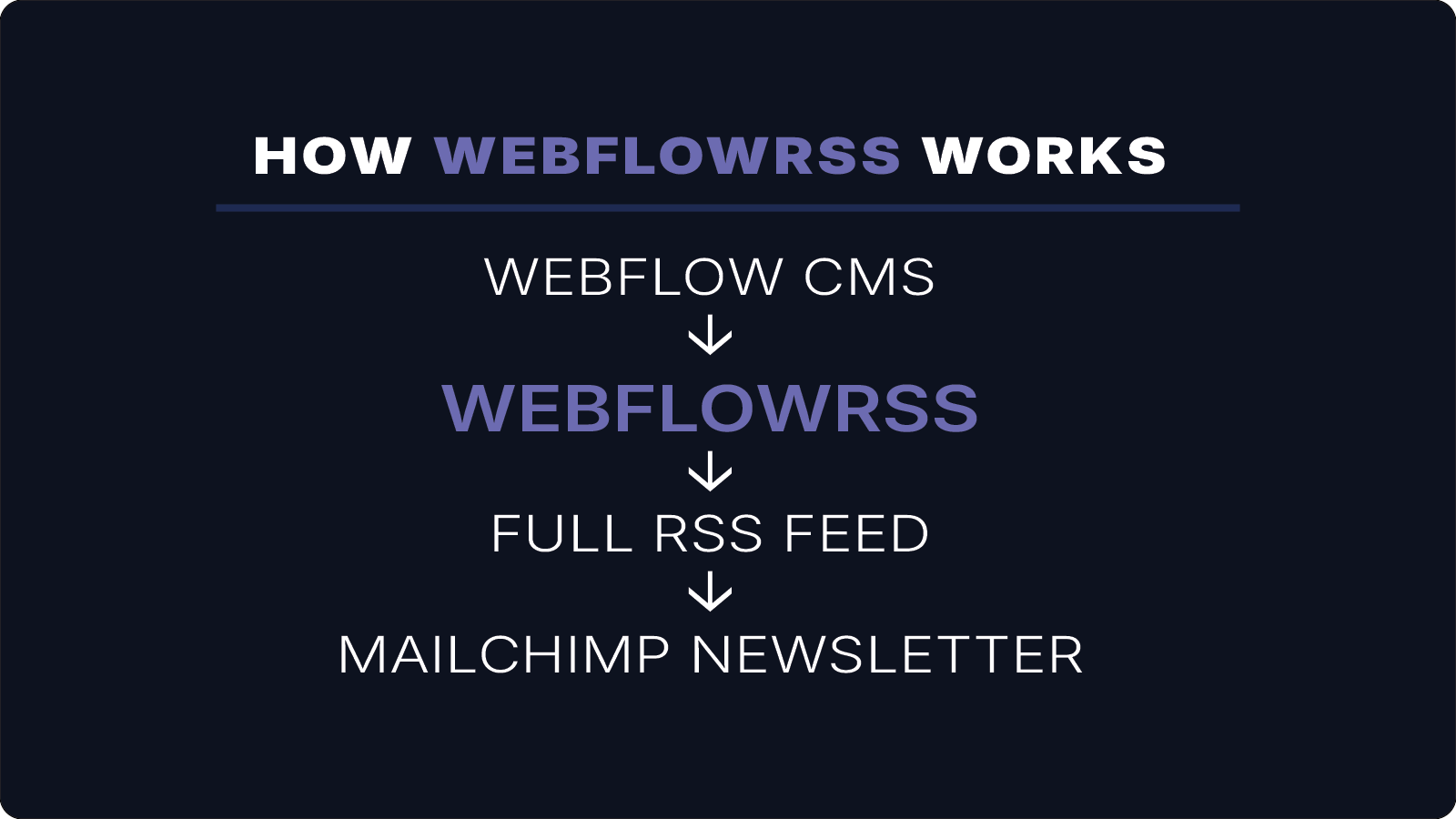
A typical setup looks like this:
Webflow CMS
↓
WebflowRSS
↓
Full RSS Feed
↓
Mailchimp Newsletter
Each time new content is published in Webflow CMS, Mailchimp automatically generates and sends a newsletter.
Conclusion
Mailchimp RSS campaigns make it possible to automate newsletter distribution directly from your website content.
However, Webflow’s native RSS feeds often include only summaries, which limits how content appears in emails.
By generating full-content RSS feeds from your Webflow CMS, WebflowRSS enables Mailchimp campaigns to include complete articles with images and formatting.
Your Webflow CMS becomes the single source of content, while Mailchimp handles automated distribution to subscribers.
If you need a Mailchimp-ready RSS feed from Webflow CMS, WebflowRSS handles the setup so your newsletters send correctly without workarounds.
Need help setting this up in your Webflow CMS?
I’ll walk you through the exact setup.
15–30 min • No commitment.