Introduction
Many Webflow sites publish different types of content, such as:
- blog posts
- newsletters
- podcasts
- devotionals
- product updates
Often, each type of content needs its own RSS feed.
For example:
- a newsletter automation may use one feed
- a podcast platform may use another
- a mobile app may use a third
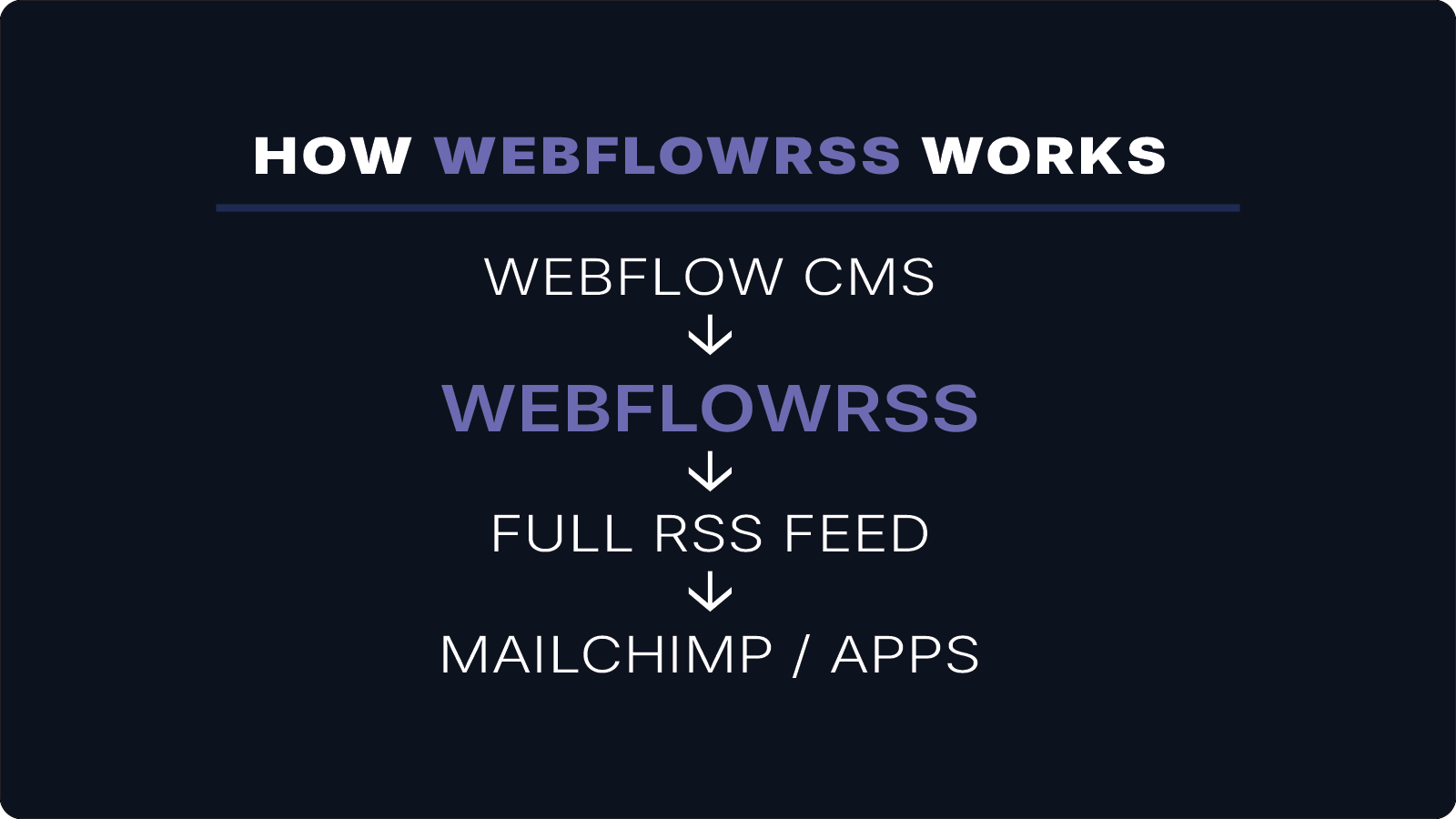
WebflowRSS allows you to generate separate RSS feeds directly from each Webflow CMS collection. It creates full-content RSS feeds using a lightweight serverless setup, making it possible to distribute different types of content across newsletters, apps, and podcast platforms.
If you're trying to get full-content RSS working from Webflow, this is usually where things get tricky.
I’ll help you set it up correctly the first time. 15–30 min • No commitment.
How RSS Feeds Map to CMS Collections
In Webflow, content is organized into CMS collections.
For example:
- Blog Posts
- Devotionals
- Podcasts
- Announcements
With WebflowRSS, each collection can generate its own RSS feed.
Example structure:
Webflow CMS
↓
Blog Posts → RSS Feed
Podcasts → RSS Feed
Devotionals → RSS Feed
This allows each type of content to be distributed independently.
Example Use Cases
Newsletter Automation
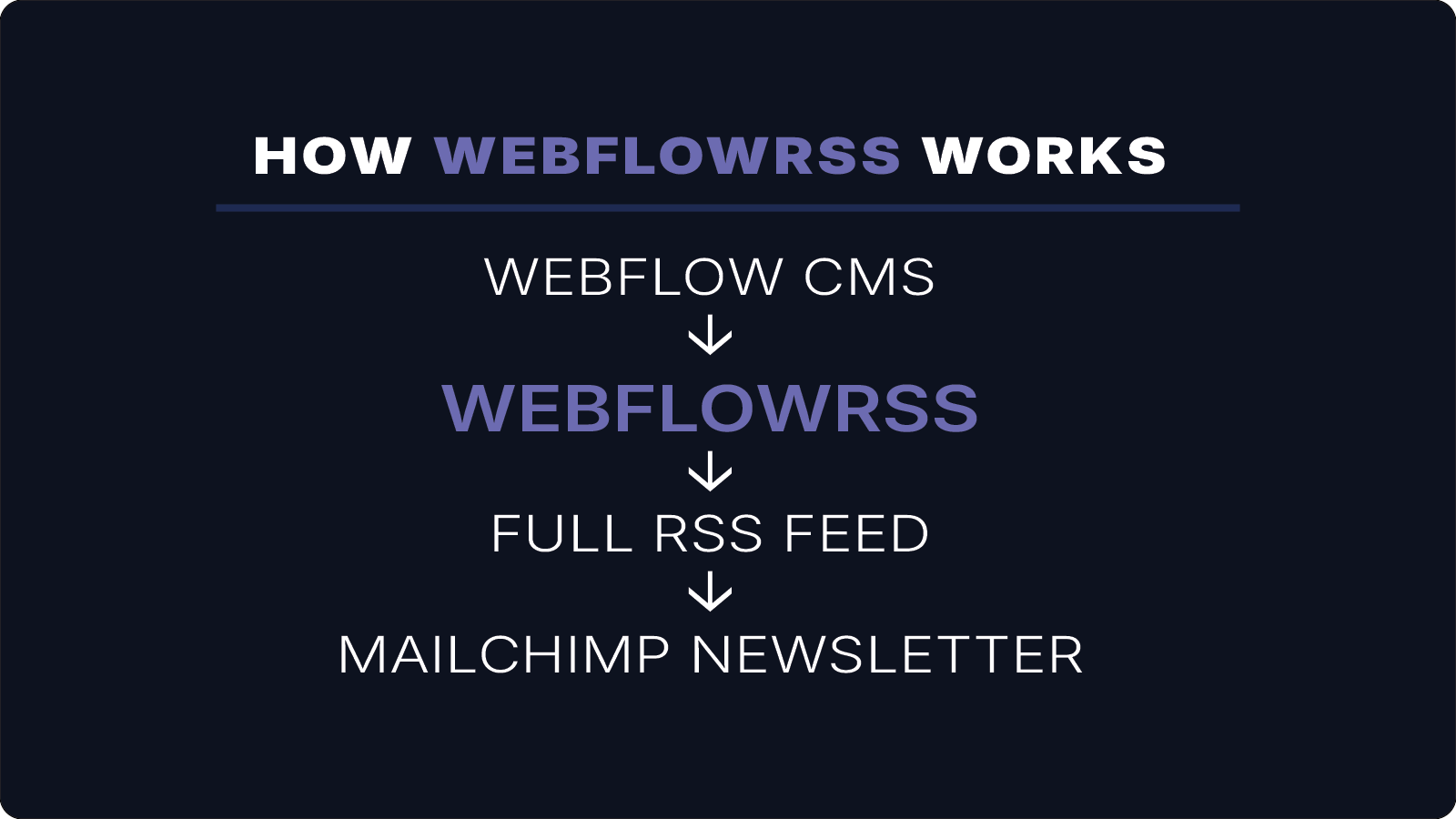
A Mailchimp RSS campaign might use only your Blog Posts collection:
Blog Posts → RSS Feed → Mailchimp Campaign
Podcast Distribution
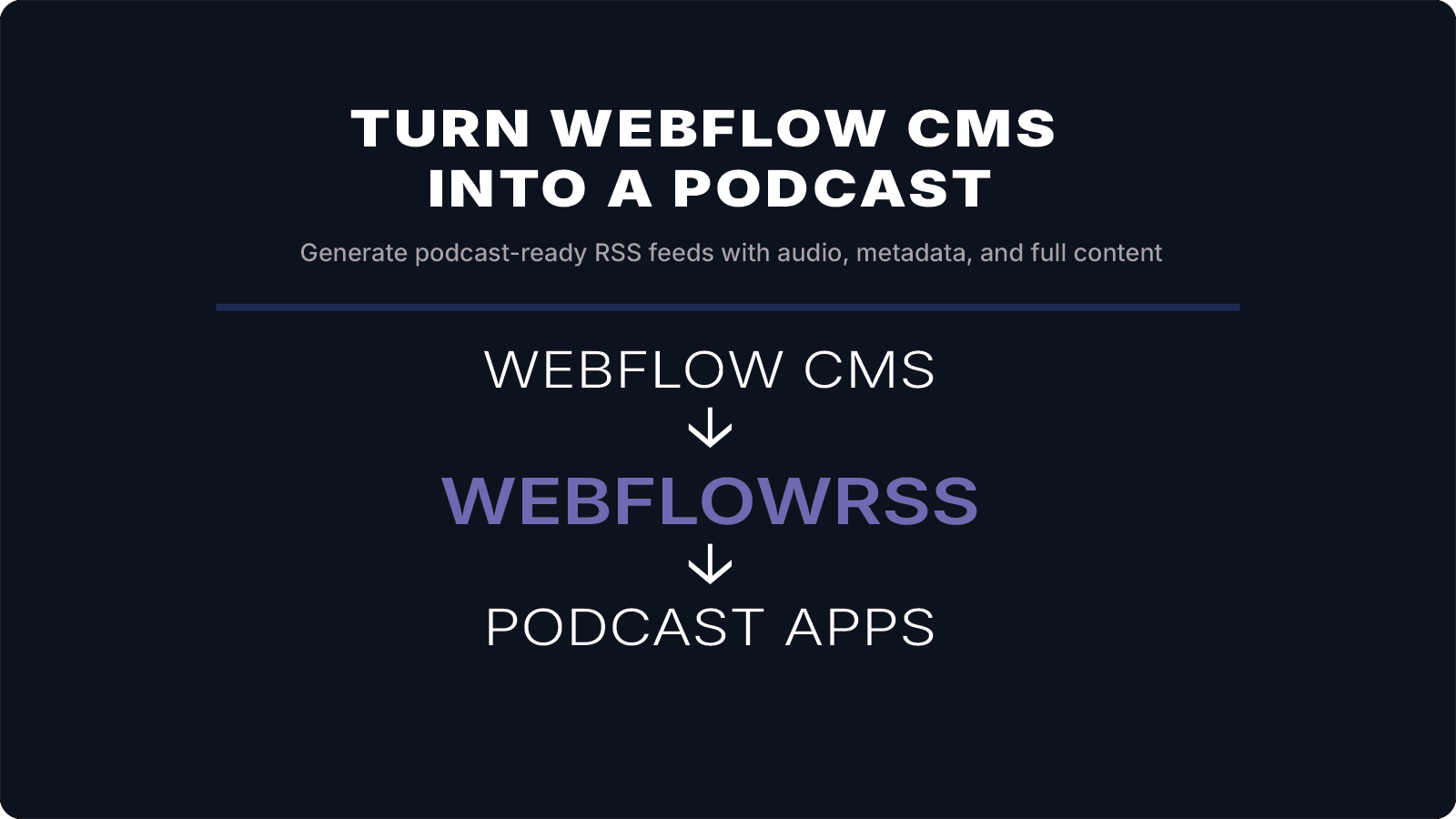
A podcast CMS collection can generate a feed for platforms like:
- Apple Podcasts
- Spotify
- Overcast
Podcast Collection → RSS Feed → Podcast Platforms
App Content Feeds
Mobile apps or external services may require only specific content categories. Separate feeds allow precise control over what content is delivered.
Why Separate RSS Feeds Matter
Using multiple feeds allows you to:
- distribute content to different platforms
- avoid mixing unrelated content
- power multiple automations from the same CMS
Instead of maintaining external databases or sync tools, everything stays inside Webflow CMS.
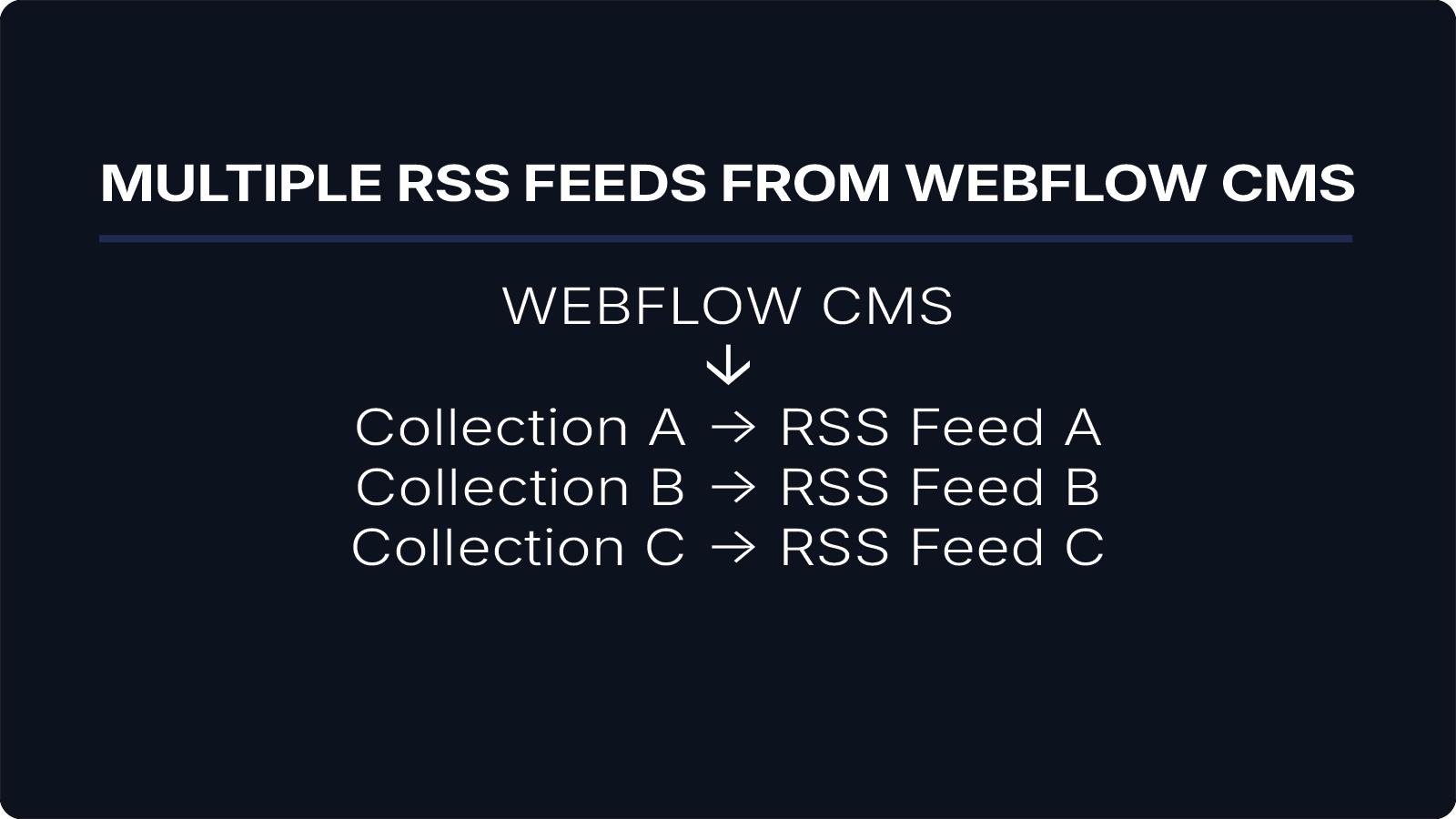
Example Structure
A typical setup using WebflowRSS:
Webflow CMS
↓
Collection A → RSS Feed A
Collection B → RSS Feed B
Collection C → RSS Feed C
Each feed can power its own automation or application.
Conclusion
Generating multiple RSS feeds from Webflow CMS collections allows your content to be distributed across newsletters, apps, and podcast platforms without external tools.
WebflowRSS makes it possible to publish full-content RSS feeds directly from your CMS collections while keeping your content workflow simple and centralized.
If you need multiple RSS feeds from Webflow CMS, WebflowRSS handles the setup so each content type is delivered exactly where it needs to go.
Need help setting this up in your Webflow CMS?
I’ll walk you through the exact setup.
15–30 min • No commitment.