Introduction
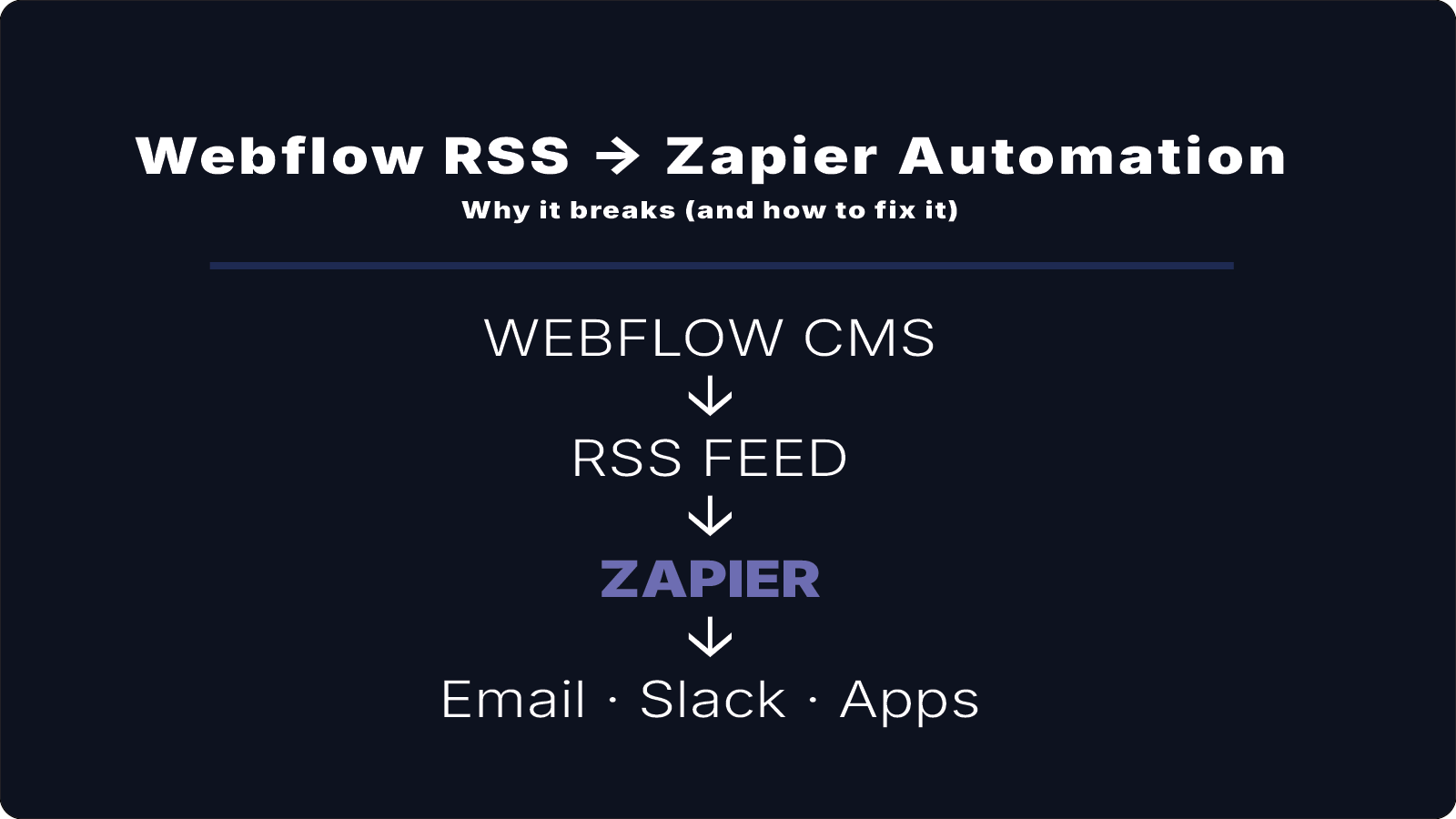
RSS feeds are commonly used to distribute website content to newsletters, RSS readers, and external platforms.
Webflow CMS automatically generates RSS feeds for collections, making it easy for subscribers and services to receive new content updates.
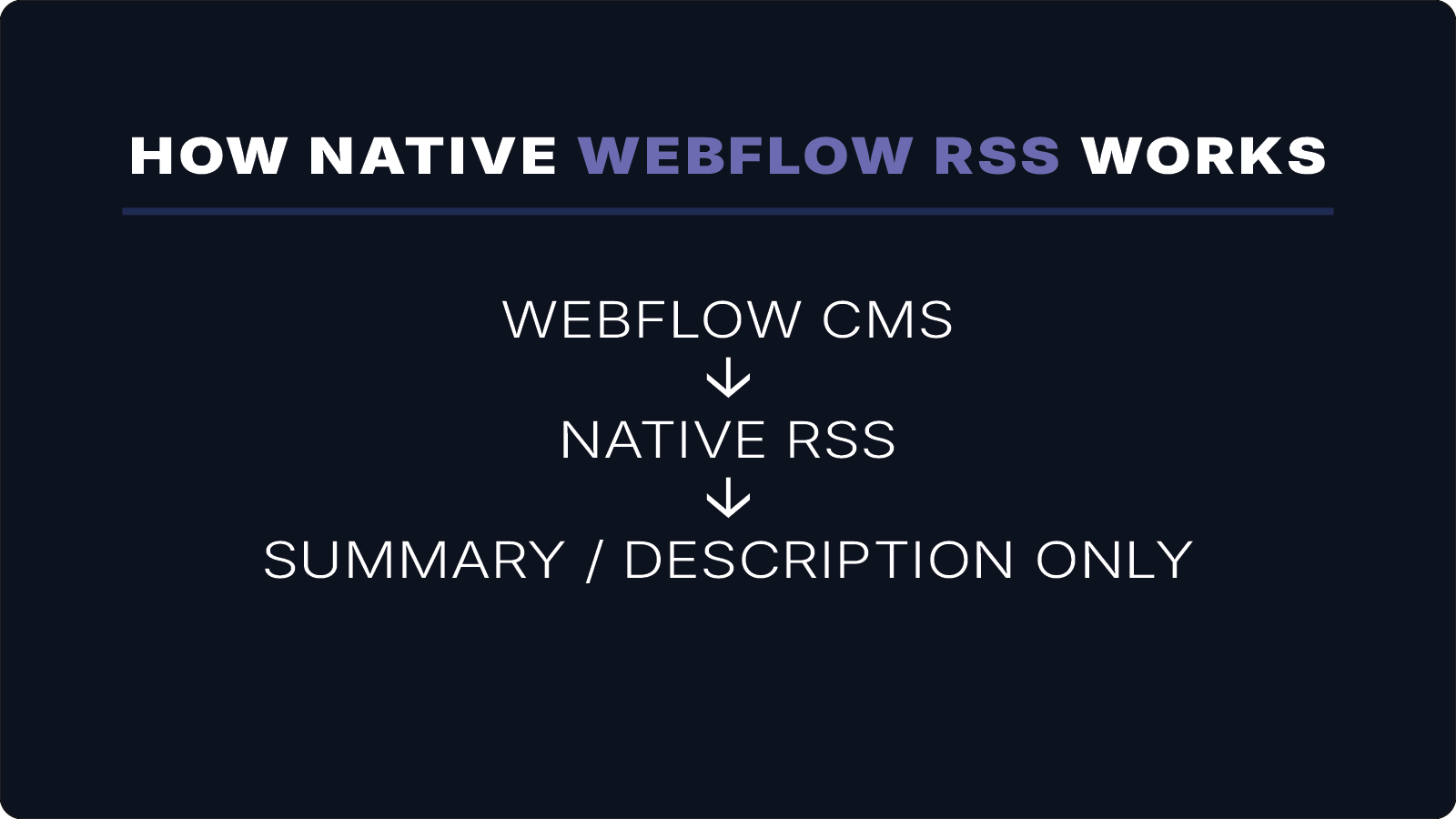
However, many users quickly discover that Webflow RSS feeds often include only summaries or preview content — not the full article body.
This can be confusing if you expect subscribers to receive complete articles directly inside a newsletter or RSS reader.
In this article, we’ll explain why this happens and what options are available if you need full-content RSS feeds.
How Webflow RSS Feeds Work
When you create a CMS collection in Webflow, the platform automatically generates an RSS feed for that collection.
The feed typically includes:
- article title
- article link
- publish date
- description or summary
This information is used by RSS readers, email platforms, and other services.
However, the default RSS structure is designed for previews rather than full article distribution.
Why RSS Feeds Show Only Summaries
In many Webflow setups, the RSS feed uses the description or summary field instead of the full rich-text body.
As a result, feed items often contain:
- a short excerpt
- preview text
- summary content
instead of the complete article.
Content Preview Design
Many RSS feeds prioritize short previews to encourage users to click through to the website.
CMS Field Structure
Webflow CMS collections often include both a summary field and a rich-text body field. The RSS feed may default to the summary.
Compatibility Considerations
Some email platforms and apps prefer shorter content for formatting, so feeds often default to excerpts.
Why This Creates Problems
Summary-based RSS feeds can limit how your content is distributed.
Common issues include:
Newsletter Automation
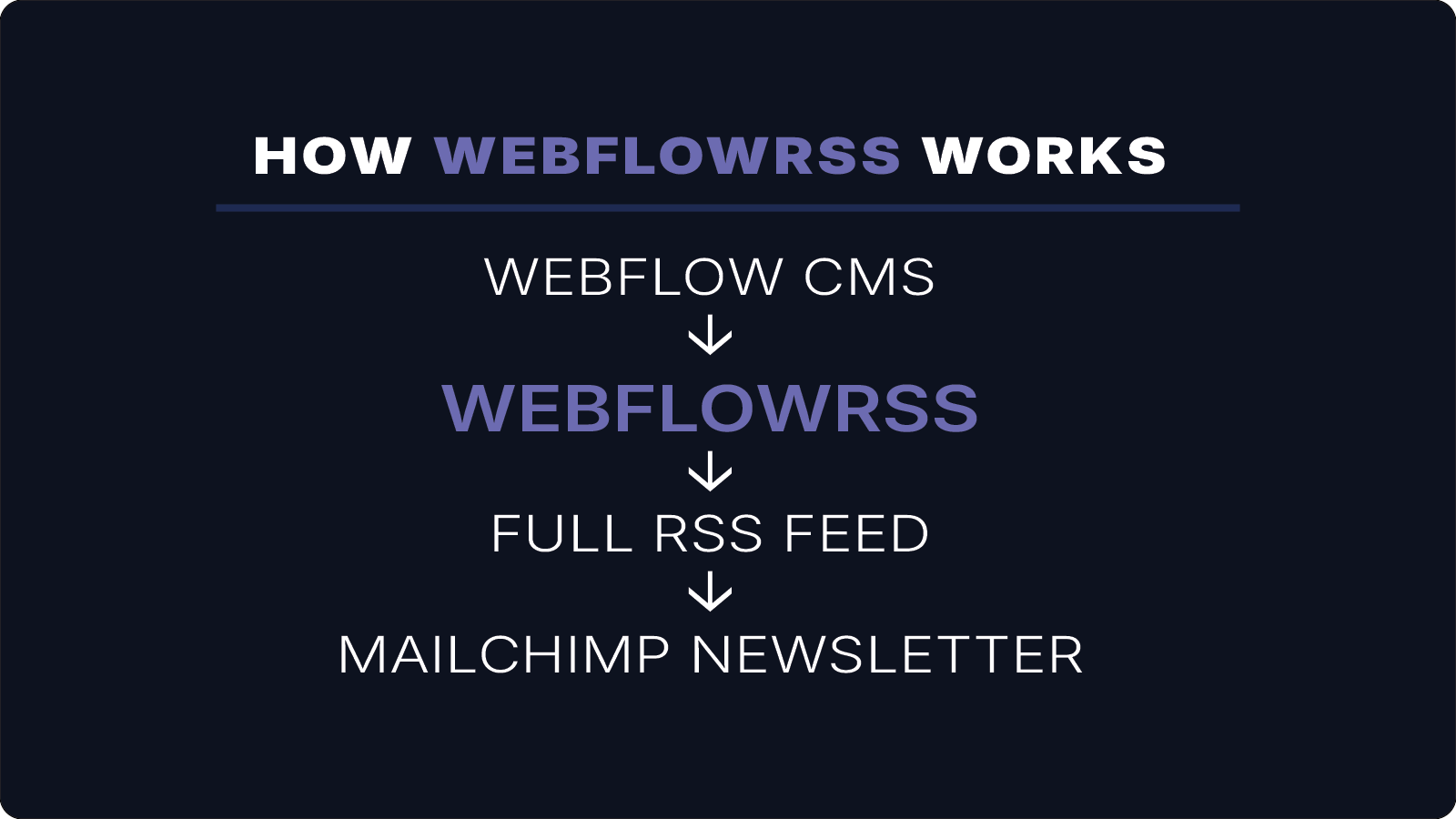
Platforms like Mailchimp generate emails from RSS feeds. If only summaries are included, emails will also be incomplete.
RSS Readers
Readers often expect full articles inside the app. With summaries, users must click through to the website.
Content Syndication
Some platforms require the full article body to distribute content properly.
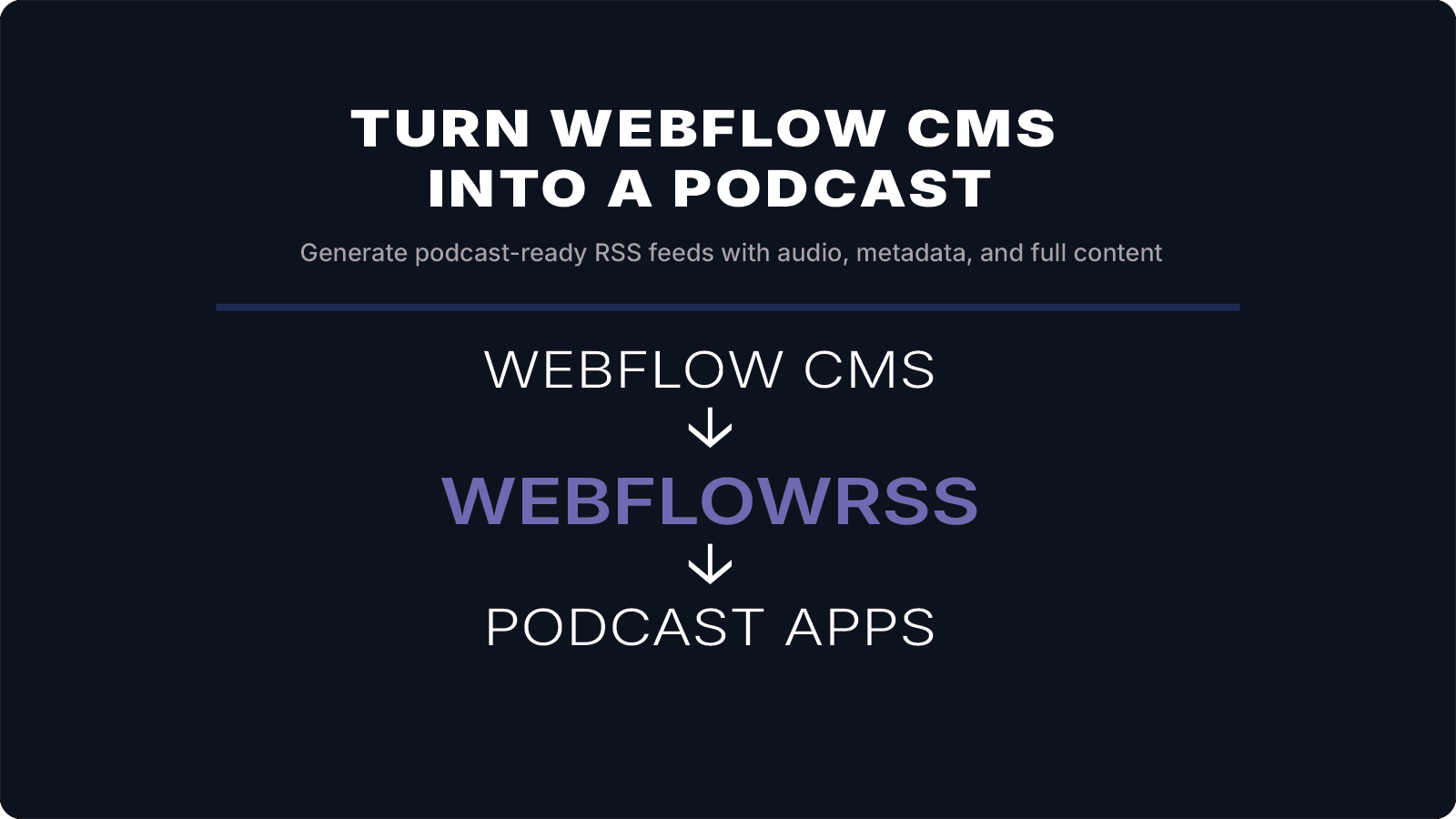
Podcast and Media Feeds
Media feeds often require additional elements like audio enclosures and metadata.
If you're trying to get full-content RSS working from Webflow, this is usually where things get tricky.
I’ll help you set it up correctly the first time. 15–30 min • No commitment.
When You Need Full-Content RSS Feeds
If your workflow depends on distributing complete articles, summaries are not sufficient.
Full-content feeds are typically required for:
- newsletter automation
- RSS reader consumption
- content syndication
- podcast distribution
- automated publishing workflows
Generating Full-Content RSS Feeds from Webflow
To generate a full-content RSS feed, the feed must include the actual article body stored in your CMS.
This includes:
- rich text formatting
- images and media
- embedded links
- audio or podcast files
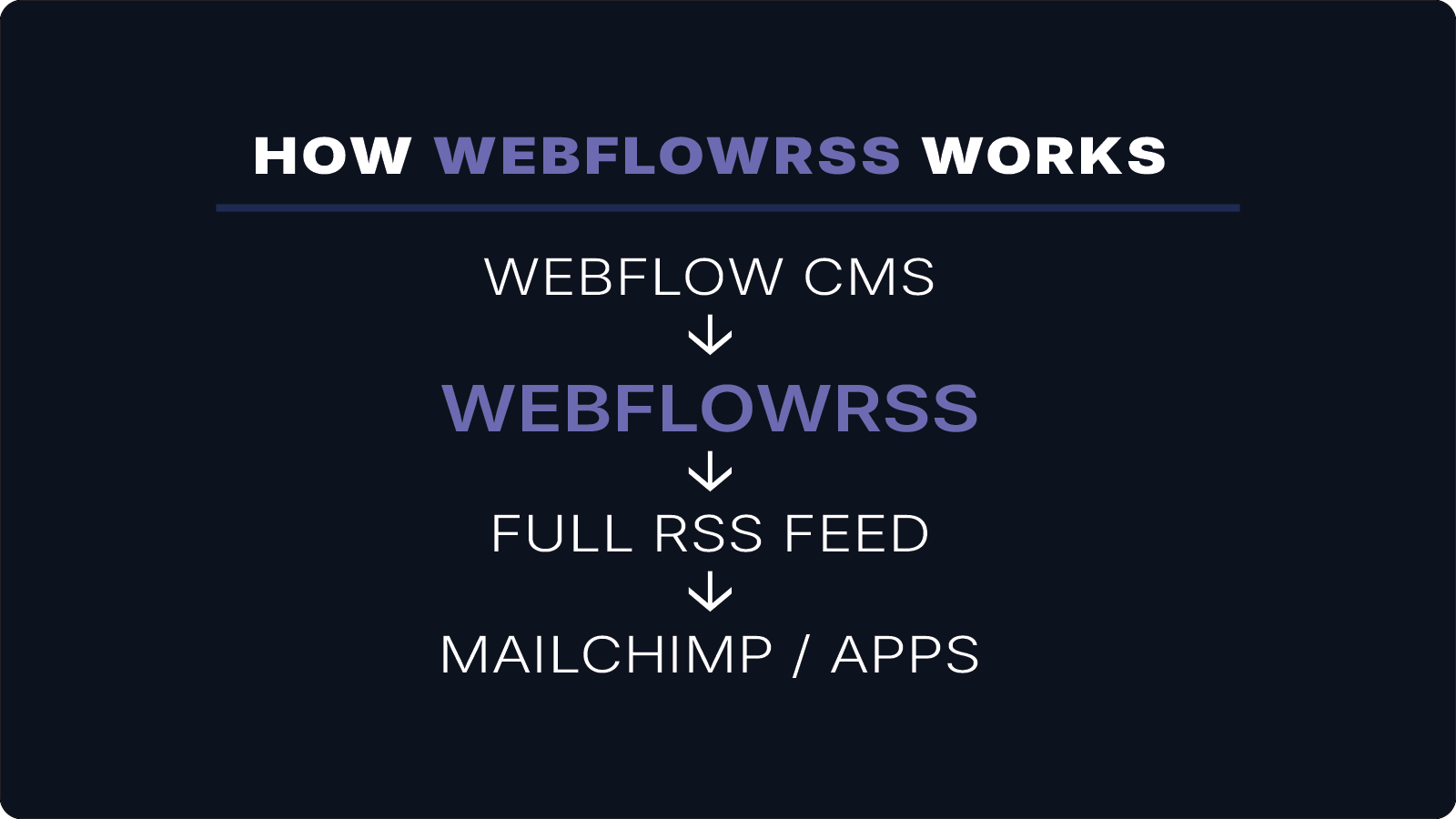
WebflowRSS generates custom RSS feeds directly from your Webflow CMS using the Webflow API.
Instead of relying on summary fields, these feeds include:
- full article body content
- images and media
- audio enclosures
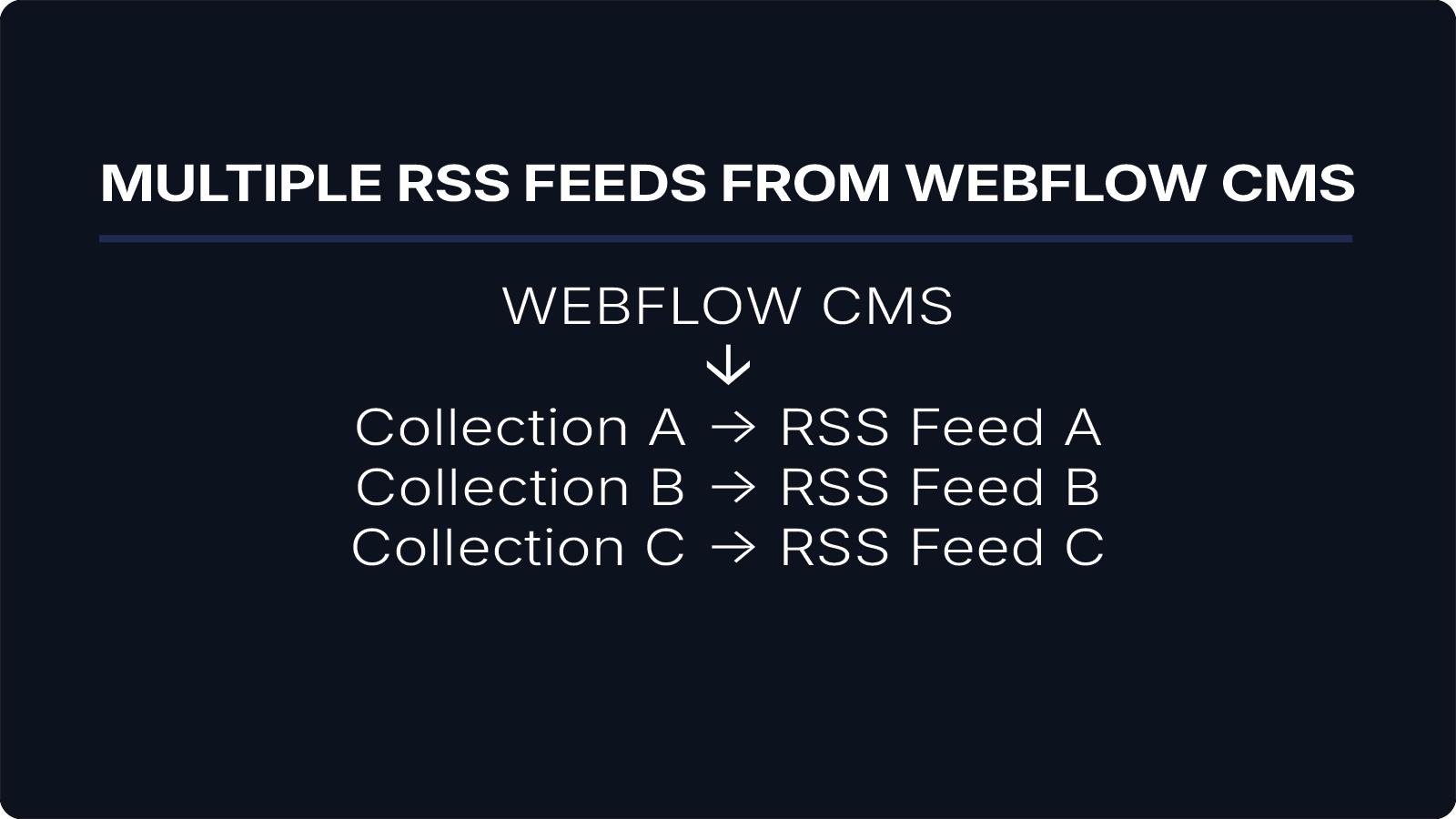
- multiple feeds for different CMS collections
This allows your content to work reliably across newsletters, apps, RSS readers, and distribution platforms.
How WebflowRSS Is Typically Implemented
WebflowRSS is implemented as a lightweight serverless integration connected to your Webflow CMS.
During setup, RSS feeds are generated for specific CMS collections such as:
- blog posts
- podcasts
- newsletters
- announcements
Once configured, these feeds can power newsletters, RSS readers, podcast platforms, mobile apps, and other publishing tools.
Conclusion
Native Webflow RSS feeds are designed for content previews, which is why they often include summaries instead of full article content.
While this works for some use cases, it limits how content can be distributed across newsletters, RSS readers, and external platforms.
If your workflow requires full article distribution, generating full-content RSS feeds from your Webflow CMS provides a more flexible and reliable solution.
If you need full-content RSS feeds from Webflow CMS, WebflowRSS handles the setup so your content is delivered correctly across newsletters, apps, and RSS readers.
Need help setting this up in your Webflow CMS?
I’ll walk you through the exact setup.
15–30 min • No commitment.