Introduction
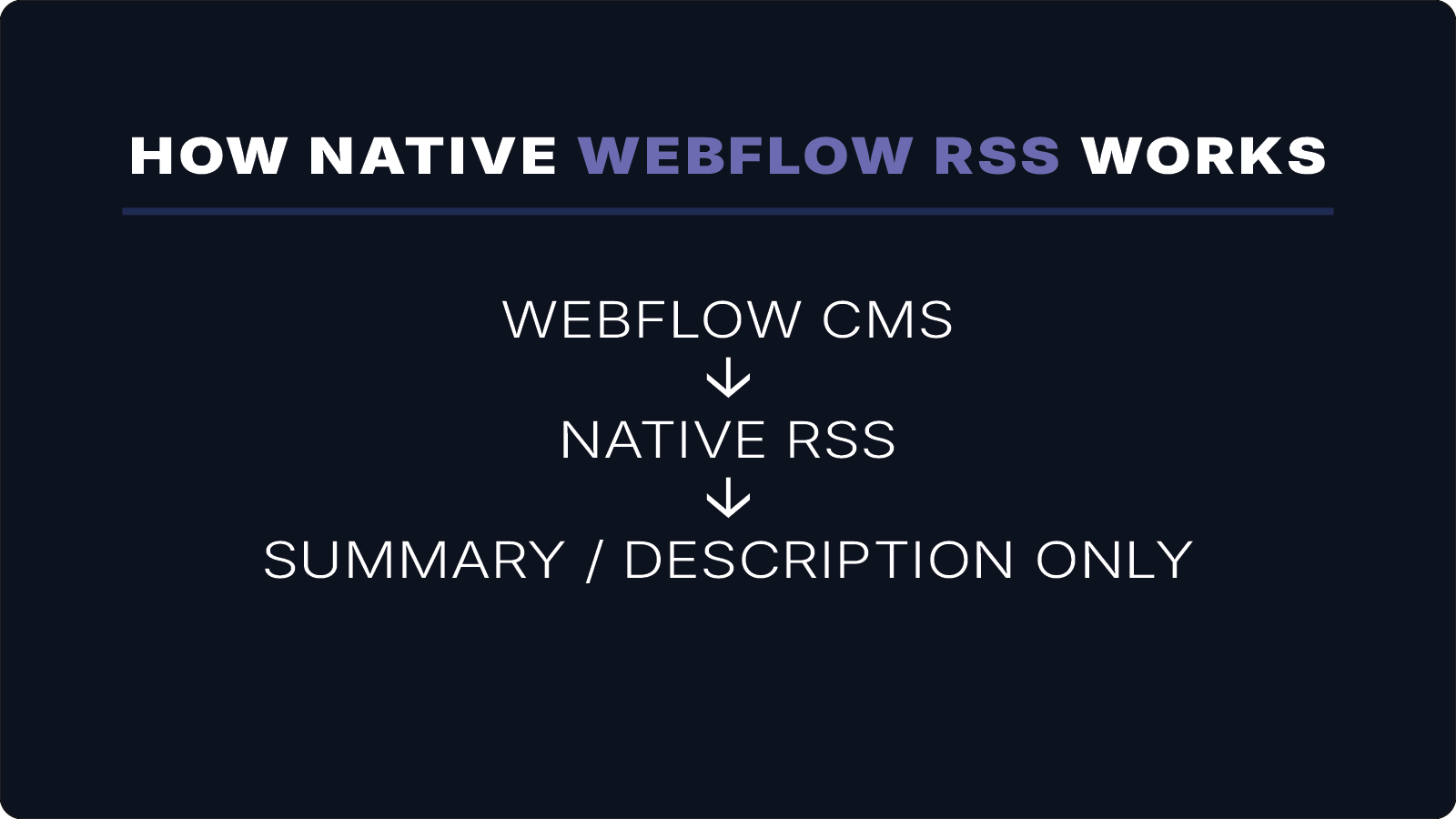
Webflow CMS is a powerful way to manage content, but its native RSS feeds are designed for summaries — not full distribution.
If you want to publish content to podcast apps, newsletters, or external platforms, you’ll quickly run into limitations.
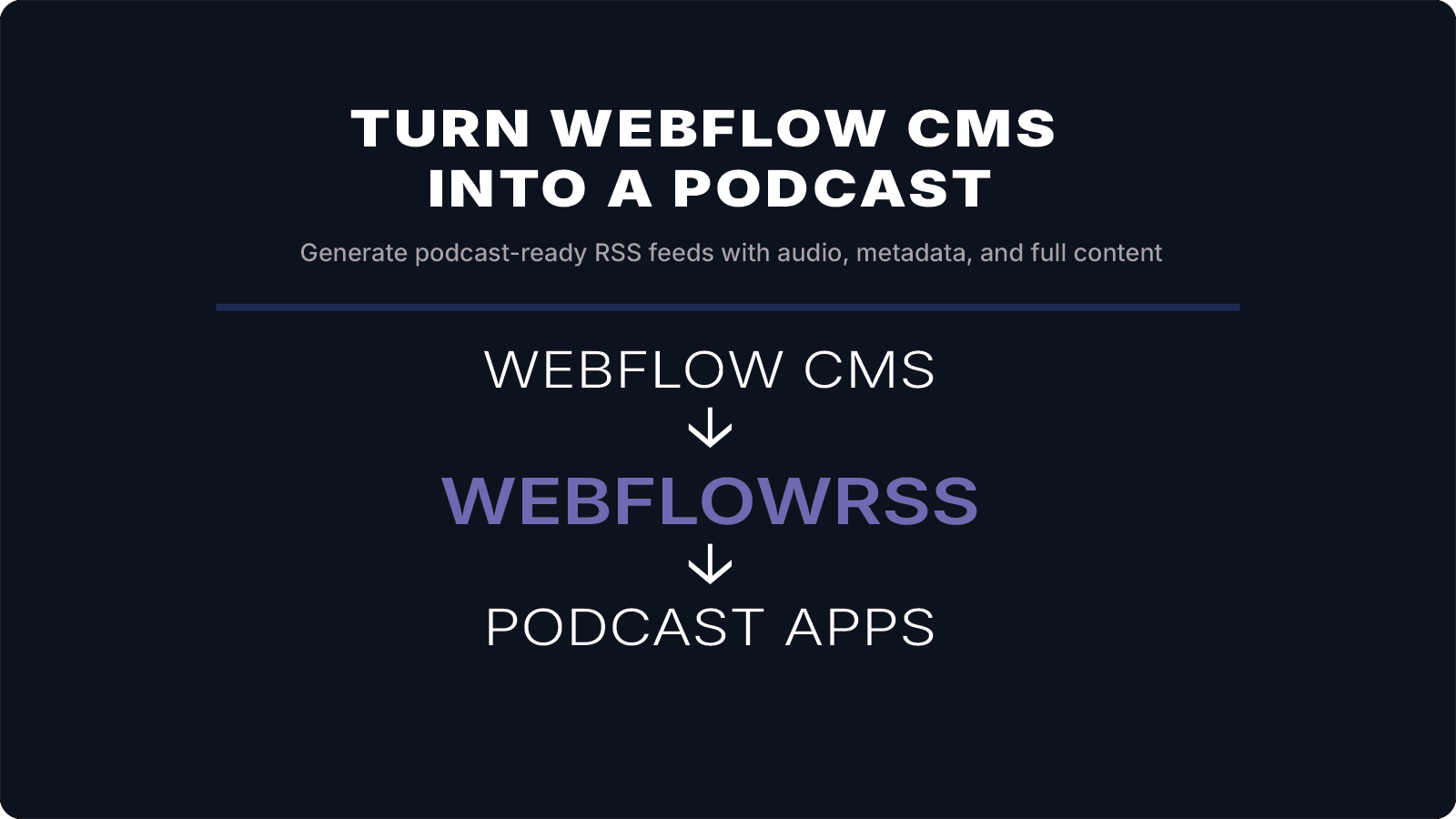
In this guide, we’ll show how to turn your Webflow CMS into a fully functional podcast feed — including audio, metadata, and compatibility with apps like Overcast and Apple Podcasts.
The Problem
Webflow’s built-in RSS feeds are designed for previews, not full content.
That means:
- only summaries are included
- full rich-text content is missing
- media files like audio are not supported out of the box
This becomes a blocker if you want to:
- distribute full articles
- create podcast feeds
- power newsletter automatio
The Goal
We want a feed that includes:
- full article content
- audio files
- proper RSS structure
- compatibility with podcast apps
If you're trying to get full-content RSS working from Webflow, this is usually where things get tricky.
I’ll help you set it up correctly the first time. 15–30 min • No commitment.
How It Works
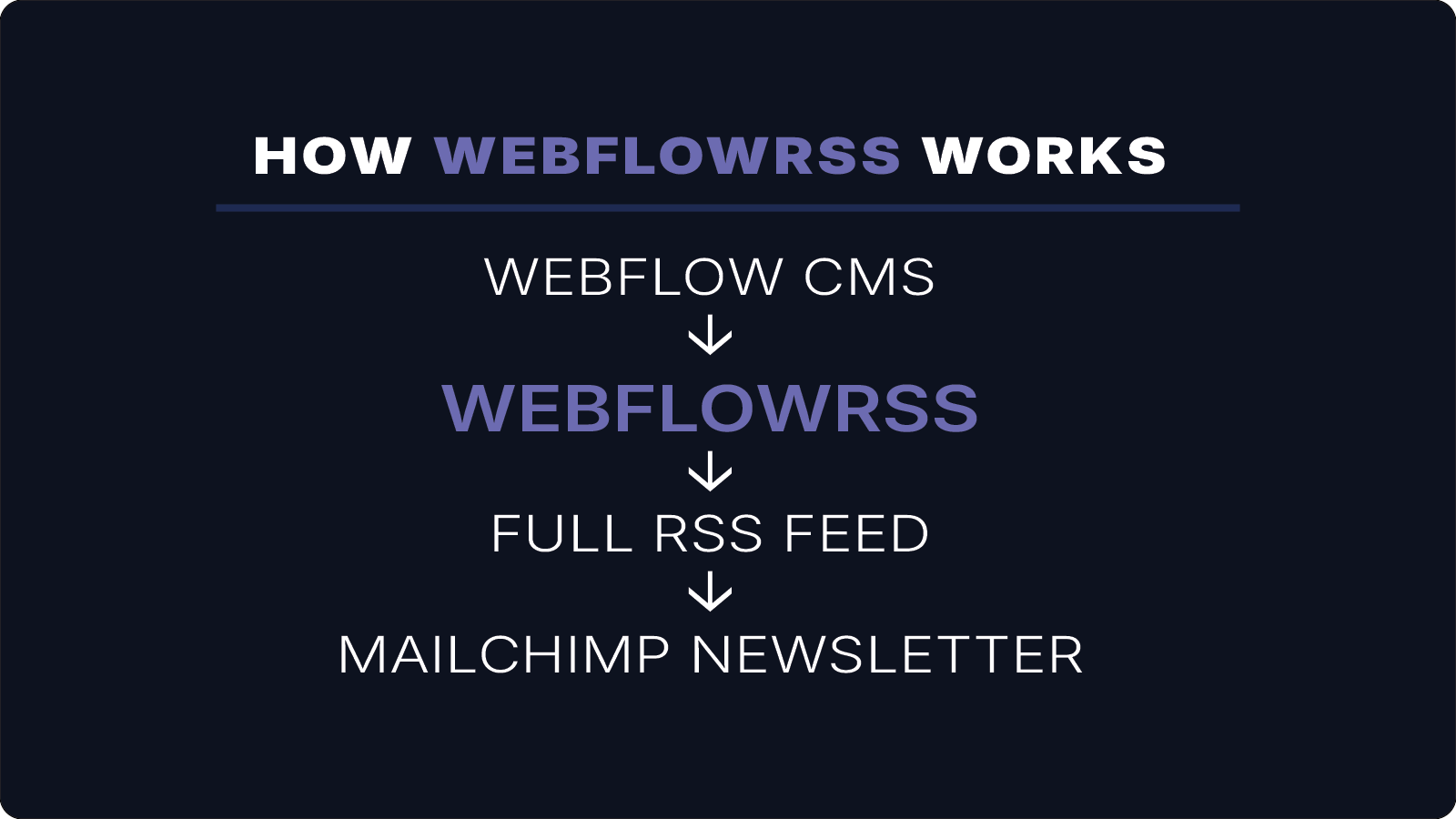
The setup looks like this:
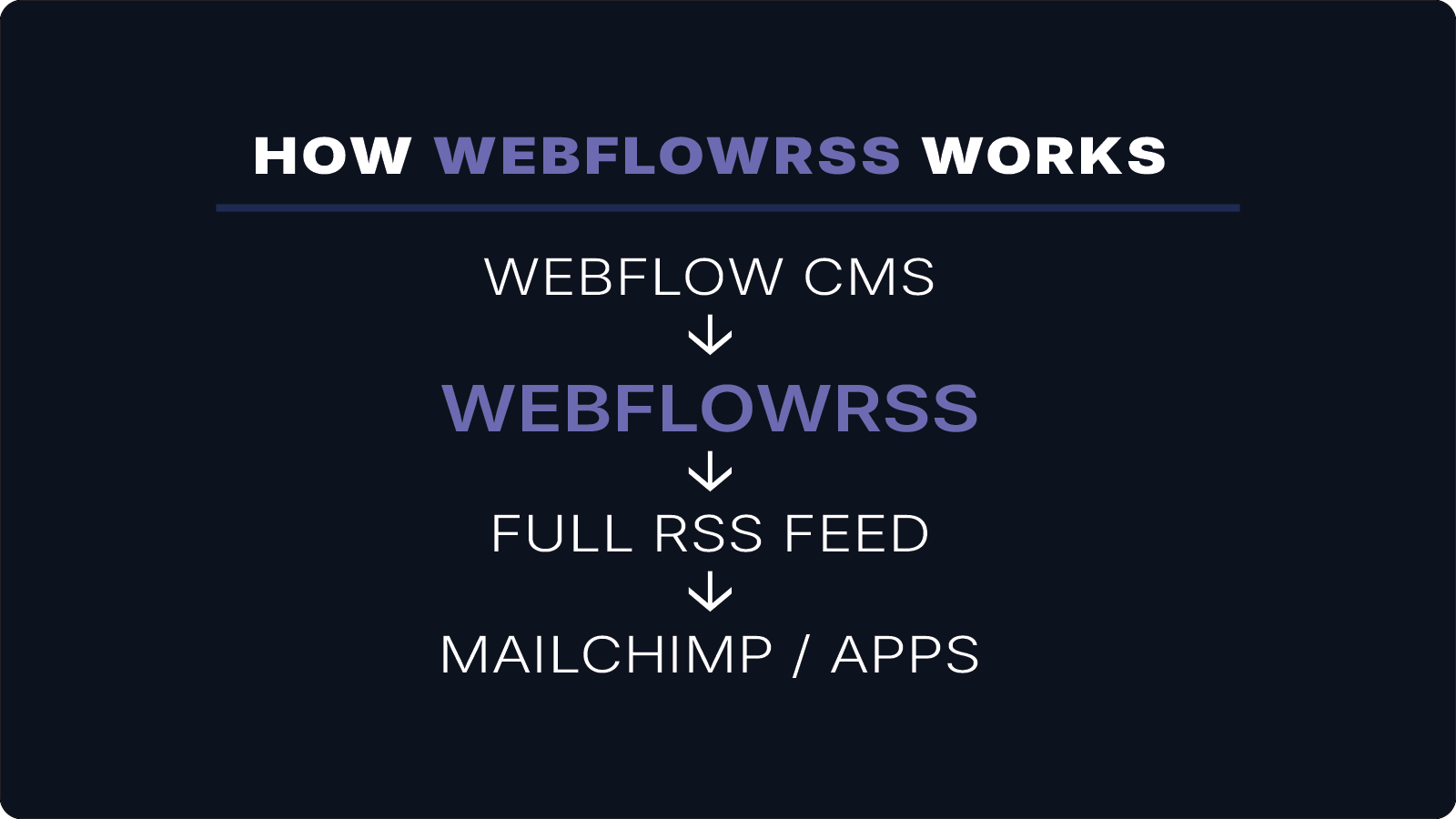
Webflow CMS → WebflowRSS → RSS Feed → Podcast Apps
WebflowRSS connects to the Webflow API and generates a complete RSS feed using your CMS content — including rich text, images, and audio.
Step 1: Add an Audio Field to Your CMS
In your Webflow CMS collection:
- Add a Plain Text or URL field
- Name it something like:
Audio URL
This field will store the link to your podcast audio file (MP3).
Step 2: Generate Audio
You can create audio using tools like ElevenLabs.
For each CMS item:
- generate audio from your content
- upload the file (Webflow assets works fine)
- paste the public URL into your Audio field
Step 3: Include Audio in Your RSS Feed
Each item in your RSS feed needs an enclosure:
<enclosure url="AUDIO_URL" type="audio/mpeg" />
This is what podcast apps use to detect episodes.
Step 4: Add Podcast Metadata
To make your feed compatible with podcast apps, include:
<itunes:category text="Technology" />
<itunes:explicit>false</itunes:explicit>
<itunes:image href="YOUR_COVER_IMAGE" />
<language>en-us</language>
Live Feed in a Podcast App
This shows the feed working in a real podcast app — with episodes generated directly from Webflow CMS content.
Result
With this setup, your Webflow CMS becomes:
- a content system
- an RSS generator
- and a podcast publishing platform
All without external automation tools.
Conclusion
Webflow makes it easy to manage content, but its native RSS feeds are limited to summaries.
By generating a full RSS feed — including audio and metadata — you can turn your CMS into a flexible distribution system for:
- podcast apps
- newsletters
- RSS readers
WebflowRSS handles this automatically, allowing your content to be published exactly as intended.
Need help setting this up in your Webflow CMS?
I’ll walk you through the exact setup.
15–30 min • No commitment.