Introduction
RSS feeds are commonly used to automate workflows between tools like websites, email platforms, and apps.
Zapier allows you to trigger actions when new content appears in an RSS feed — making it a powerful way to automate publishing, notifications, and content distribution.
If you’re using Webflow, you can generate RSS feeds directly from your CMS collections. These feeds can then be connected to Zapier to power automations.
However, while Webflow RSS feeds work well for basic use cases, they do have important limitations that affect how they perform in Zapier.
In this guide, we’ll walk through how to connect Webflow RSS to Zapier — and when native feeds may not be enough.
How Zapier Uses RSS Feeds
Zapier includes a built-in RSS trigger called:
“New Item in Feed”
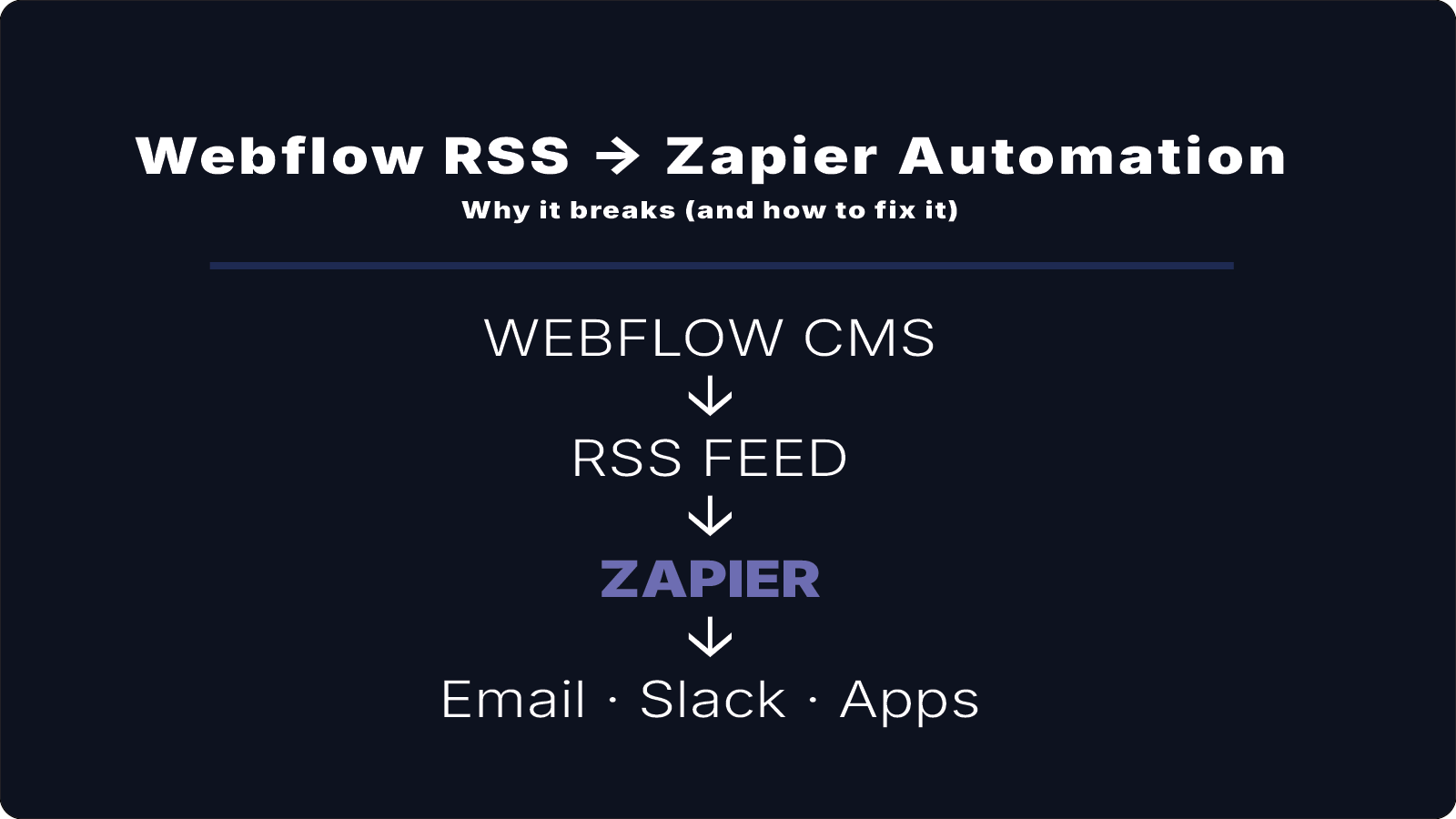
The typical workflow looks like this:
Webflow CMS↓RSS Feed↓Zapier Trigger↓Action (Email, Slack, Database, etc.)
Whenever a new CMS item is published, Zapier detects it through the RSS feed and runs your automation.
Step 1: Get Your Webflow RSS Feed
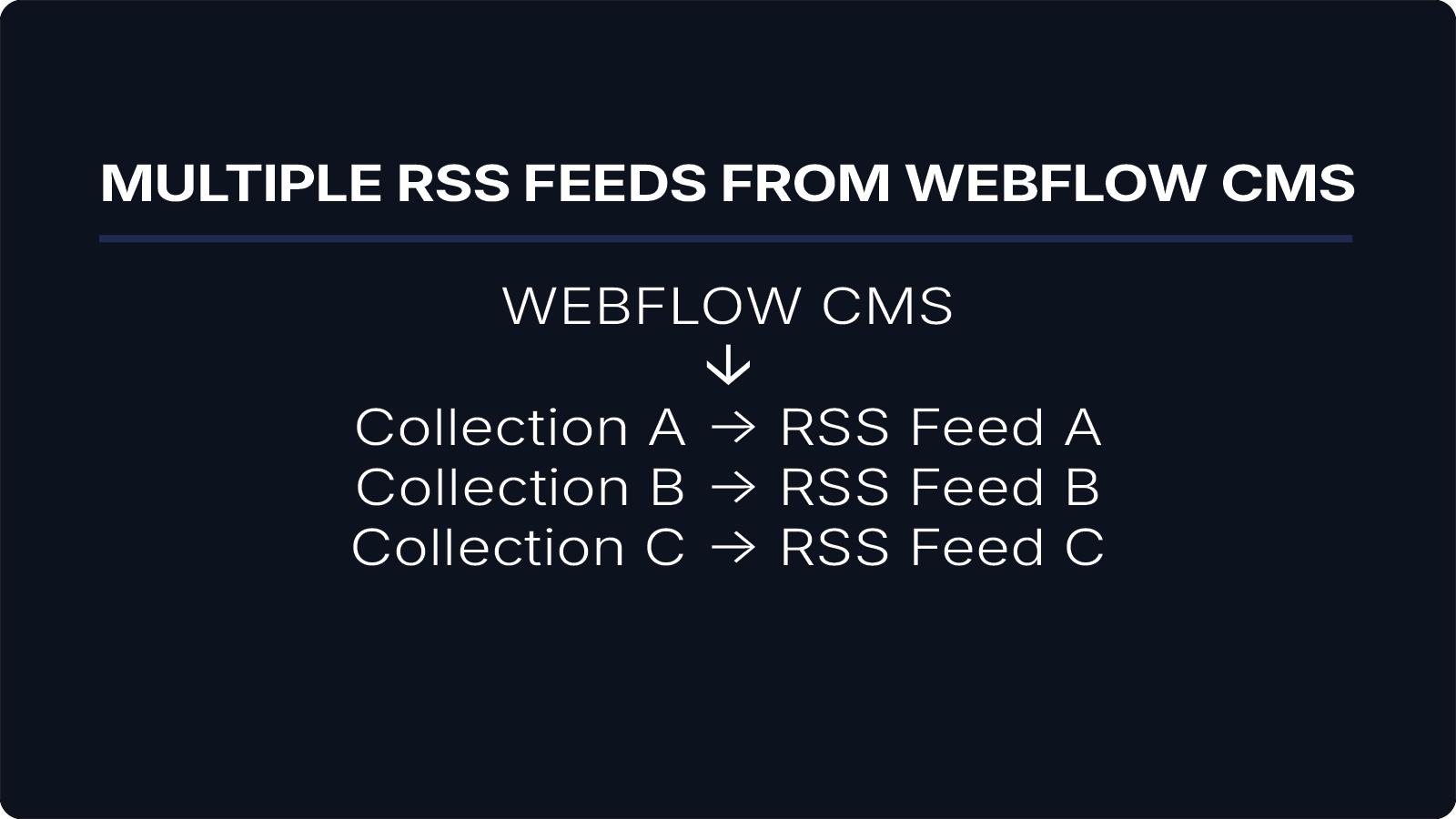
Webflow automatically generates an RSS feed for CMS collections.
To access it:
- Open your Webflow project
- Navigate to your CMS collection
- Enable RSS in settings
- Copy the feed URL
Example:
https://yourdomain.com/collection-name/rss.xml
Step 2: Create a Zapier Automation
Inside Zapier:
- Create a new Zap
- Choose RSS by Zapier as the trigger
- Select New Item in Feed
- Paste your Webflow RSS URL
- Test the trigger
Zapier will pull in sample items from your feed.
Step 3: Choose Your Action
Once Zapier detects items, you can send them anywhere:
- Email notifications
- Slack messages
- Airtable or Google Sheets
- Notion
- CRM tools
This makes it easy to automate content distribution directly from Webflow.
What Works Well with Webflow RSS
Native Webflow RSS feeds typically include:
- Title
- Link
- Publish date
- Summary (description)
- Featured image
This is enough for:
- basic notifications
- simple content pipelines
- lightweight automations
For many use cases, this works perfectly fine.
The Key Limitation: No Rich Text Content
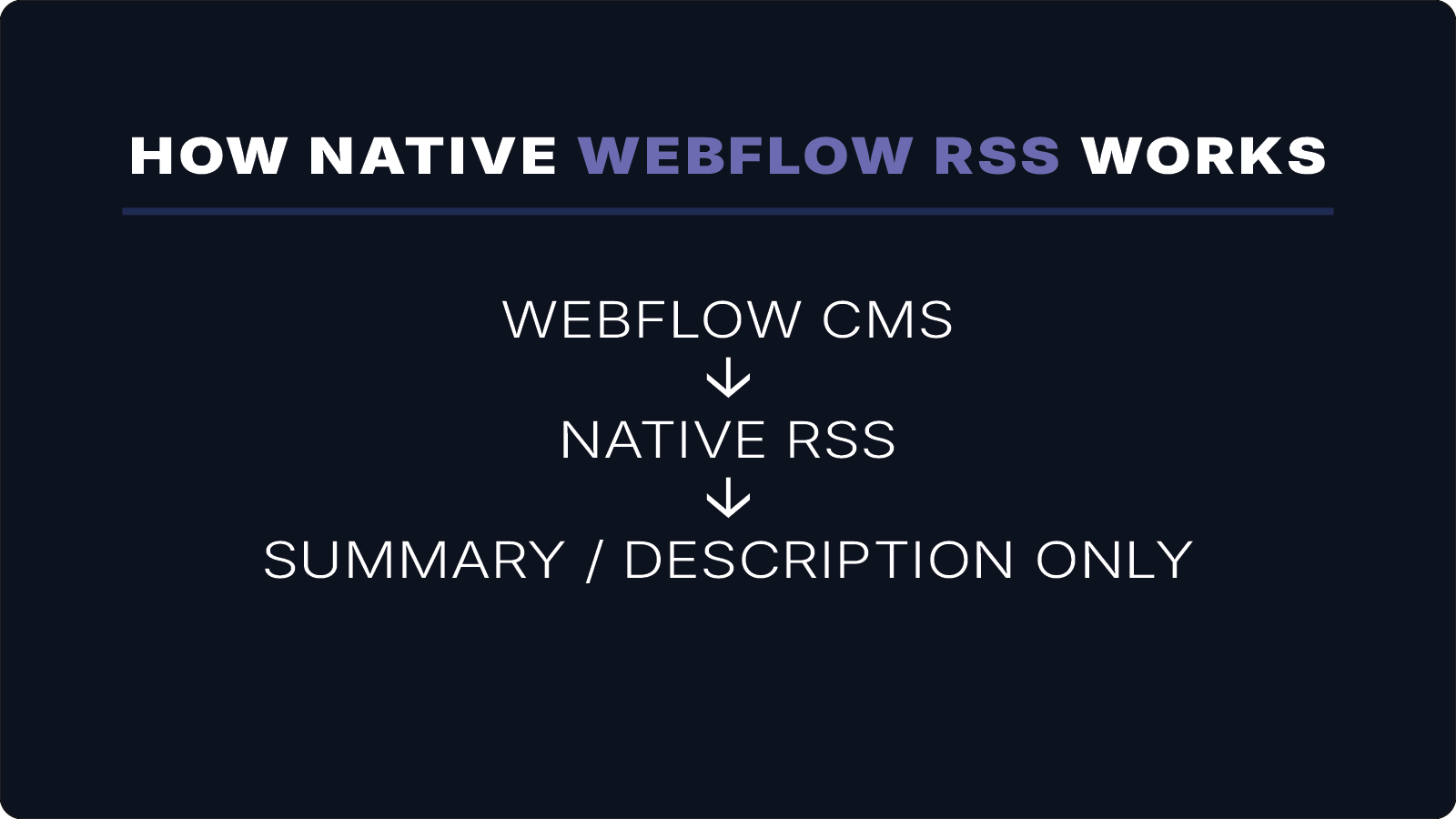
The main limitation of Webflow RSS feeds is that they do not support rich text fields.
This means:
- The full article body is not included
- Only summary or excerpt content is available
- HTML formatting and embedded media are not passed through
As a result, Zapier automations only receive partial content.
If you're trying to get full-content RSS working from Webflow, this is usually where things get tricky.
I’ll help you set it up correctly the first time. 15–30 min • No commitment.
Why This Matters in Zapier
This limitation affects several workflows:
1. Email Automation
If you send RSS content via email, you’ll only get summaries — not full articles.
2. Content Syncing
If you push content into other tools (Notion, Airtable, etc.), the full content won’t be included.
3. Formatting Limitations
Rich formatting, embeds, and structured content won’t carry over.
4. Media Workflows
More advanced use cases (like podcasts or full HTML content feeds) are not supported.
When Native Webflow RSS Is Enough
You can safely use native Webflow RSS if you only need:
- titles
- links
- short descriptions
- simple automation triggers
For many basic workflows, it works well.
When You Need More Than Native RSS
If your workflow depends on full-content distribution, native Webflow RSS becomes limiting.
This includes:
- sending full blog posts via email
- syncing complete articles into other tools
- powering rich content apps
- podcast or media feeds
- advanced automation workflows
Generating Full-Content RSS Feeds
To overcome these limitations, you need a feed that includes the full CMS content — including rich text fields.
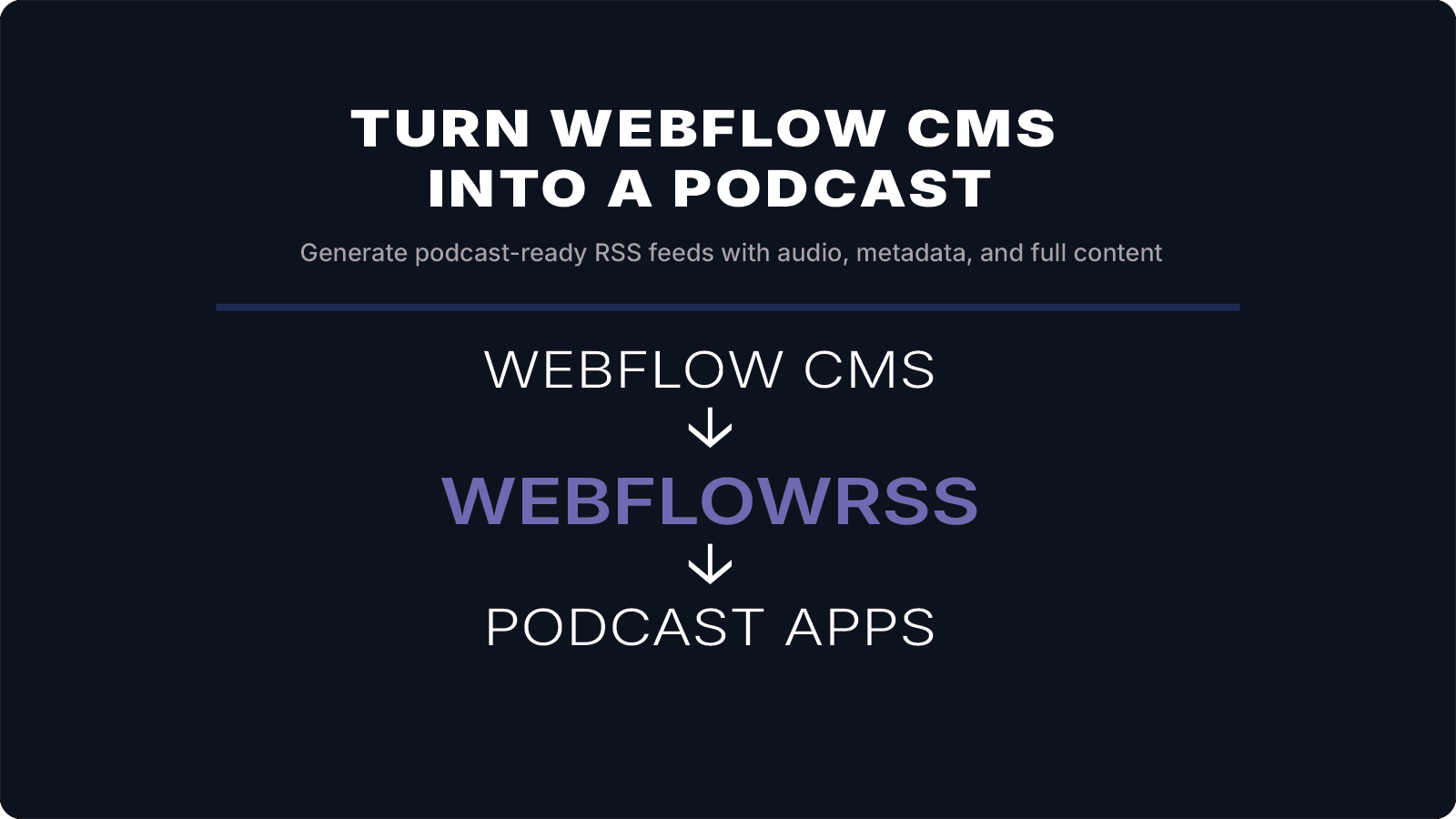
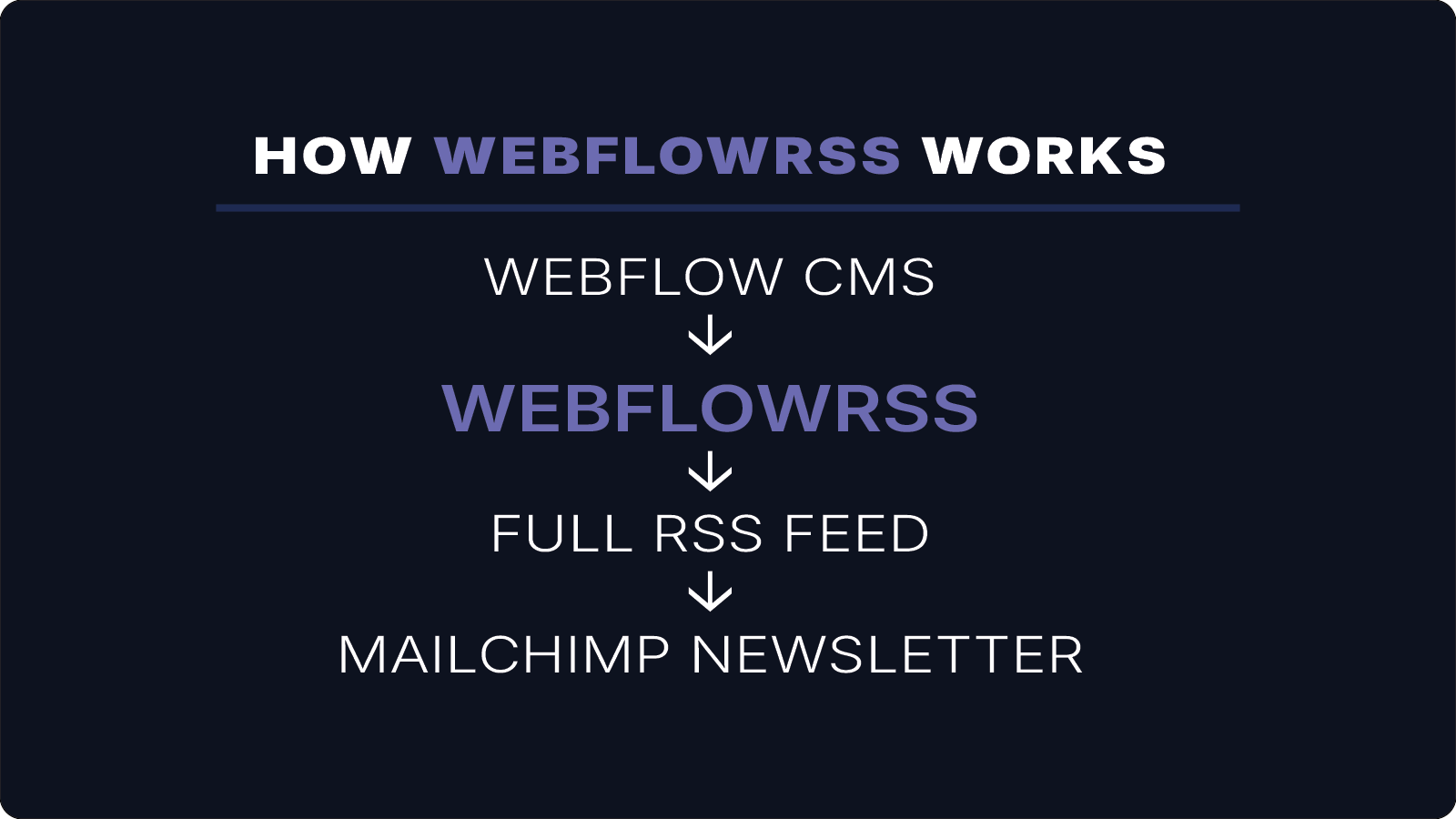
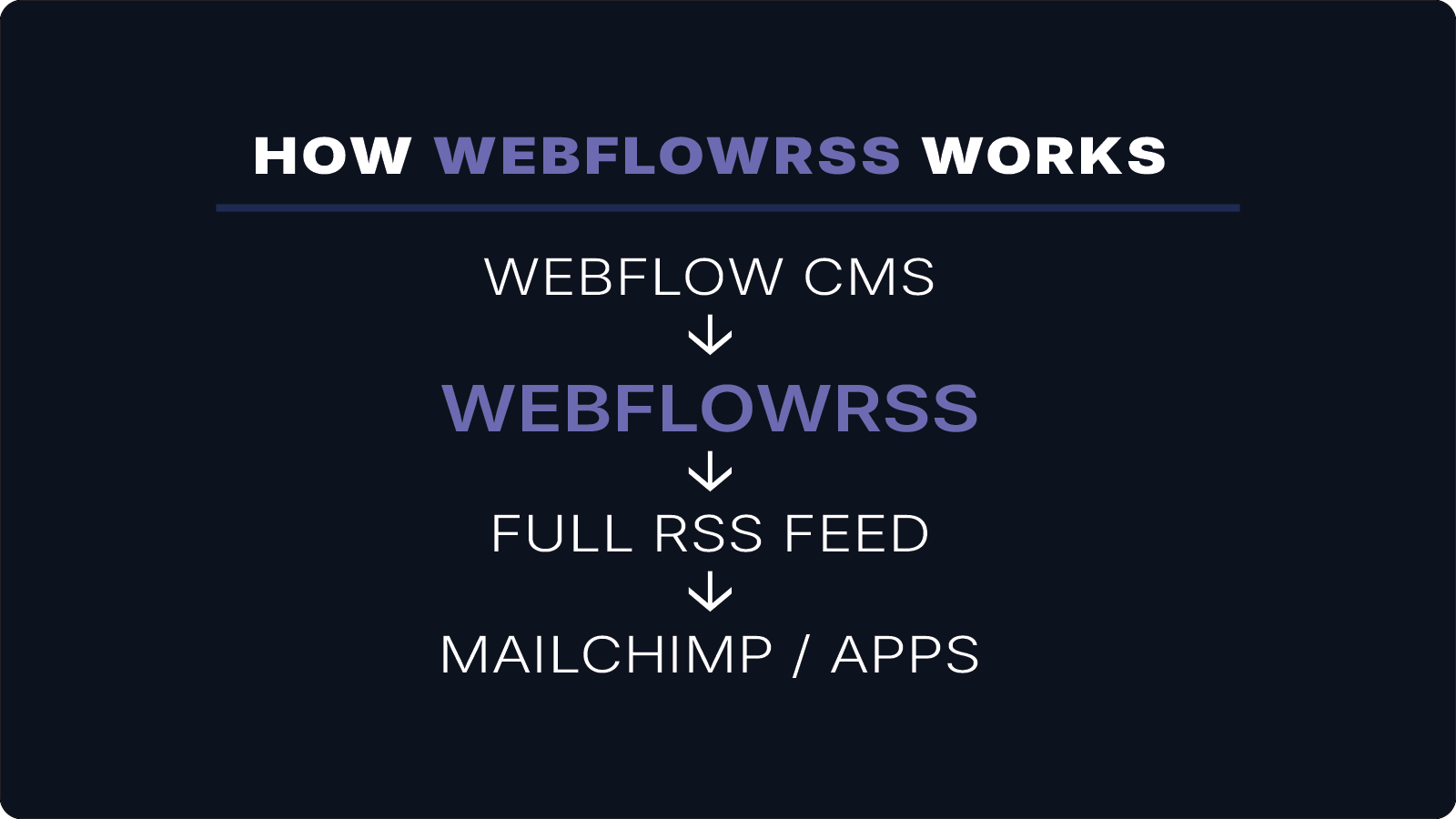
WebflowRSS generates full-content RSS feeds directly from your Webflow CMS using the API.
Instead of summaries, it includes:
- full article body
- rich text formatting
- images and embedded media
- structured content
This allows Zapier automations to work with complete content instead of excerpts.
Example Workflow with Full Content
Webflow CMS↓WebflowRSS↓Full-Content RSS Feed↓Zapier↓Email / App / Automation
Now your automation receives everything — not just a preview.
Conclusion
Webflow RSS feeds work well for basic Zapier automations, especially when you only need titles, summaries, and links.
However, because native feeds do not support rich text fields, they are limited to summary-based workflows.
If your automation requires full content, richer formatting, or more advanced distribution, generating a full-content RSS feed provides a more flexible solution.
WebflowRSS enables this by turning your Webflow CMS into a complete, automation-ready RSS source — allowing Zapier to work with your content exactly as intended.
Need help setting this up in your Webflow CMS?
I’ll walk you through the exact setup.
15–30 min • No commitment.