Kit, formerly known as ConvertKit, is one of the most popular email marketing platforms for creators and publishers.
Many creators use Webflow to manage content and Kit to build relationships with their audience.
The challenge is keeping both platforms synchronized.
Without automation, every article published in Webflow must also be manually shared, copied, or recreated inside Kit.
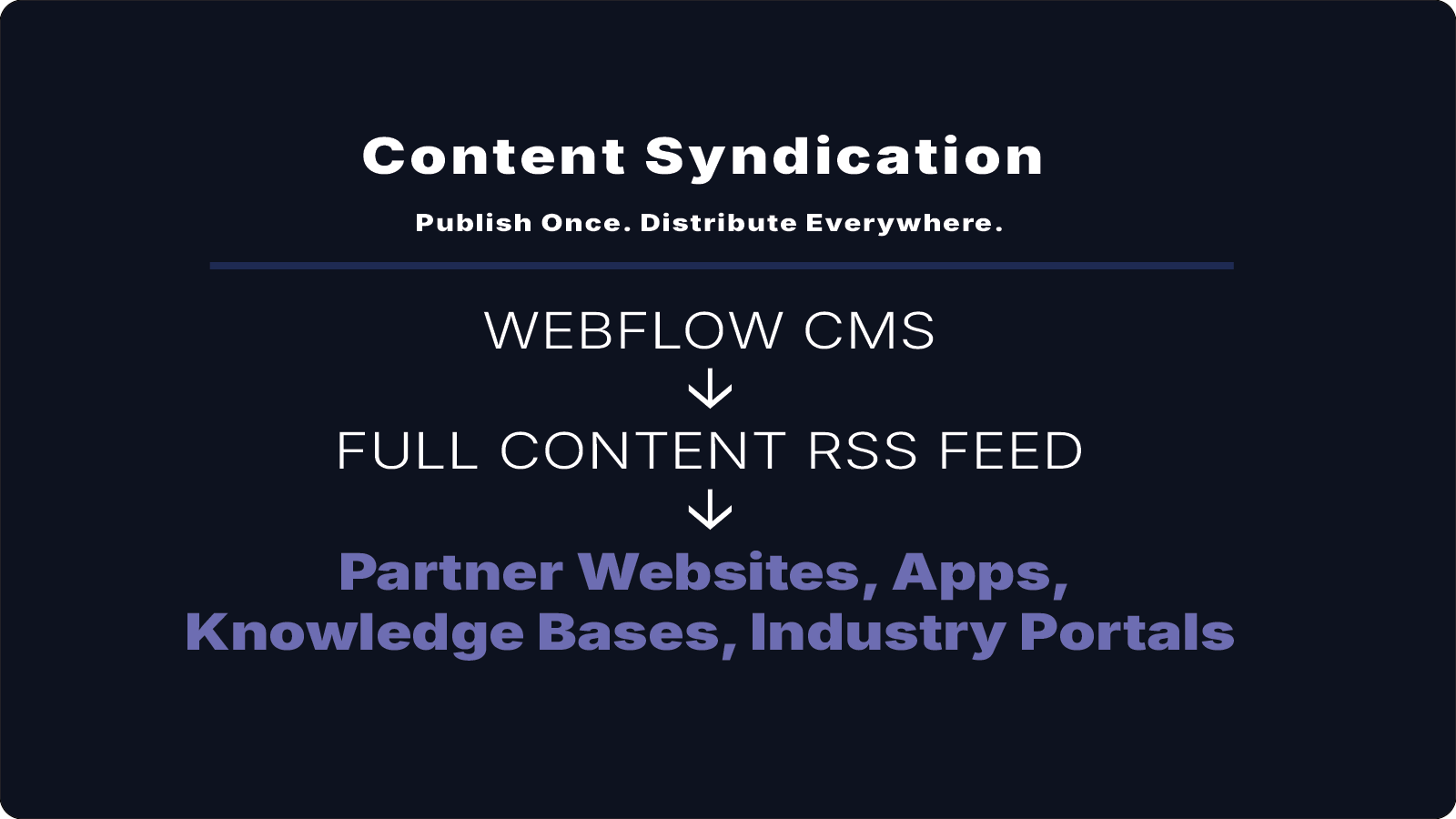
A full-content RSS feed can simplify this process and help automate content distribution.
What Is Kit?
Kit is an email marketing platform designed for creators.
It helps businesses and individuals build audiences through:
- Email newsletters
- Automated email sequences
- Subscriber segmentation
- Landing pages
- Lead magnets
- Creator-focused marketing tools
Many creators use Kit as the primary channel for nurturing relationships with subscribers.
The Challenge
For organizations using Webflow as their CMS, content often lives in multiple places.
Webflow CMS
↓
Website Content

Kit
↓
Email Content
Each time new content is published, someone must manually notify subscribers.
As content volume increases, this process becomes difficult to maintain consistently.
How RSS Helps Automate Content Distribution
RSS feeds provide a simple way to distribute content automatically.
When new content is published in Webflow, Kit can use RSS-powered workflows to help keep subscribers informed.
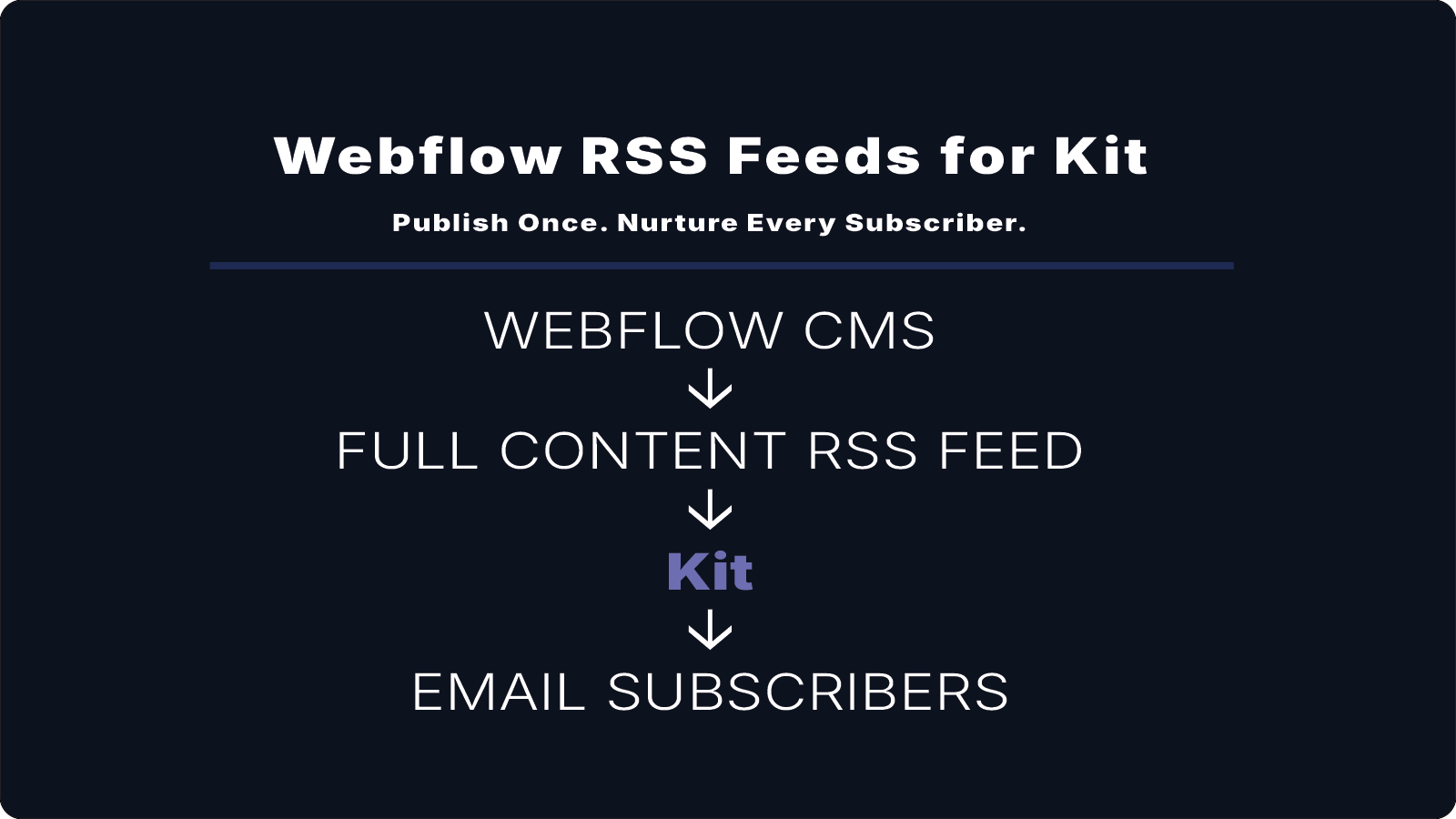
Webflow CMS
↓
Full-Content RSS Feed
↓
Kit
↓
Subscribers
This creates a more efficient publishing workflow while reducing manual effort.
Why Full-Content RSS Feeds Matter
Webflow's native RSS feed typically includes:
- Title
- Summary
- Link
For basic notifications, this may be sufficient.
However, many email automation workflows benefit from access to the complete article content.
A full-content RSS feed can include:
- Full article body
- Images
- Rich text formatting
- Headings
- Structured content
This helps ensure subscribers receive content that closely matches what appears on the website.
Benefits of Using Webflow RSS Feeds with Kit
Publish Once
Content is created in Webflow and distributed automatically.
No duplicate publishing process is required.
Save Time
Reduce repetitive tasks and manual content transfers.
Keep Content Consistent
Subscribers receive content that aligns with the original article published on the website.
Centralize Content Management
Webflow remains the single source of truth for content creation and updates.
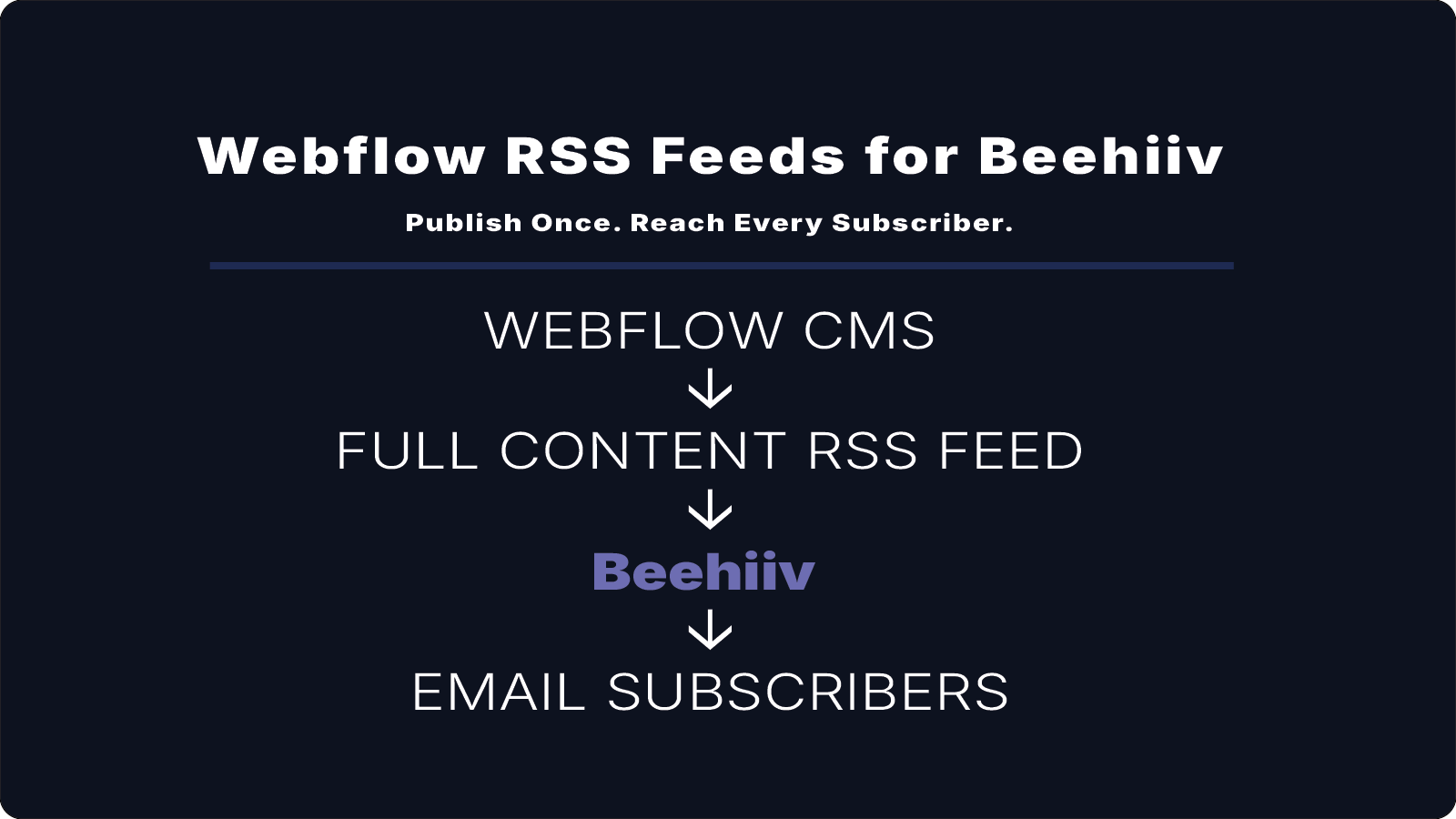
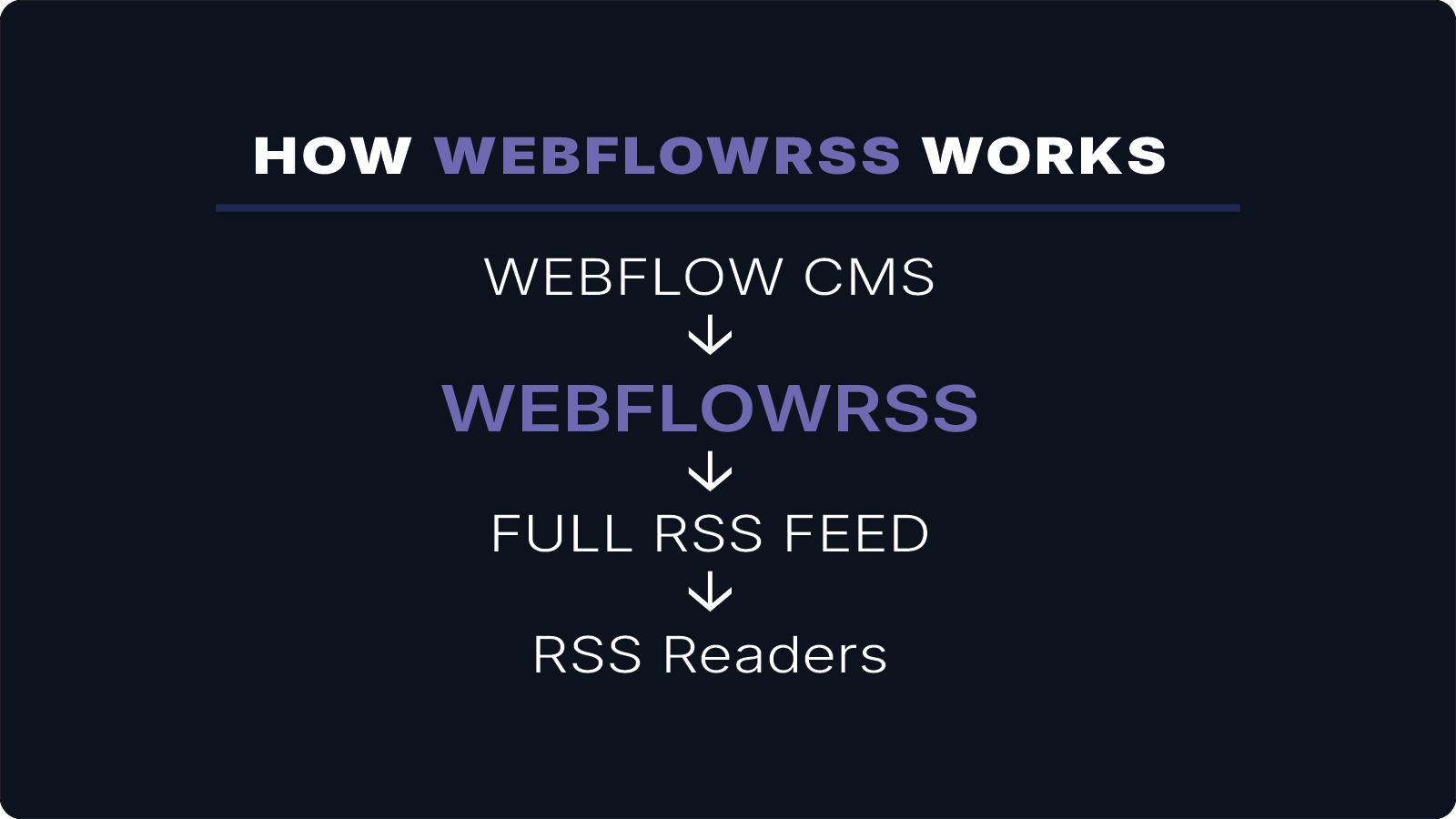
Common Workflow
Many creators use a workflow similar to this:
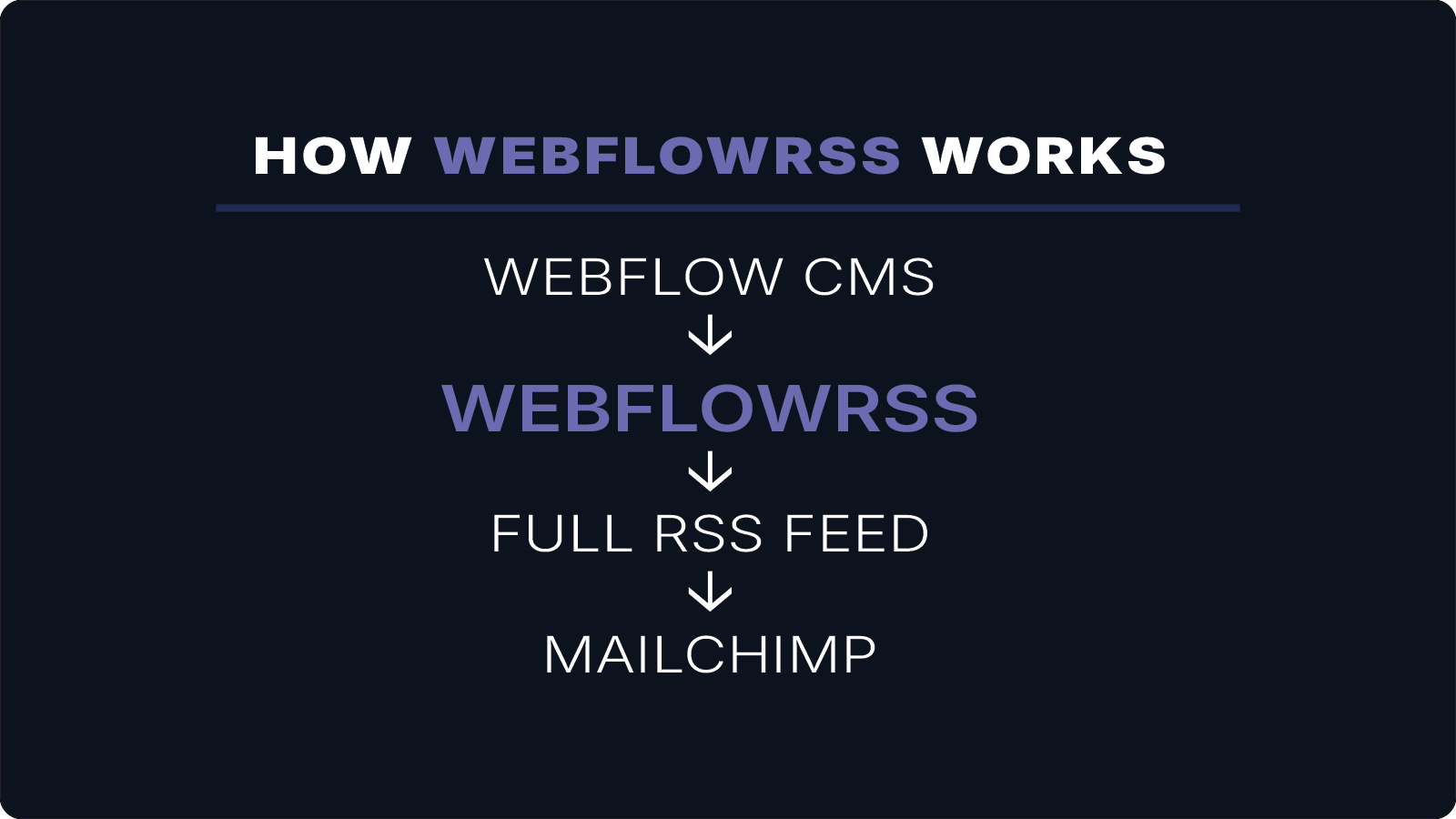
Webflow CMS
↓
WebflowRSS
↓
Kit
↓
Email Subscribers
New content can be distributed automatically while remaining fully managed inside Webflow.
How WebflowRSS Helps
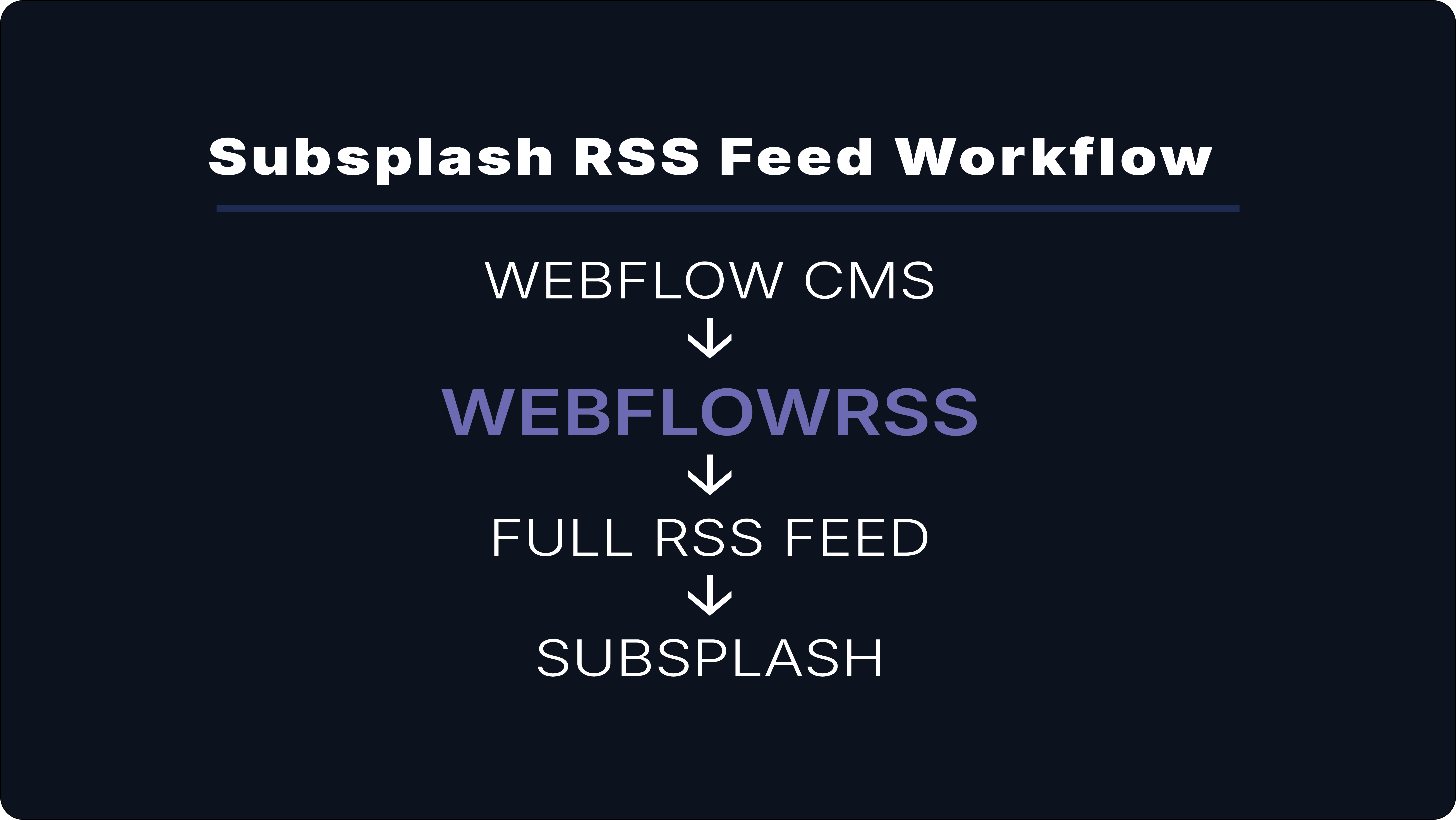
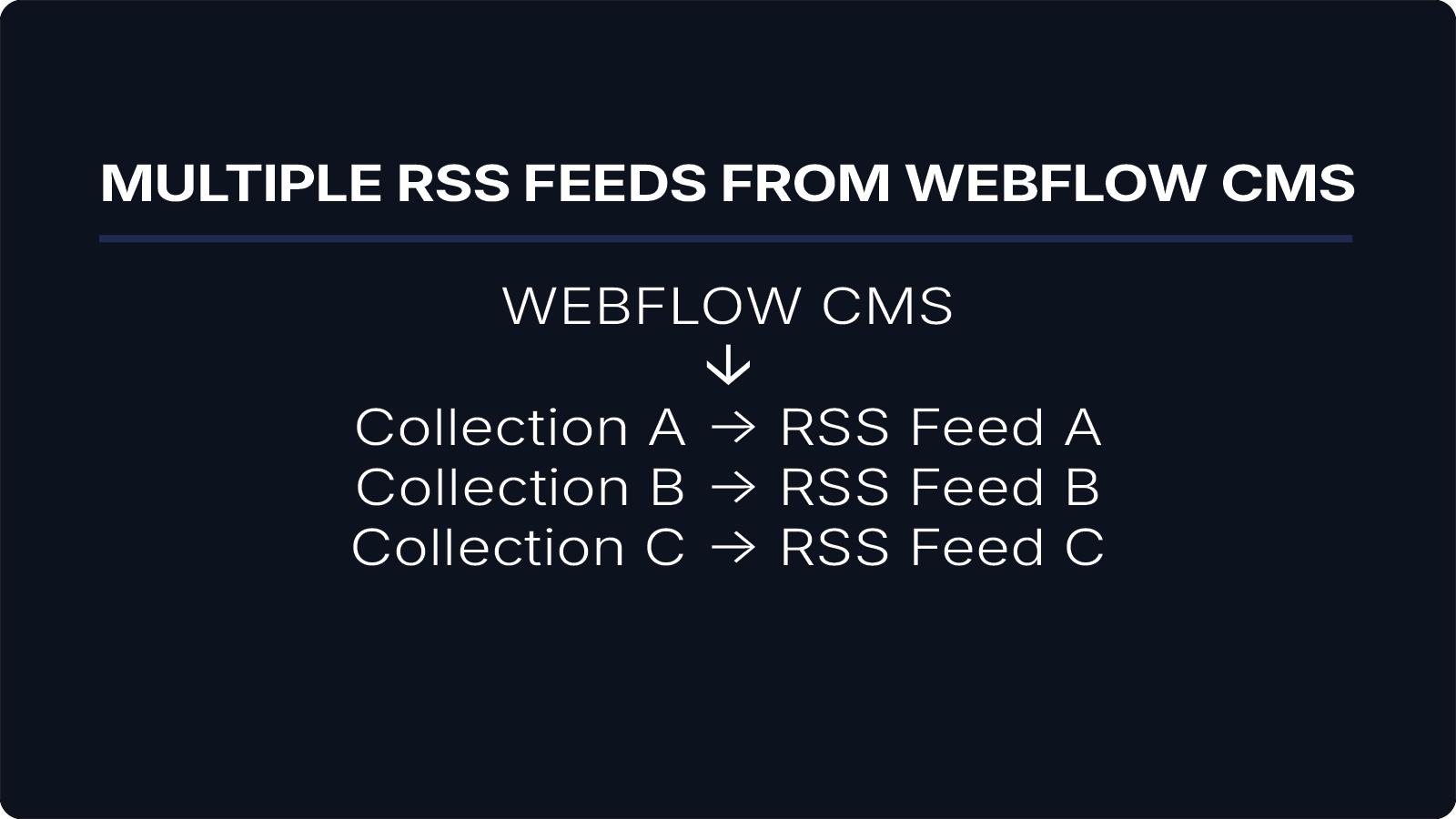
WebflowRSS generates full-content RSS feeds from Webflow CMS collections.
Instead of providing only titles and summaries, WebflowRSS makes complete article content available through RSS.
This allows creators and businesses to build more powerful content distribution and email automation workflows with ConvertKit.
Conclusion
For creators using both Webflow and Kit, a full-content RSS feed can simplify content distribution and reduce manual work.
By publishing content once in Webflow and distributing it through Kit, organizations can create a more efficient workflow while keeping subscribers engaged.
WebflowRSS helps bridge that gap by generating full-content RSS feeds designed for modern content distribution