Many readers subscribe to websites using RSS readers such as Feedly, Inoreader, or Apple News. These tools rely on RSS feeds to automatically pull new content as it is published.
However, Webflow’s native RSS feeds often include only a short summary or preview of each article — not the full content.
This creates a poor experience:
- readers must click through to the website
- content appears incomplete
- images and media may not load correctly
If you want readers to consume your content directly inside their RSS app, full-content feeds are essential.
Why This Matters for RSS Readers
RSS readers work best when feeds include the full article body.
Webflow’s default RSS feeds are designed for previews, not full content distribution. As a result, most RSS readers only display truncated versions of your posts.
A full-content RSS feed allows:
- complete articles to be read inside the reader
- better formatting and media display
- improved engagement from subscribers
Want to implement this for your Webflow CMS?
I’ll help you implement this for your specific setup.
15–30 min • No commitment.
Typical Workflow
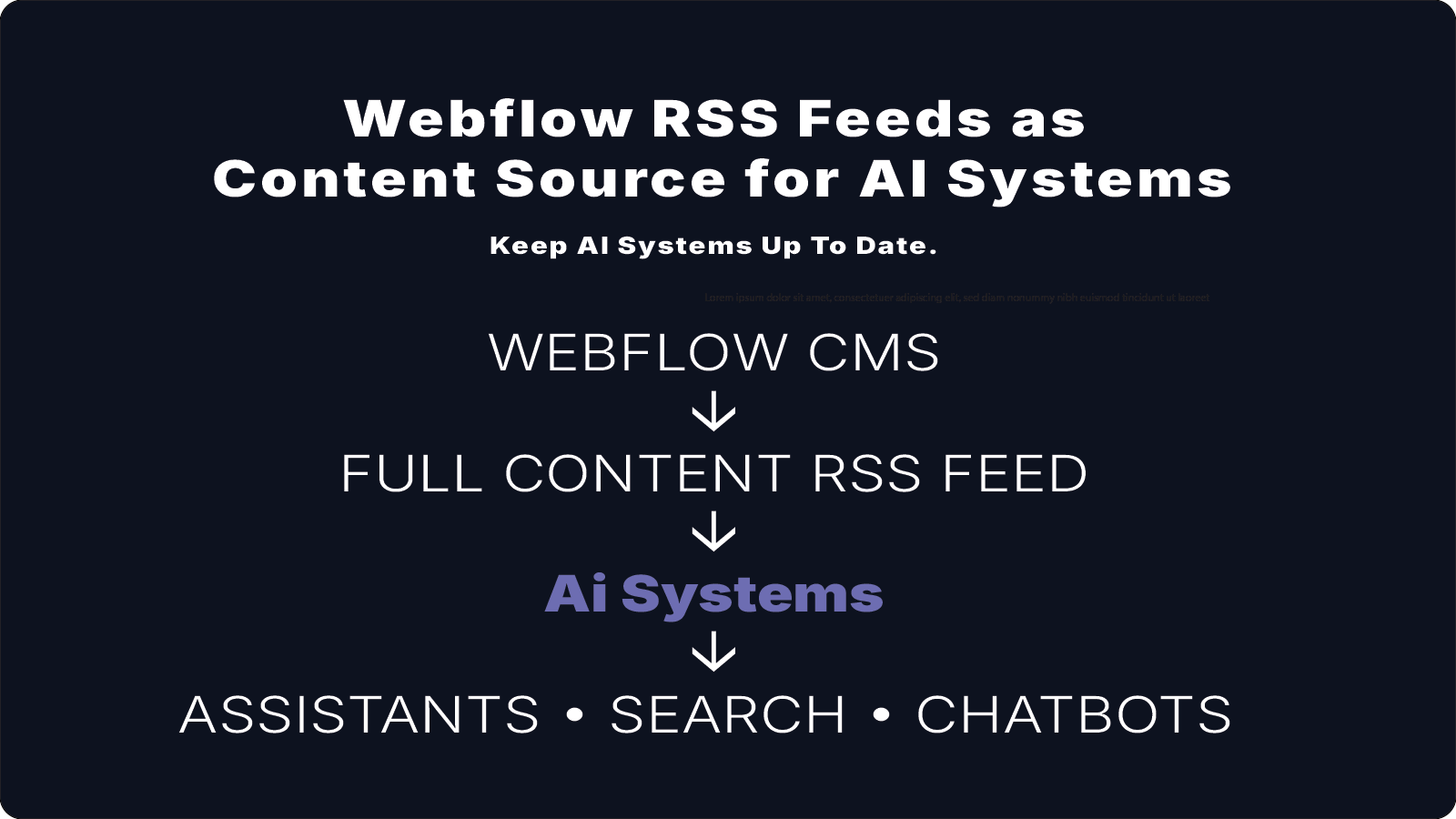
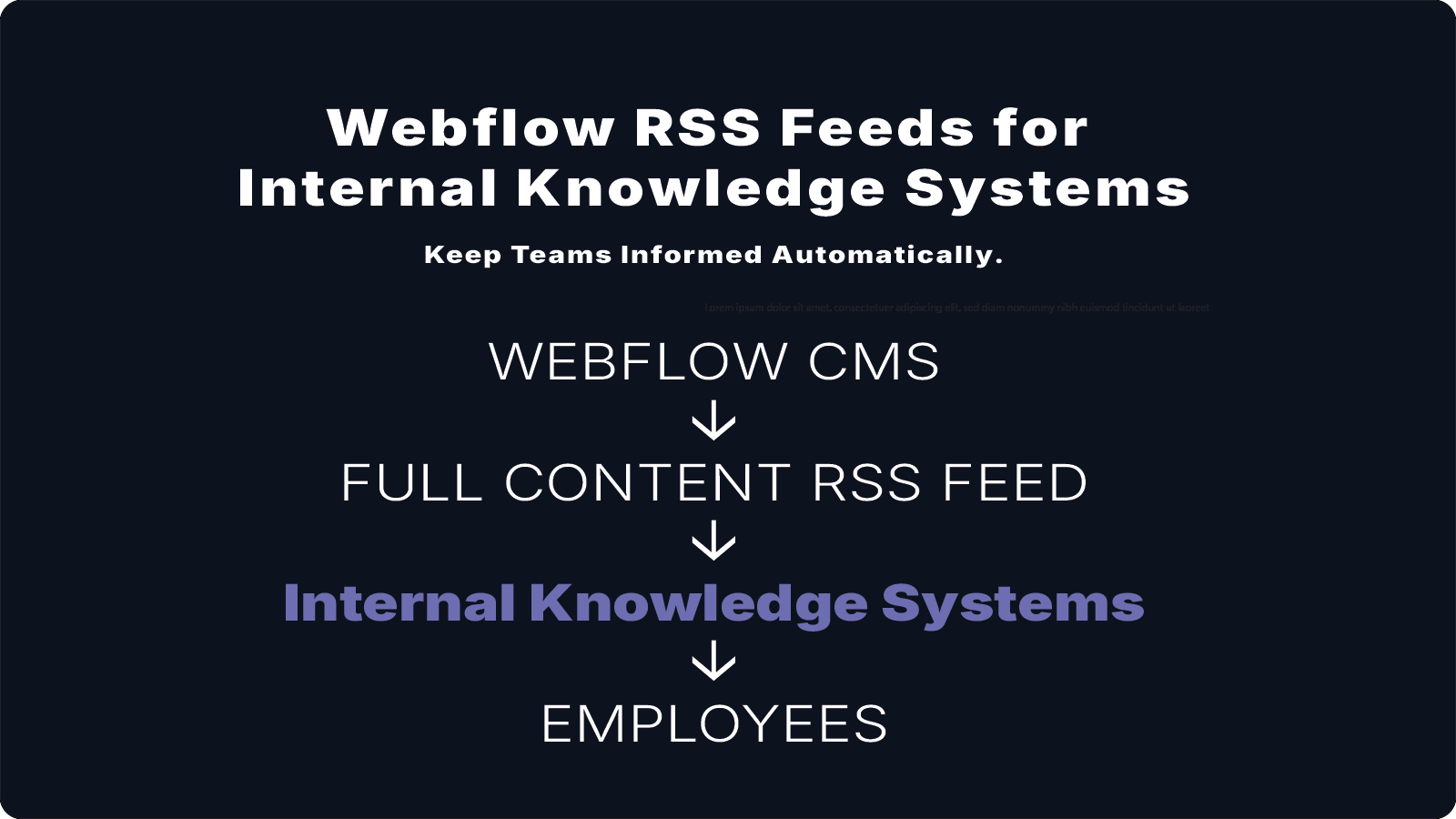
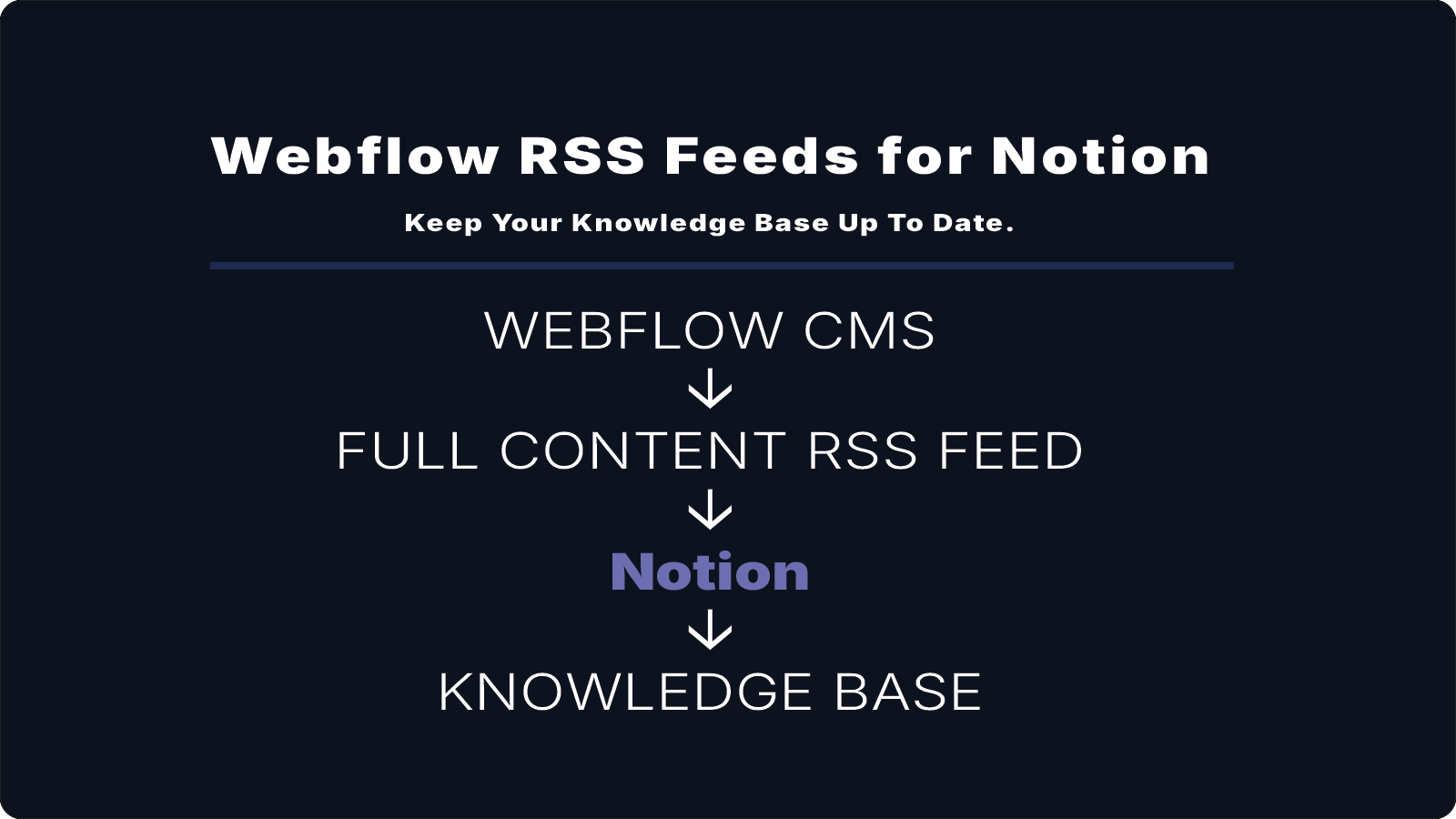
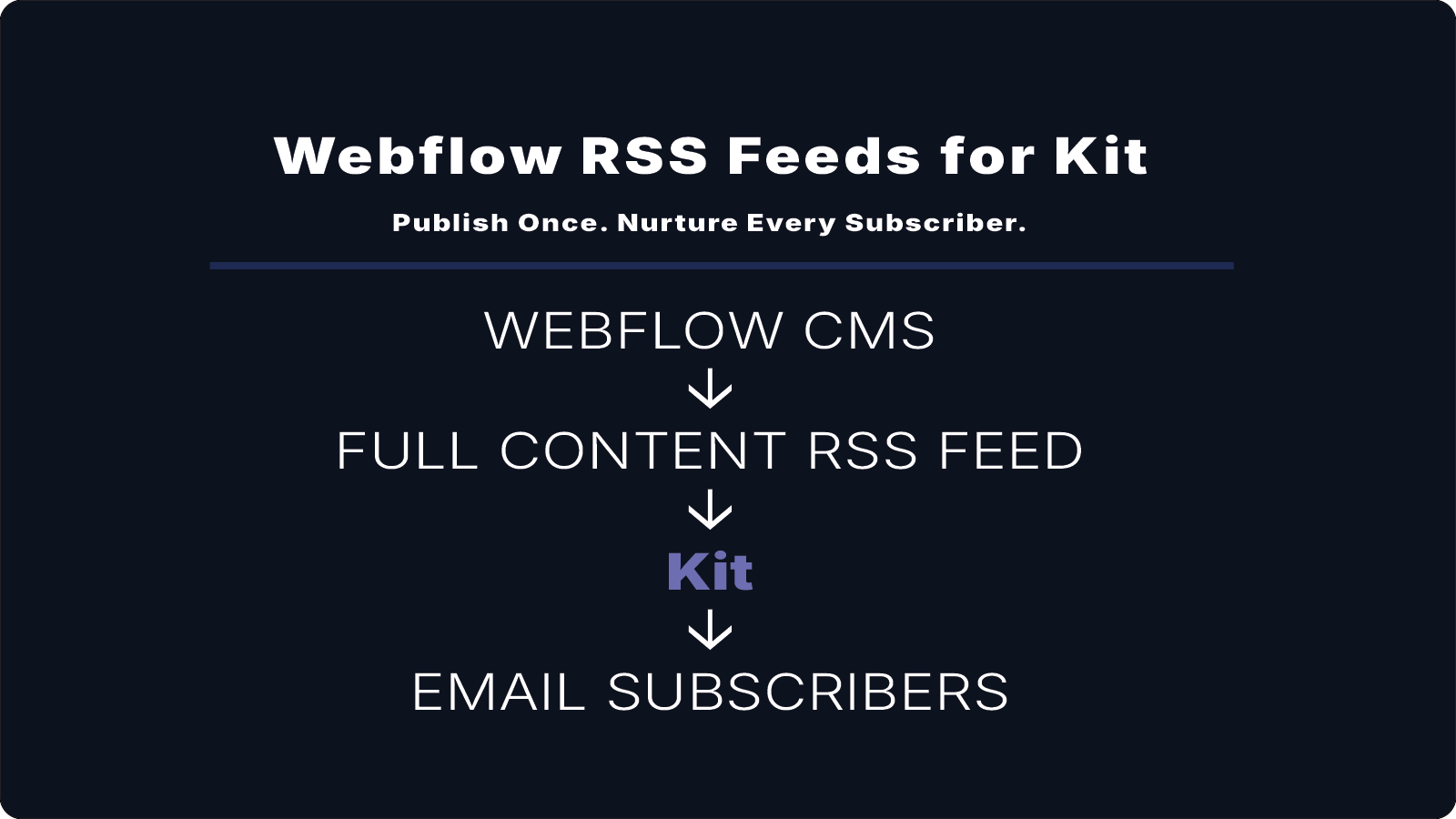
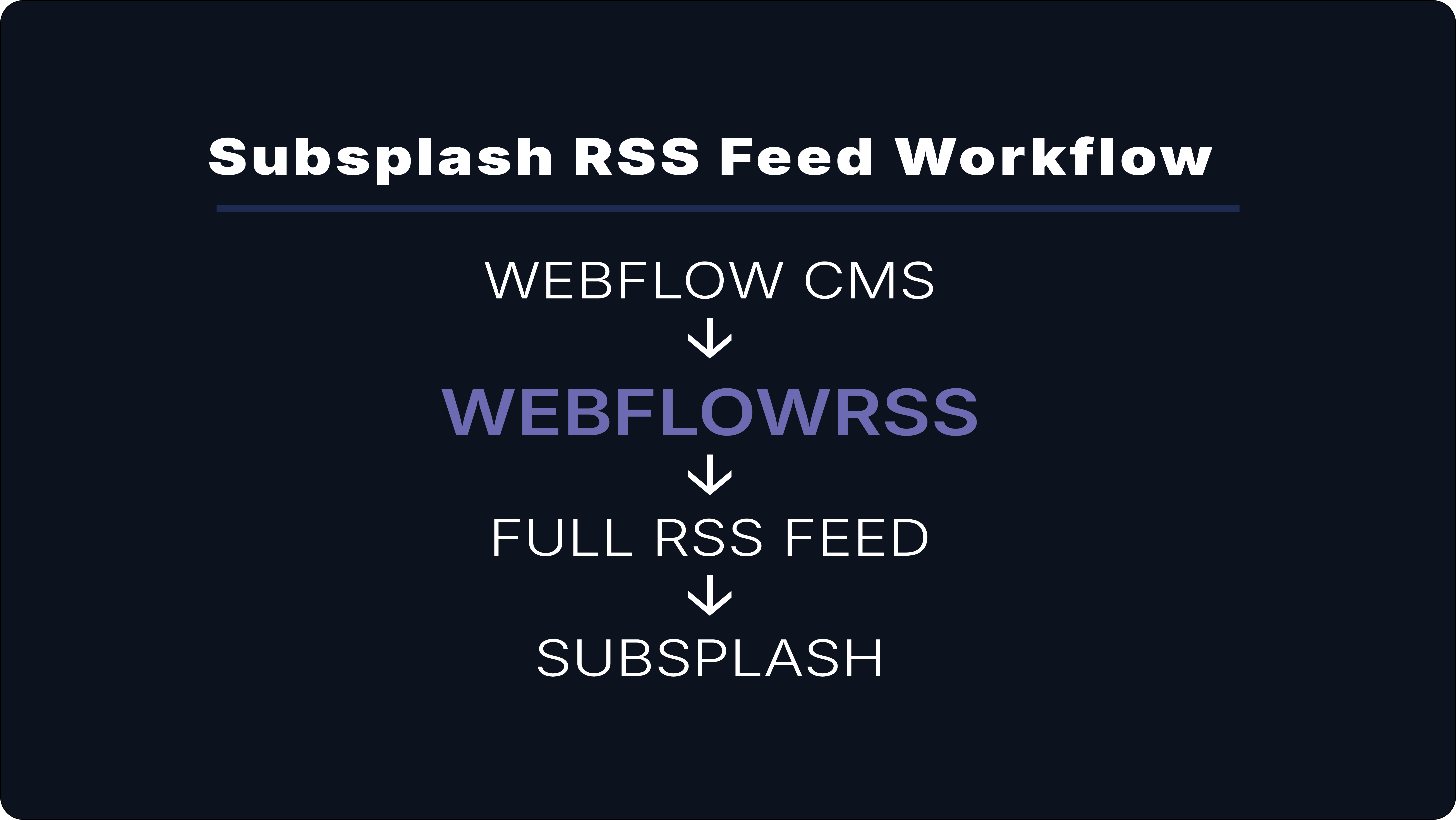
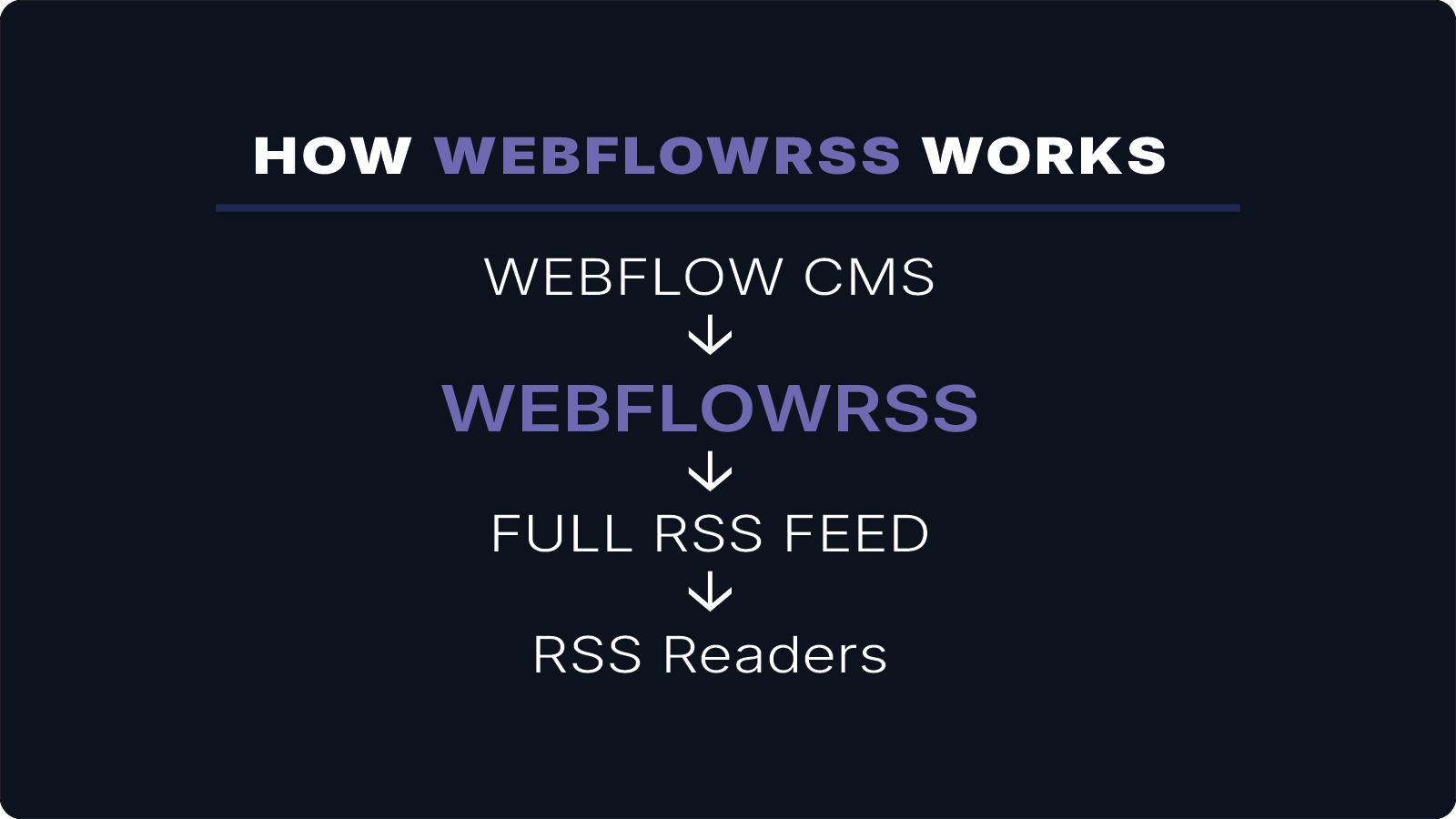
A full-content RSS reader setup typically looks like this:
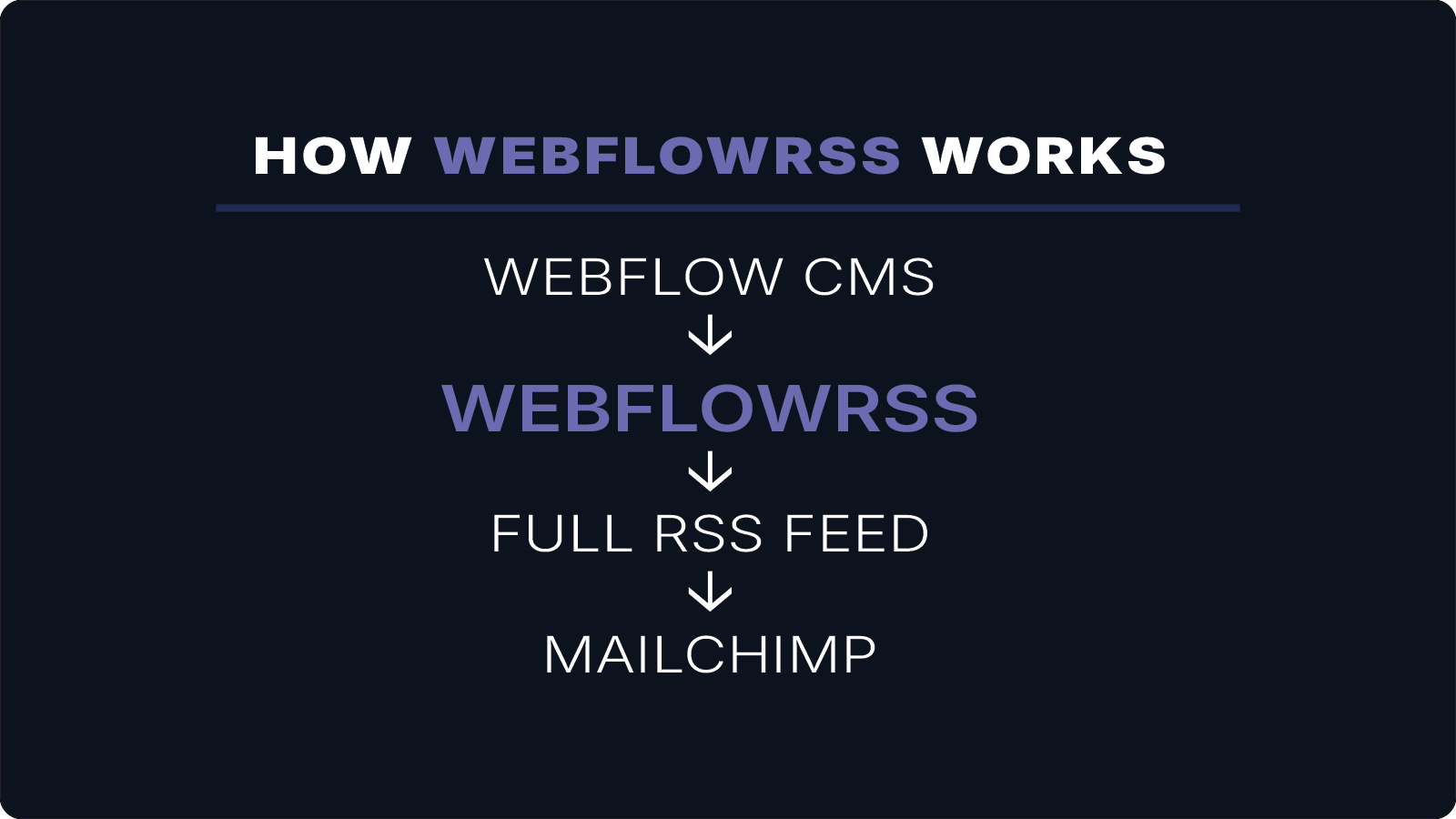
Webflow CMS
↓
WebflowRSS
↓
Full RSS Feed
↓
RSS Readers (Feedly, Inoreader, etc.)
Each time a new CMS item is published, it automatically appears in the RSS reader.
Benefits of Full-Content Feeds
Using WebflowRSS allows RSS readers to display:
- the complete article body
- images and embedded media
- properly formatted content
This improves readability and allows subscribers to stay engaged with your content without needing to leave their RSS reader.
Conclusion
For websites that rely on RSS readers for content distribution, full-content feeds provide a better experience for subscribers.
By generating full-content RSS feeds from Webflow CMS, WebflowRSS ensures readers receive the entire article instead of a shortened preview.
If you need a full-content RSS feed for RSS readers, WebflowRSS handles the setup so your content is delivered correctly without workarounds.
Need help setting this up in your Webflow CMS?
I’ll walk you through the exact setup.
15–30 min • No commitment.