Many agencies and teams manage multiple Webflow websites, each publishing its own content — such as updates, articles, or announcements.
Each of these sites often needs its own RSS feed to support newsletters, apps, or integrations.
Without a scalable setup, managing RSS feeds across multiple sites can become complex and difficult to maintain.
WebflowRSS makes it possible to generate RSS feeds across multiple Webflow sites by connecting directly to the Webflow API.
This allows each site to publish content independently while still supporting automated distribution through RSS.
Example Scenario
An agency might manage several Webflow projects for different clients or brands.
For example:
- Client Site A → RSS Feed
- Client Site B → RSS Feed
- Client Site C → RSS Feed
Each Webflow site generates its own RSS feed.
These feeds can then power newsletters, apps, content syndication tools, or other integrations.
Typical Workflow
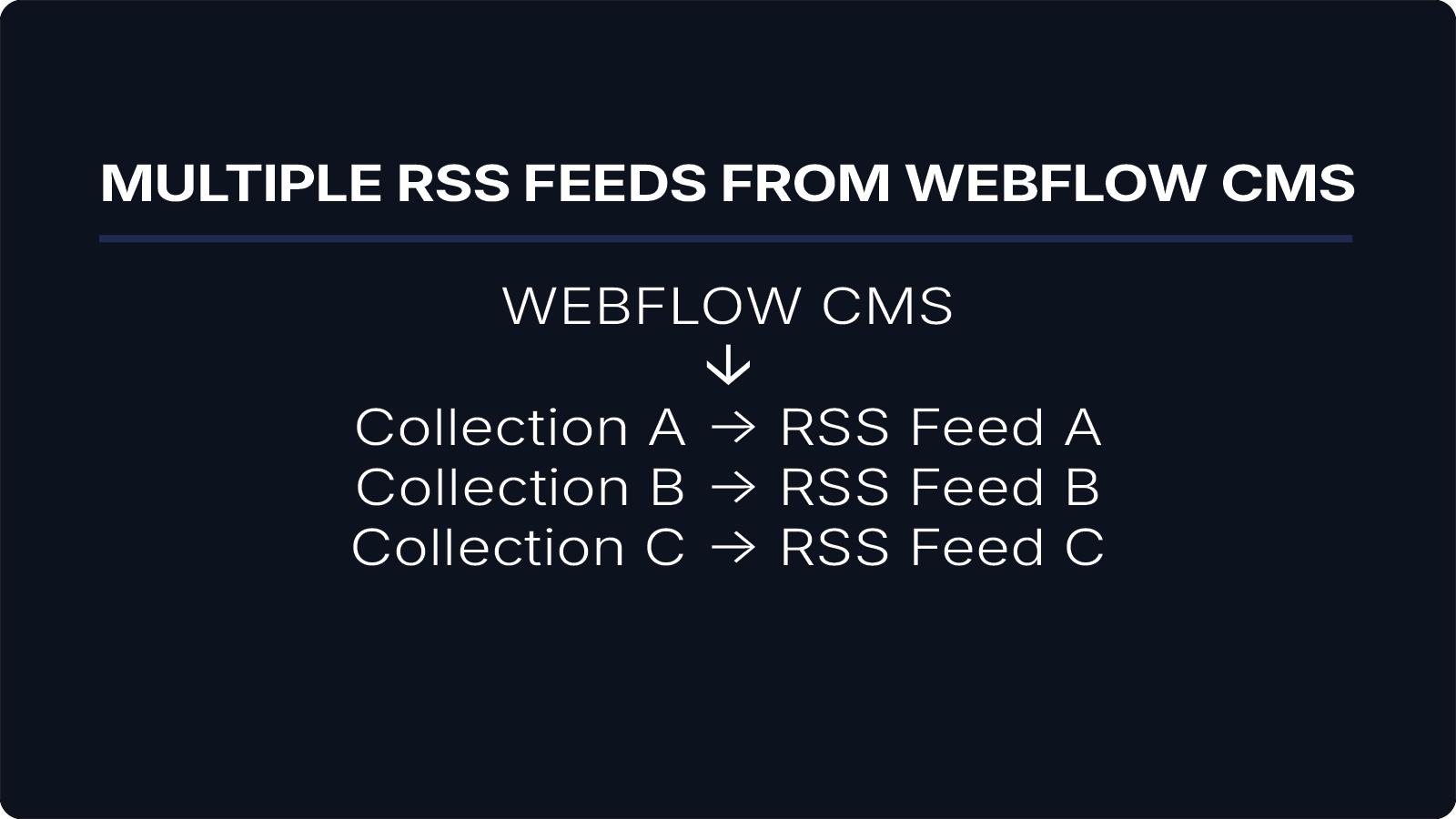
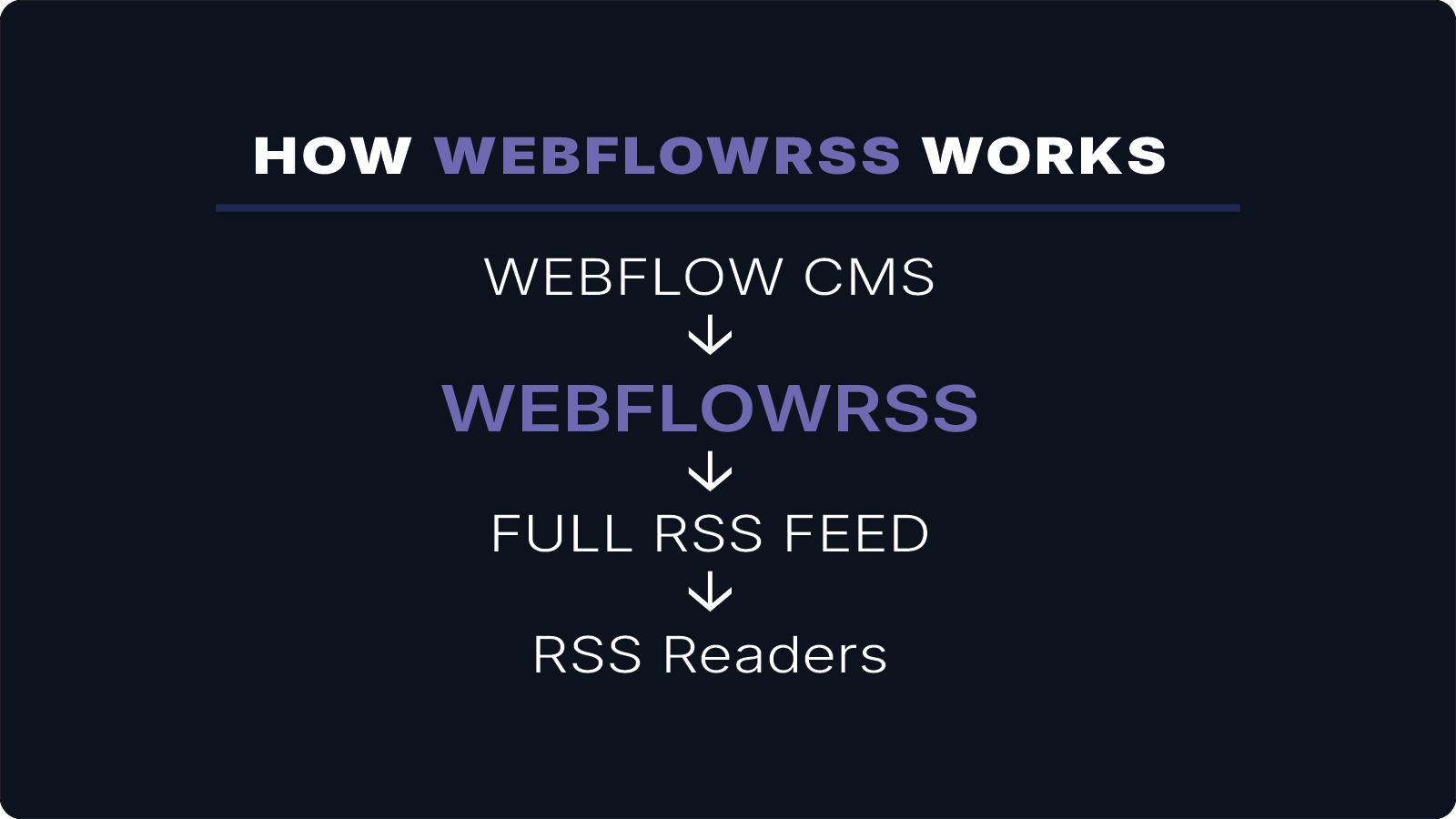
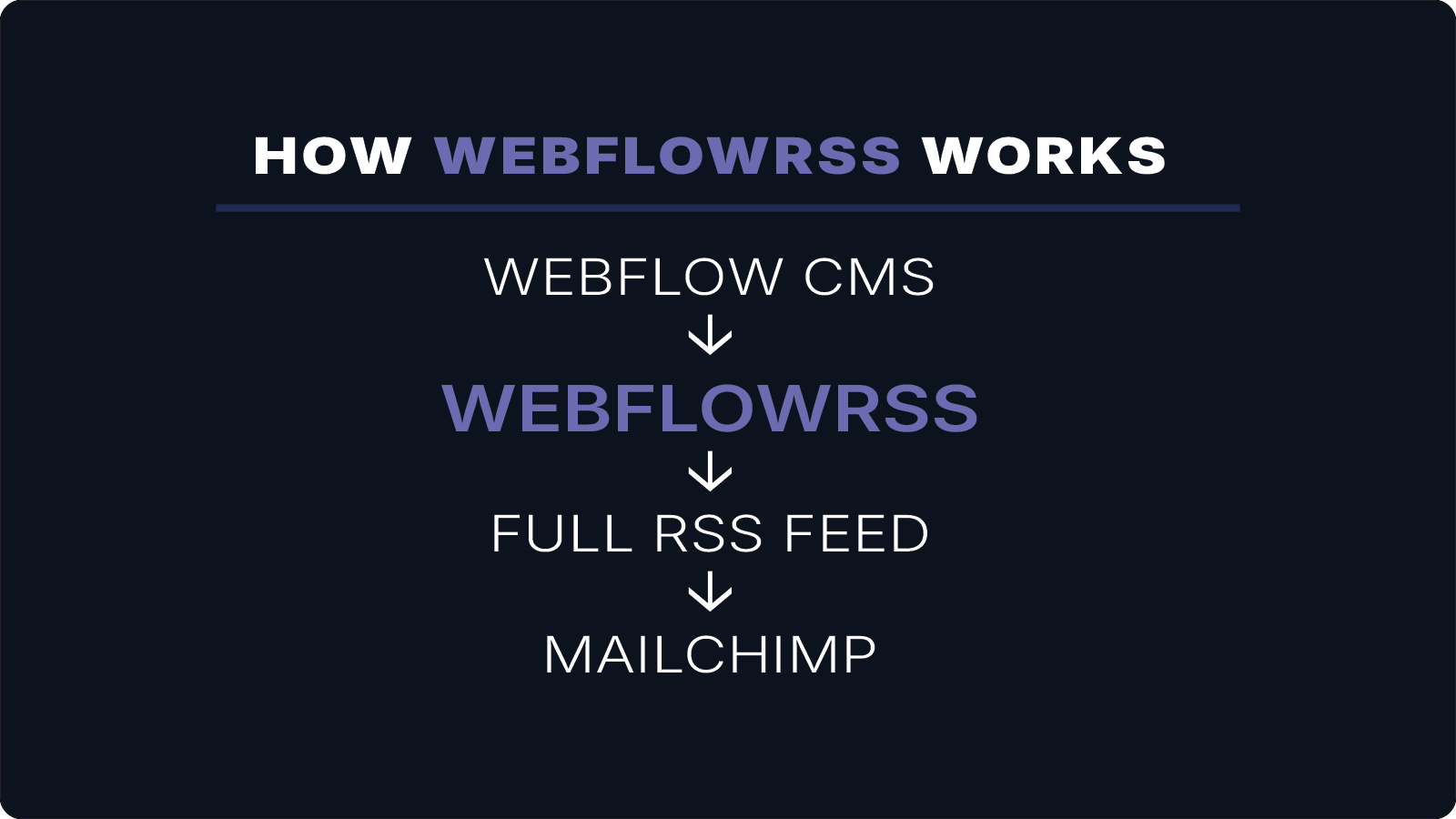
A multi-site RSS setup typically looks like this:
Webflow Site A
↓
WebflowRSS
↓
RSS Feed A
Webflow Site B
↓
WebflowRSS
↓
RSS Feed B
Each Webflow site connects to WebflowRSS independently, allowing feeds to be generated for different projects or brands.
Want to implement this for your Webflow CMS?
I’ll help you implement this for your specific setup.
15–30 min • No commitment.
Real-World Use Cases
Generating RSS feeds across multiple Webflow sites is useful for:
- agencies managing multiple client websites
- organizations running multiple brands or publications
- teams distributing content across different platforms
Each site can publish content independently while still generating RSS feeds for distribution.
Benefits
Using WebflowRSS across multiple sites allows teams to:
- generate RSS feeds for multiple Webflow projects
- power newsletters and integrations for each site
- distribute content automatically to external platforms
- avoid maintaining external databases or complex automation workflows
This keeps the system simple while allowing RSS feeds to scale as your projects grow.
Conclusion
For agencies and multi-site teams, WebflowRSS provides a scalable way to generate RSS feeds across multiple Webflow websites.
Each site remains independent while still supporting automated content distribution through RSS feeds powered by the Webflow API.
If you need RSS feeds across multiple Webflow sites, WebflowRSS handles the setup so each project can distribute content reliably.
Need help setting this up in your Webflow CMS?
I’ll walk you through the exact setup.
15–30 min • No commitment.