Introduction
Many churches use Subsplash to power their mobile apps, delivering sermons, devotionals, and updates to their communities.
But when that content is managed in Webflow, connecting it to an app through RSS can create an unexpected problem.
Webflow’s native RSS feeds usually output preview content instead of the full rich text body from the CMS.
For churches publishing sermons, devotionals, or updates, this quickly becomes a real limitation.
The User Experience Problem
When someone opens a church app, they expect to be able to read or engage with the full content directly inside the app.
Not:
- a short excerpt
- a cut-off devotional
- a partial sermon description
But the complete message.
If your RSS feed only provides summaries, the experience breaks down:
- content feels incomplete
- users may need to click out to a browser
- engagement drops
For something like a devotional or sermon, that interruption matters.
A Real Setup We’ve Seen
In one case, we needed to get content from Webflow into a Subsplash app.
The workaround looked like this:
Webflow → Flowmonk → Airtable → MiniExtensions → RSS feed → Subsplash
To make it work, we had to:
- move content into Airtable
- normalize rich text using formulas
- clean up formatting manually
- generate a separate RSS feed layer
Even then, formatting wasn’t always consistent.
It worked — but it was complicated and fragile. Not something you’d want to rely on long-term.
Then One of the Tools Shut Down
What pushed us past "complicated and fragile" into rethinking the whole setup was when Flowmonk — the sync tool at the start of the chain — shut down. Not much warning. The pipeline simply stopped working, and the church's app stopped getting new content.
We moved to Whalesync as a replacement and got things running again, but the formatting that came through needed a separate cleanup layer in Airtable to render correctly inside Subsplash and in emails. It took some doing, but the pipeline was stable again.
The lesson was the part that stuck. We hadn't had a tooling problem when Flowmonk closed. We'd had a structural problem. Every tool in the chain — the sync service, Airtable, the extension service — was a dependency that could change pricing, change behavior, or disappear entirely. Adding one more tool was never going to fix that. The chain itself was the risk.
Where Things Get Tricky
The core issue is that Webflow’s RSS feeds don’t include the full rich text body by default.
So if you want your app to display complete sermons, devotionals, or articles, you need a way to generate a feed that includes the actual content — not just a summary.
This is where most setups become complex.
Need Help Setting This Up?
If you're trying to get this working for your church’s app, this is usually where things get tricky.
I’ll help you get your RSS feed working correctly for your Webflow setup.
15–30 min • No commitment.
A Simpler Approach
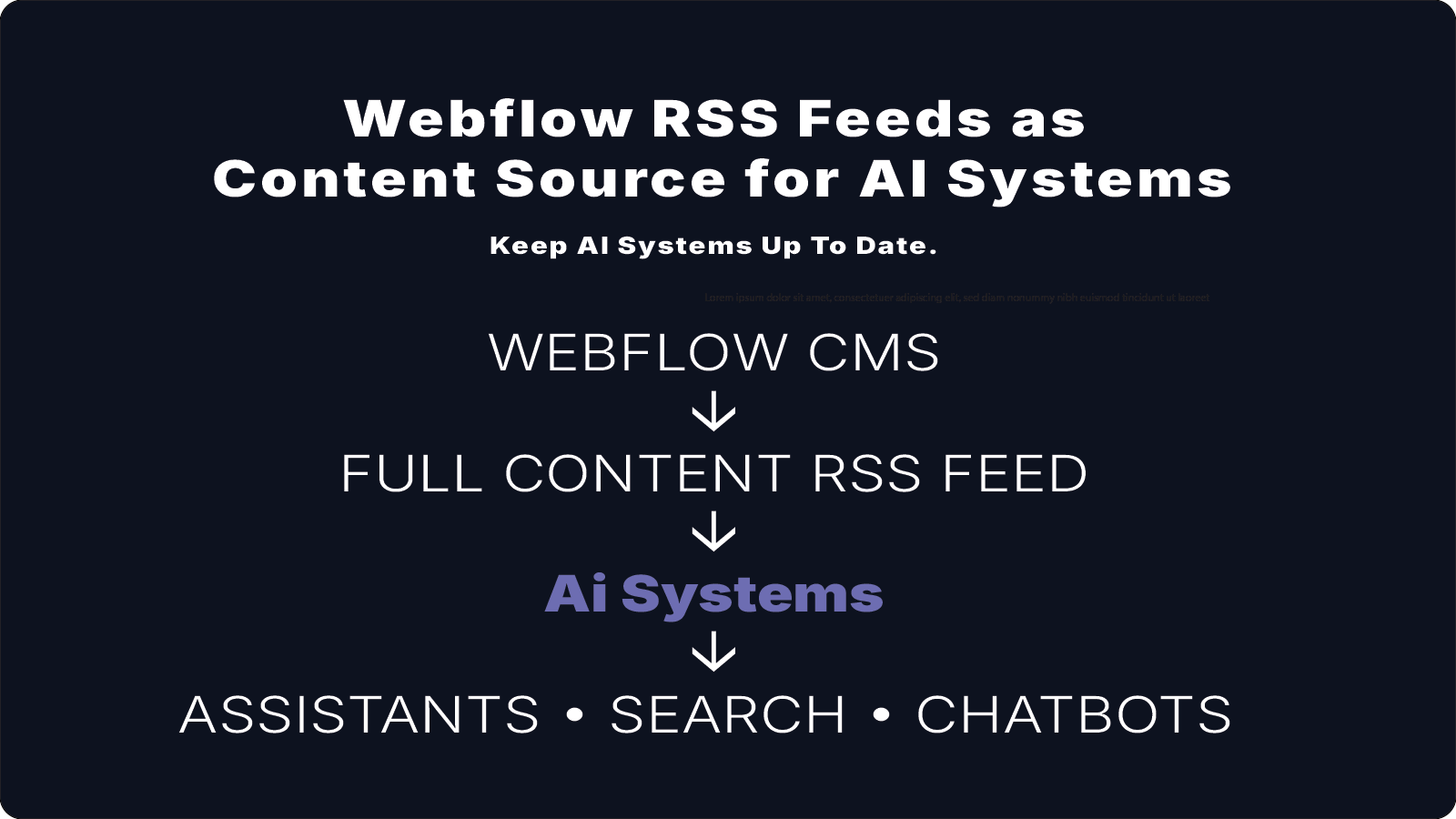
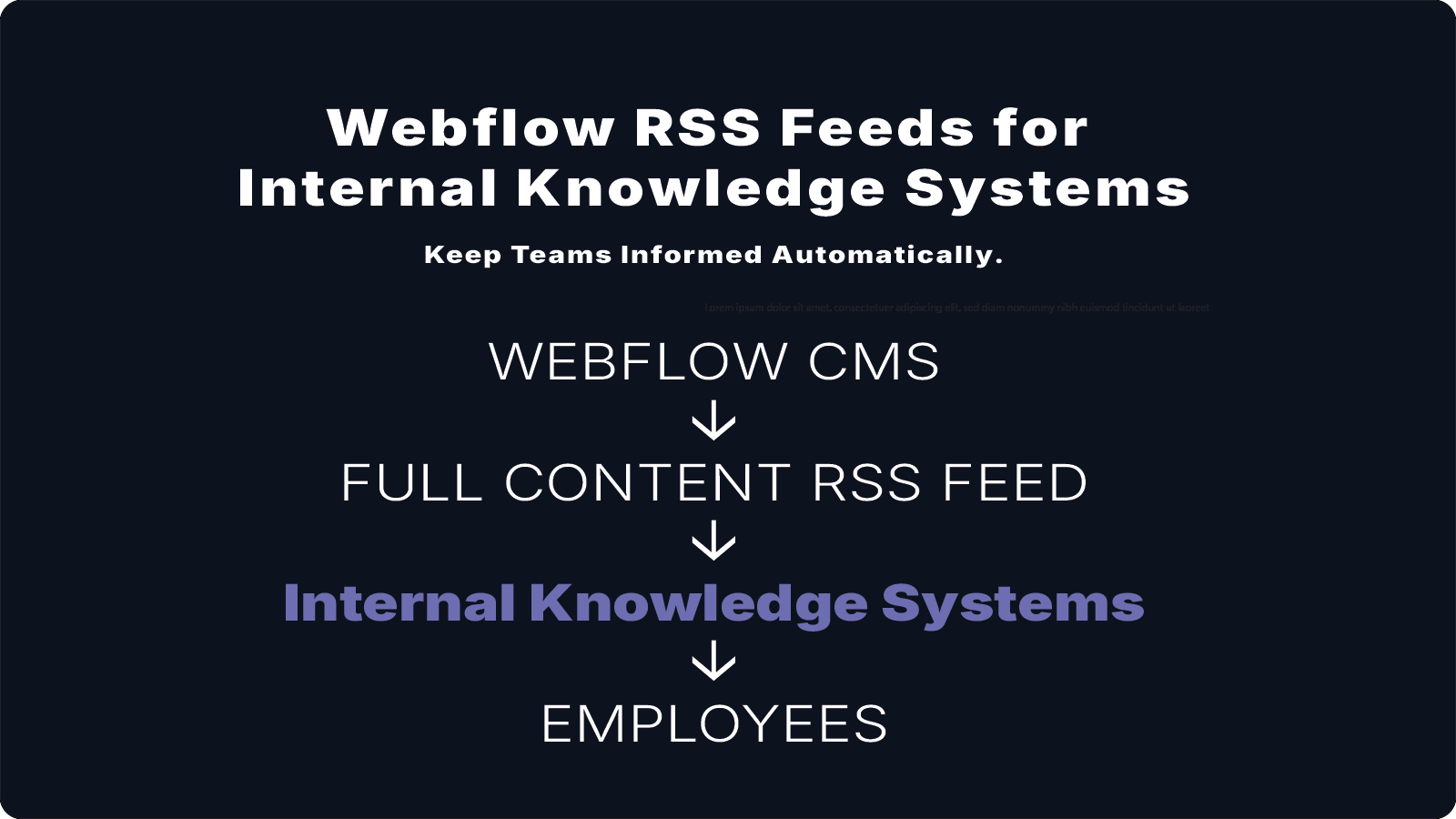
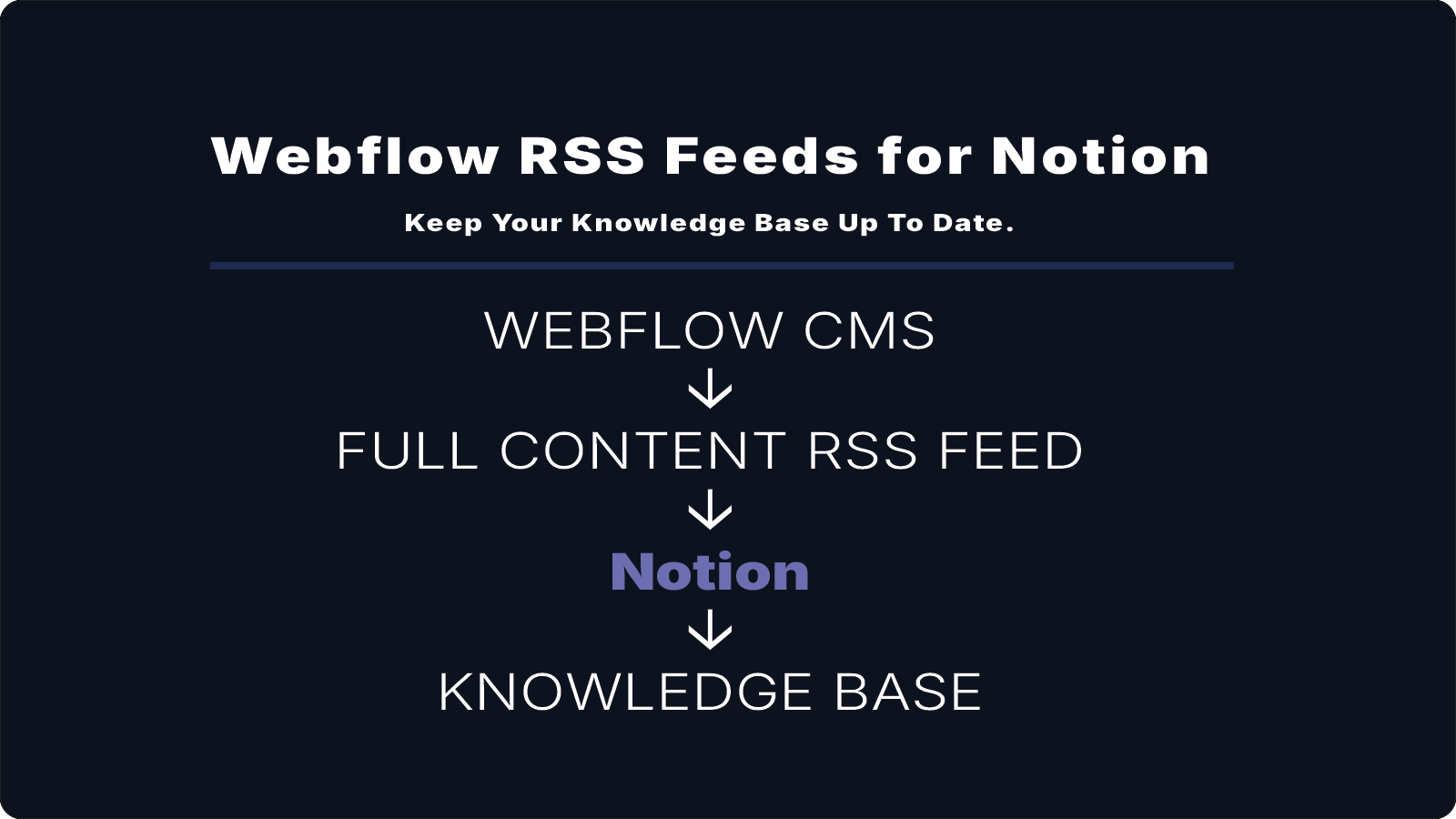
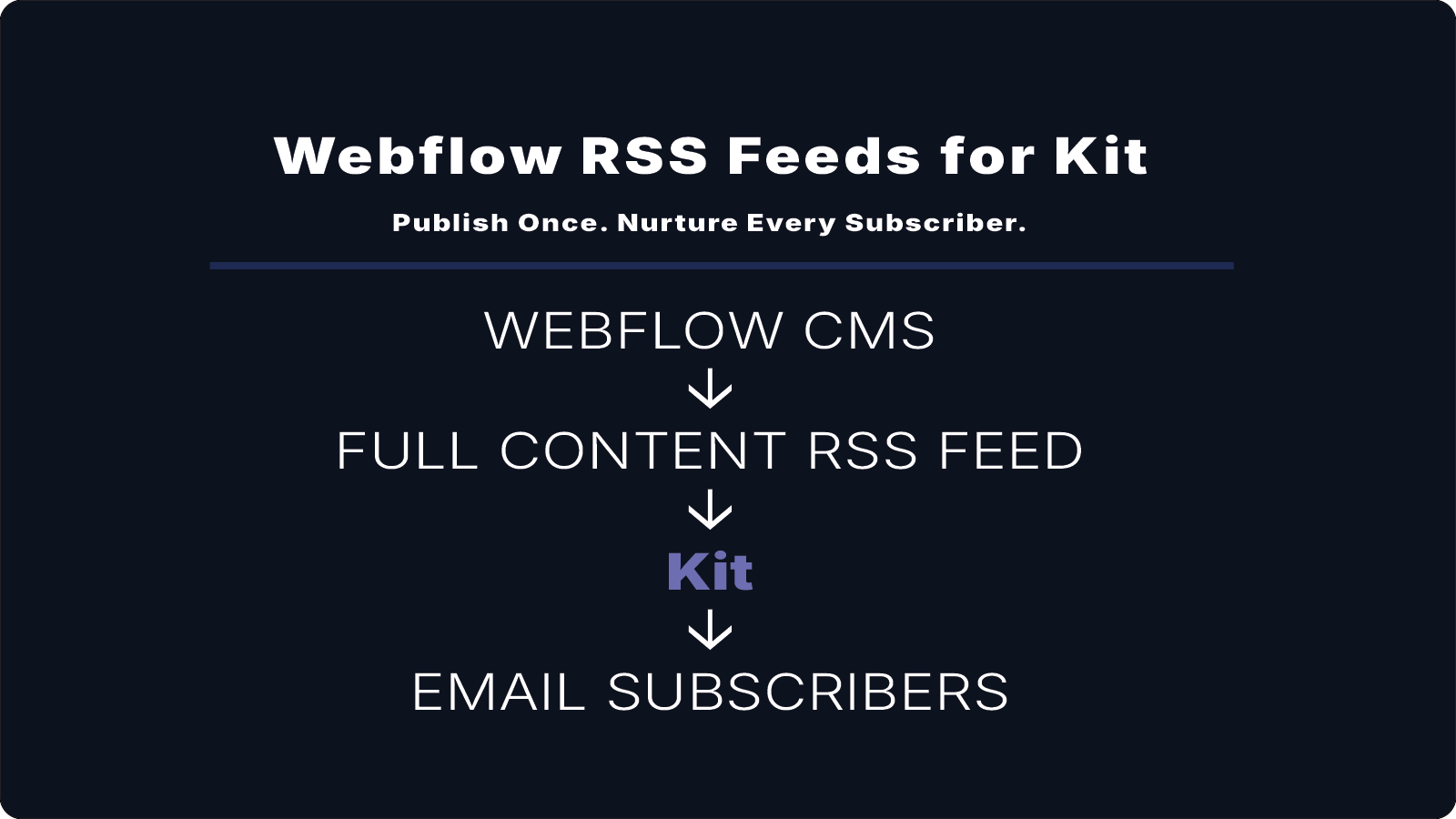
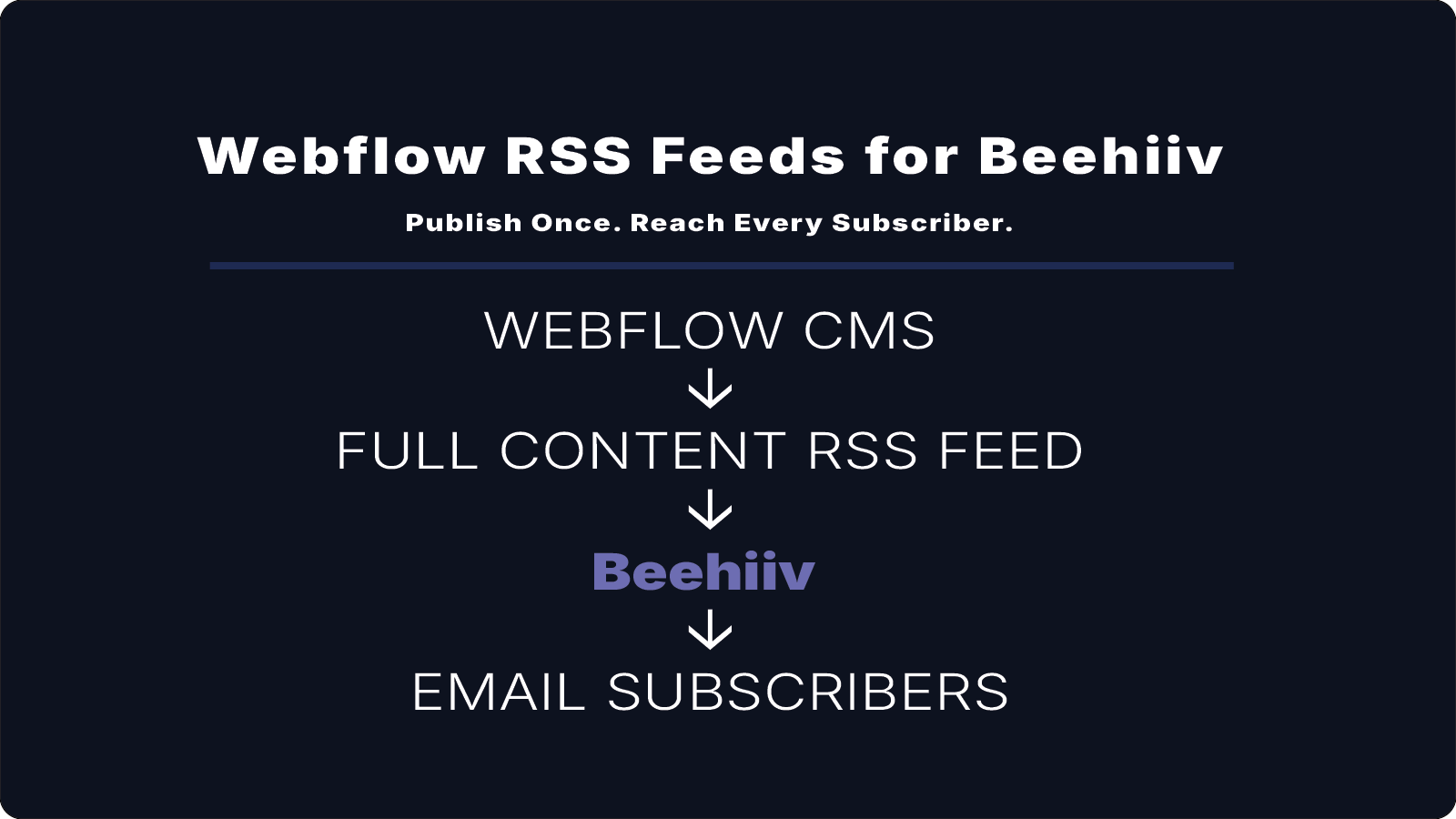
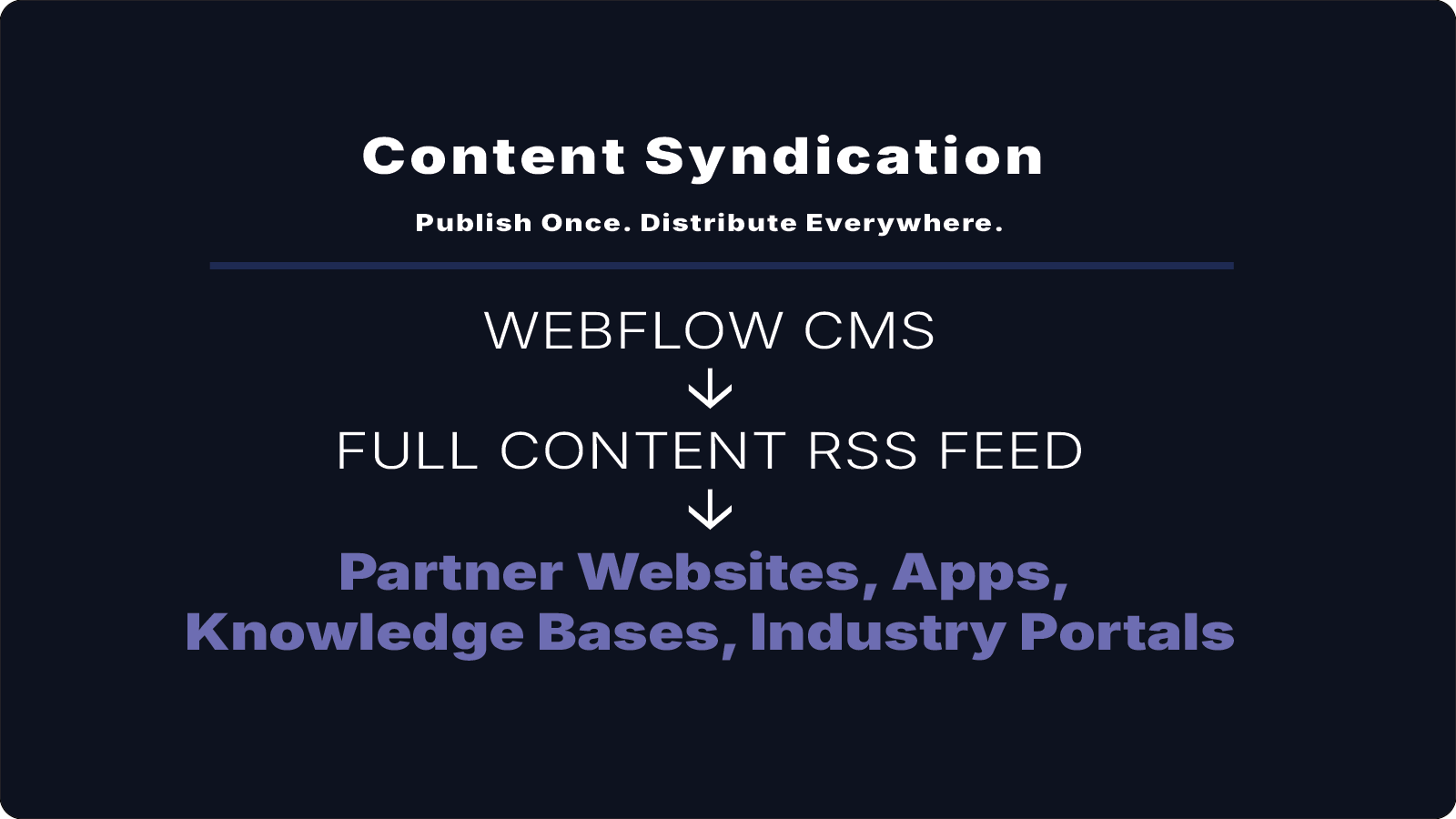
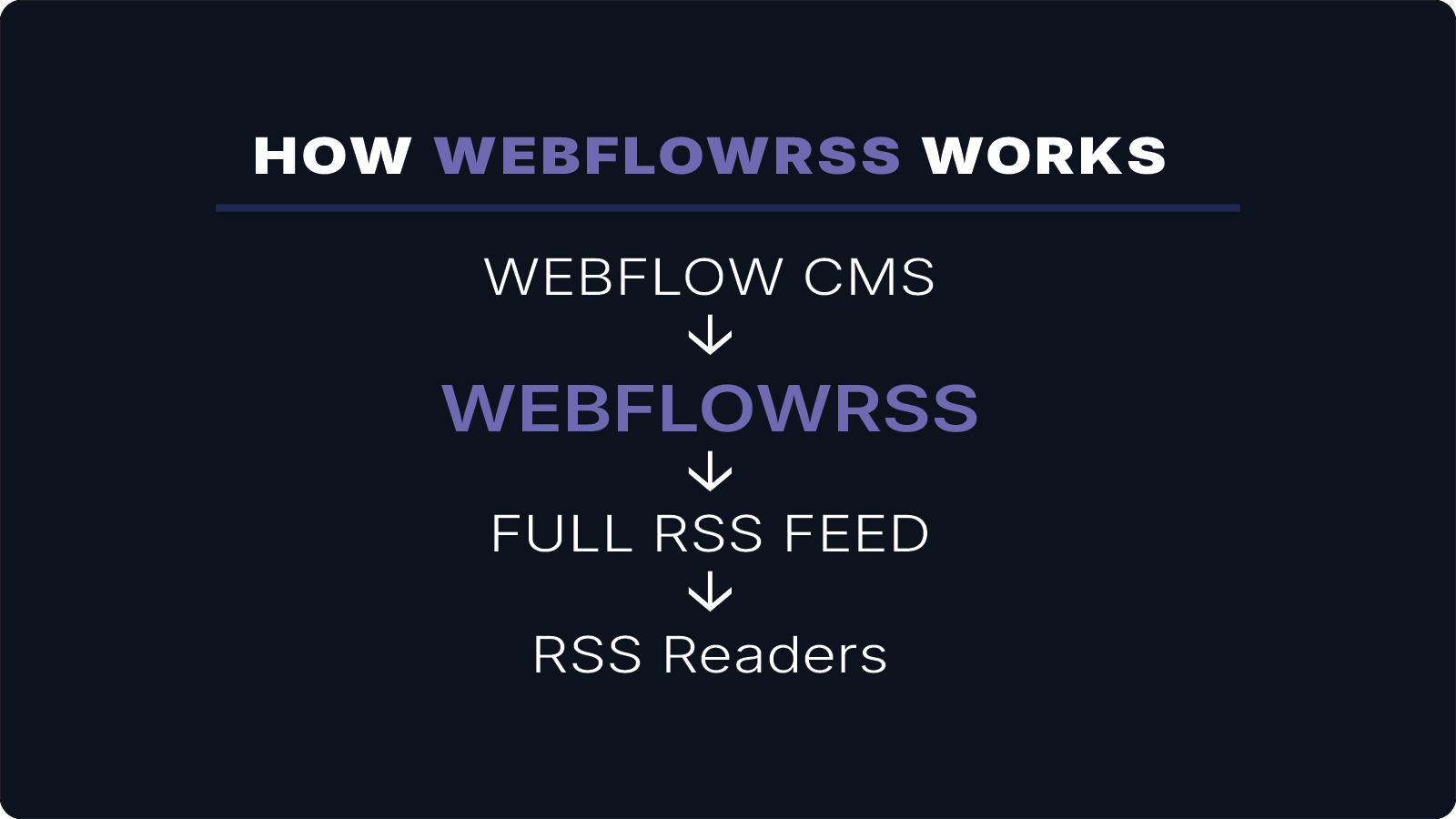
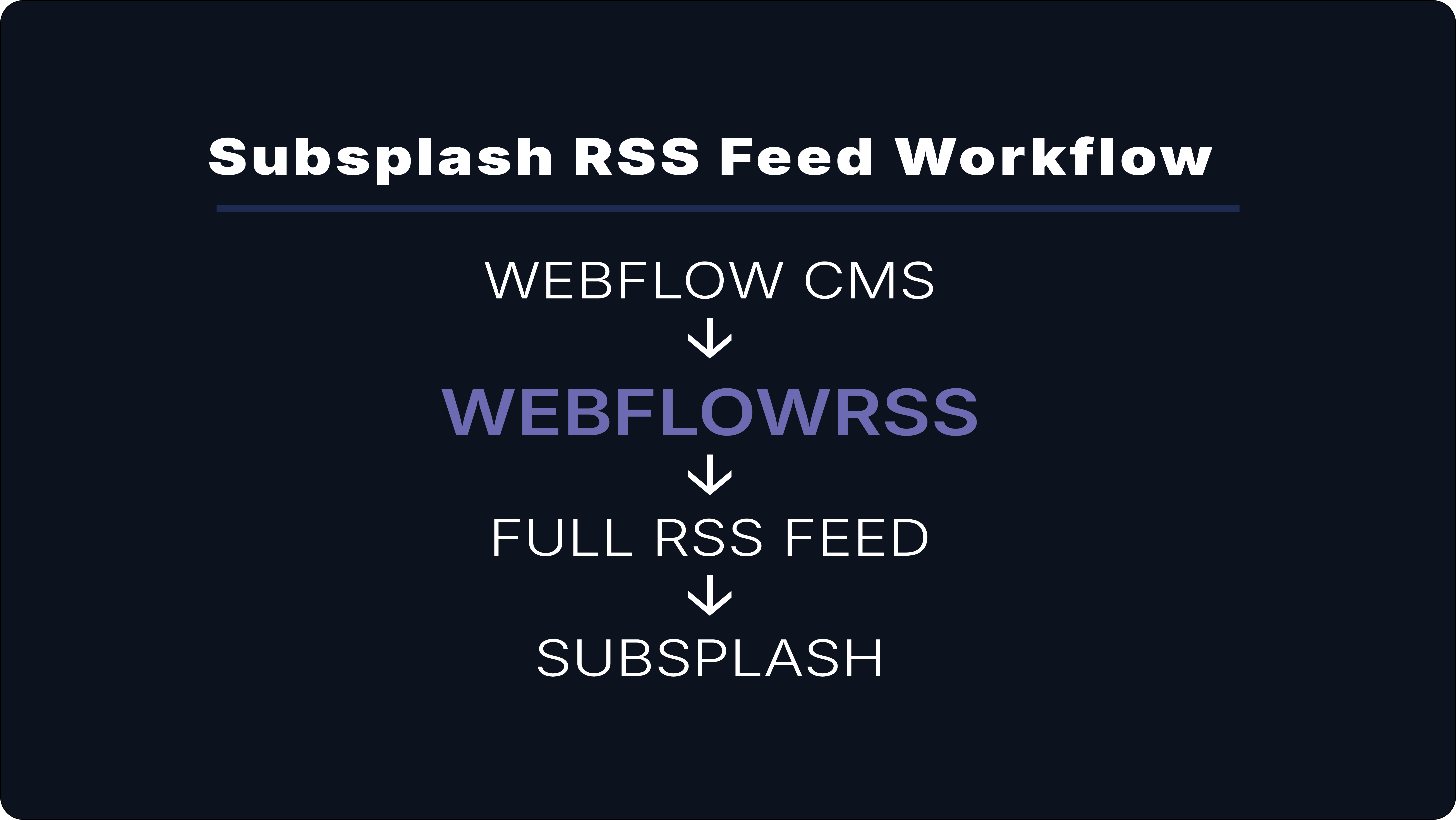
Instead of relying on multiple tools and transformations, it’s possible to generate a full-content RSS feed directly from your Webflow CMS.
That means your workflow becomes:
Webflow CMS → Full-Content RSS Feed → Subsplash
No Airtable. No formulas. No extra tools.
What This Enables
With a full-content feed, your app can display:
- complete sermons
- full devotional content
- properly formatted articles
- images and media
The experience inside the app matches what you published in Webflow.
When This Setup Makes Sense
This approach is especially helpful if:
- you publish sermons or devotionals in Webflow
- you want your app to stay in sync automatically
- you want users to engage with full content inside the app
- you want to avoid maintaining complex workarounds
Want to Set This Up for Your Church?
I’ll help you implement this for your specific setup.
15–30 min • No commitment.