Many websites publish different types of content in separate Webflow CMS collections — such as blog posts, product updates, and tutorials.
In most cases, each type of content needs its own RSS feed.
Without separate feeds, all content is mixed together, making it harder to:
- target specific audiences
- power different newsletters
- integrate with multiple tools
WebflowRSS allows you to generate multiple RSS feeds directly from your Webflow CMS collections, so each content type can be distributed independently.
Example Scenario
A website might organize content like this:
- Blog Posts
- Product Updates
- Tutorials
Each collection can generate its own RSS feed.
This allows different tools or audiences to subscribe only to the content that matters to them.
Typical Workflow
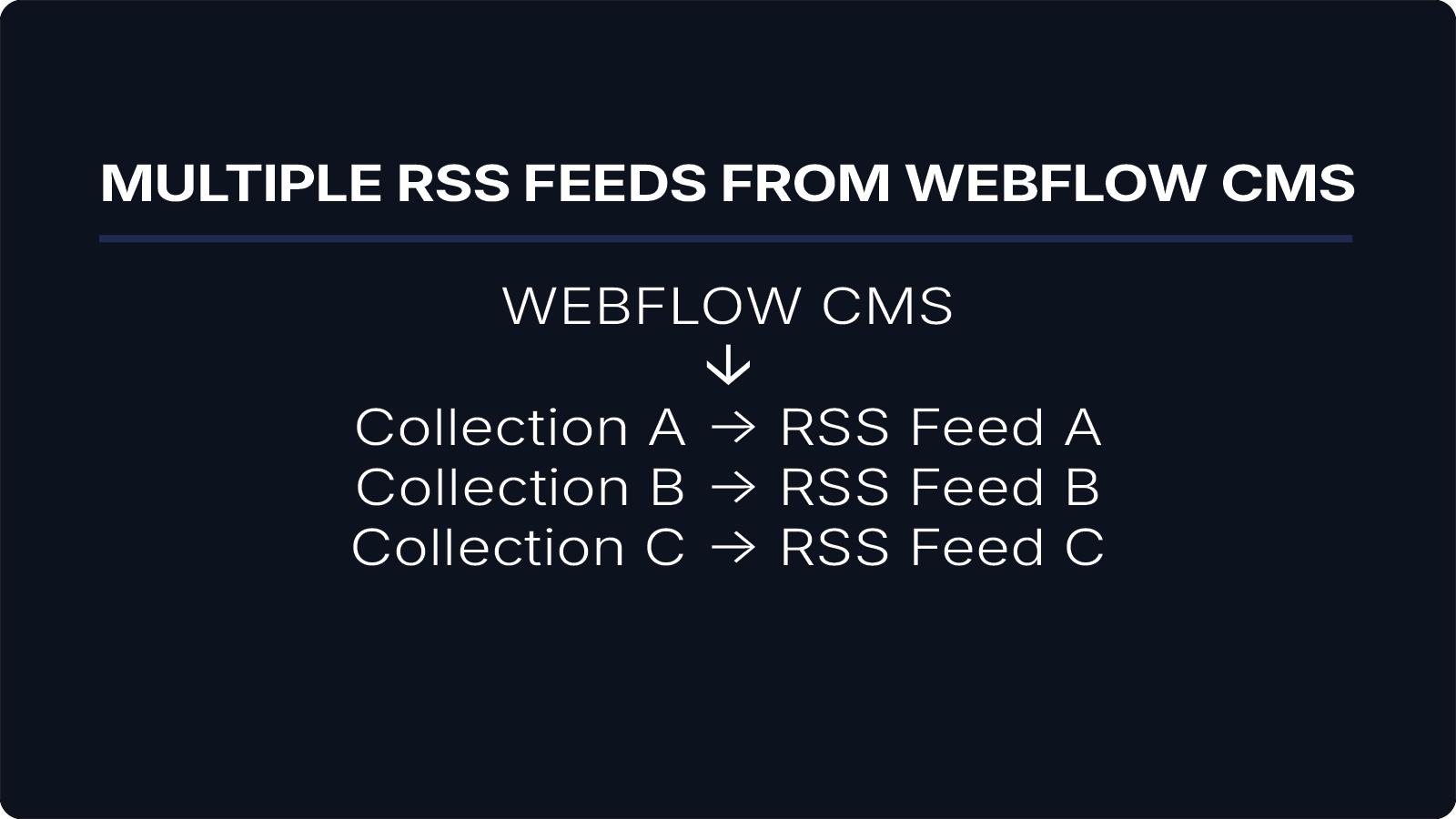
A multi-feed setup using WebflowRSS looks like this:
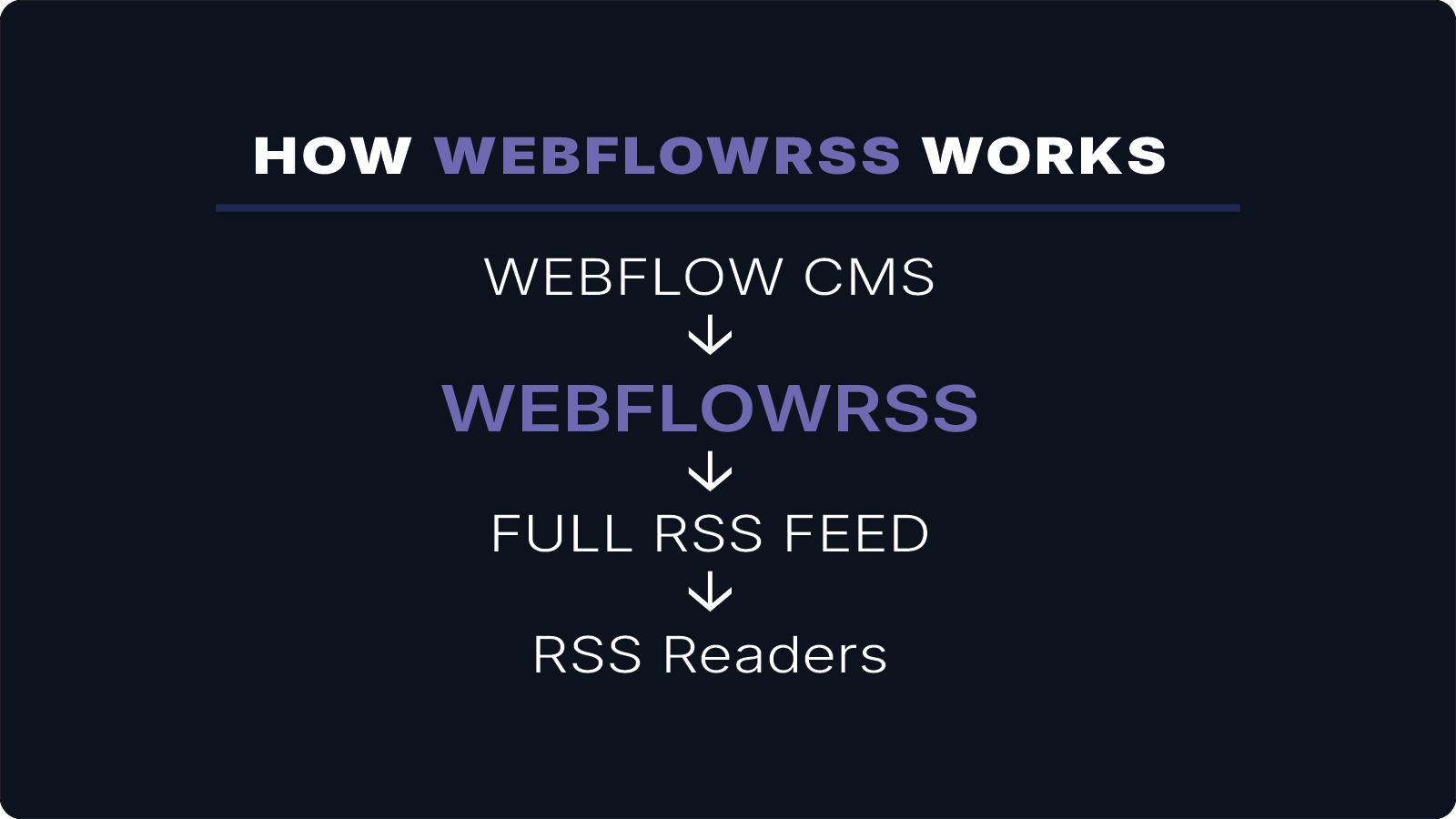
Webflow CMS
↓
Collection A → RSS Feed A
Collection B → RSS Feed B
Collection C → RSS Feed C
Each CMS collection produces its own RSS feed.
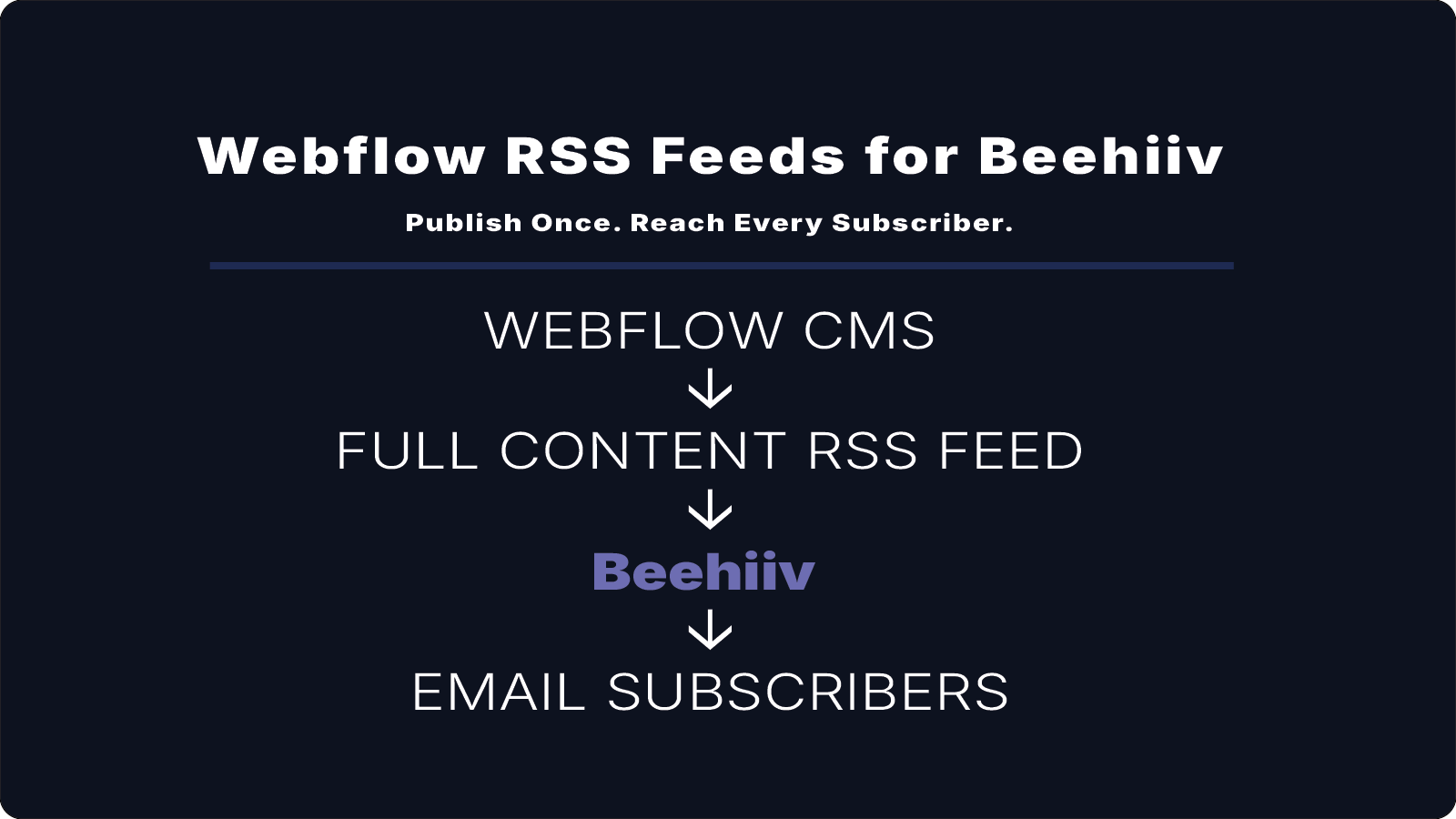
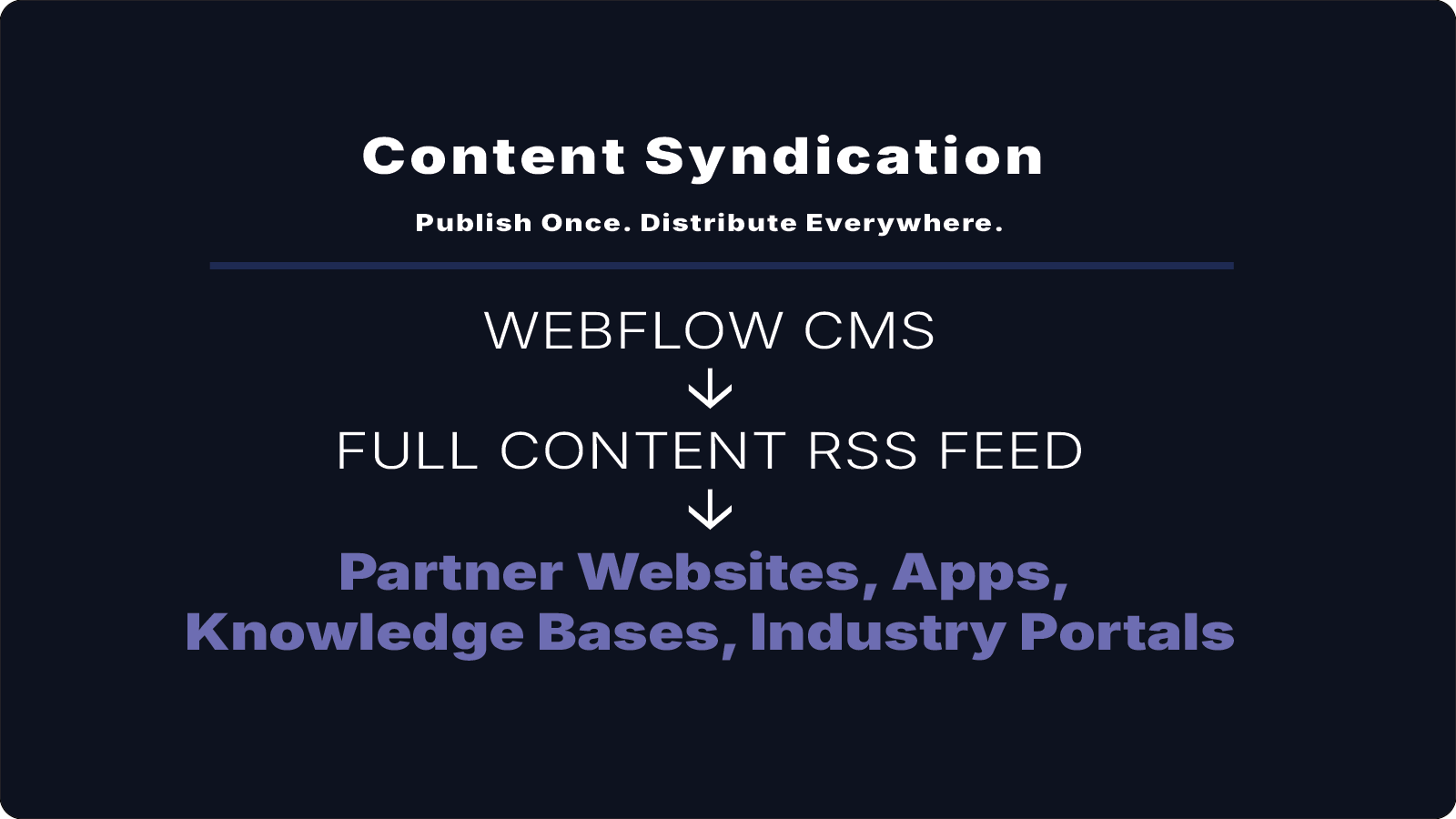
These feeds can then be used independently by newsletters, apps, or automation tools.
Real-World Uses
Multiple RSS feeds are useful in scenarios such as:
- separate newsletters for different content types
- dedicated feeds for product updates vs blog content
- feeds tailored for different audiences or regions
- integrations with multiple apps or automation workflows
For example, one feed might power a Mailchimp newsletter while another powers an RSS reader or internal automation.
Benefits
Using WebflowRSS to generate multiple feeds allows you to:
- organize content by topic or audience
- power multiple newsletters or applications
- keep RSS feeds focused and relevant
This approach provides flexibility while keeping Webflow CMS as the single source of content.
Conclusion
WebflowRSS makes it possible to generate multiple RSS feeds from Webflow CMS collections without relying on external databases or complex automation tools.
Each collection can produce its own feed, allowing content to be distributed across newsletters, apps, and other platforms.
If you need multiple RSS feeds from Webflow, WebflowRSS handles the setup so each content type is delivered where it needs to go.
Need help setting this up in your Webflow CMS?
I’ll walk you through the exact setup.
15–30 min • No commitment.