If you’ve tried using Webflow’s RSS feed with Mailchimp, you’ve probably run into a frustrating issue: your emails only show summaries — not full content.
This happens because Webflow’s default RSS feed does not include the full post body in a format Mailchimp expects. Instead, it sends a short description, which Mailchimp uses in RSS campaigns.
The result:
- incomplete emails
- missing formatting
- RSS campaigns that don’t work as expected
If you’re trying to automate newsletters from your Webflow CMS, this is one of the most common blockers.
In this guide, we’ll explain why this happens — and how to fix it so your Mailchimp RSS emails display full content correctly.
Why Native Webflow RSS Feeds Cause Problems
Webflow’s default RSS feeds only include a short description of each CMS item — not the full article content.
Mailchimp RSS campaigns rely on the feed to generate email content. Because only a summary is available, Mailchimp cannot access the full post body.
This leads to:
- emails displaying only short summaries
- missing images or formatting
- incomplete or broken newsletter content
For newsletter automation to work properly, the RSS feed needs to include the full article content in a compatible format.
Want to implement this for your Webflow CMS?
I’ll help you implement this for your specific setup.
15–30 min • No commitment.
Typical Workflow
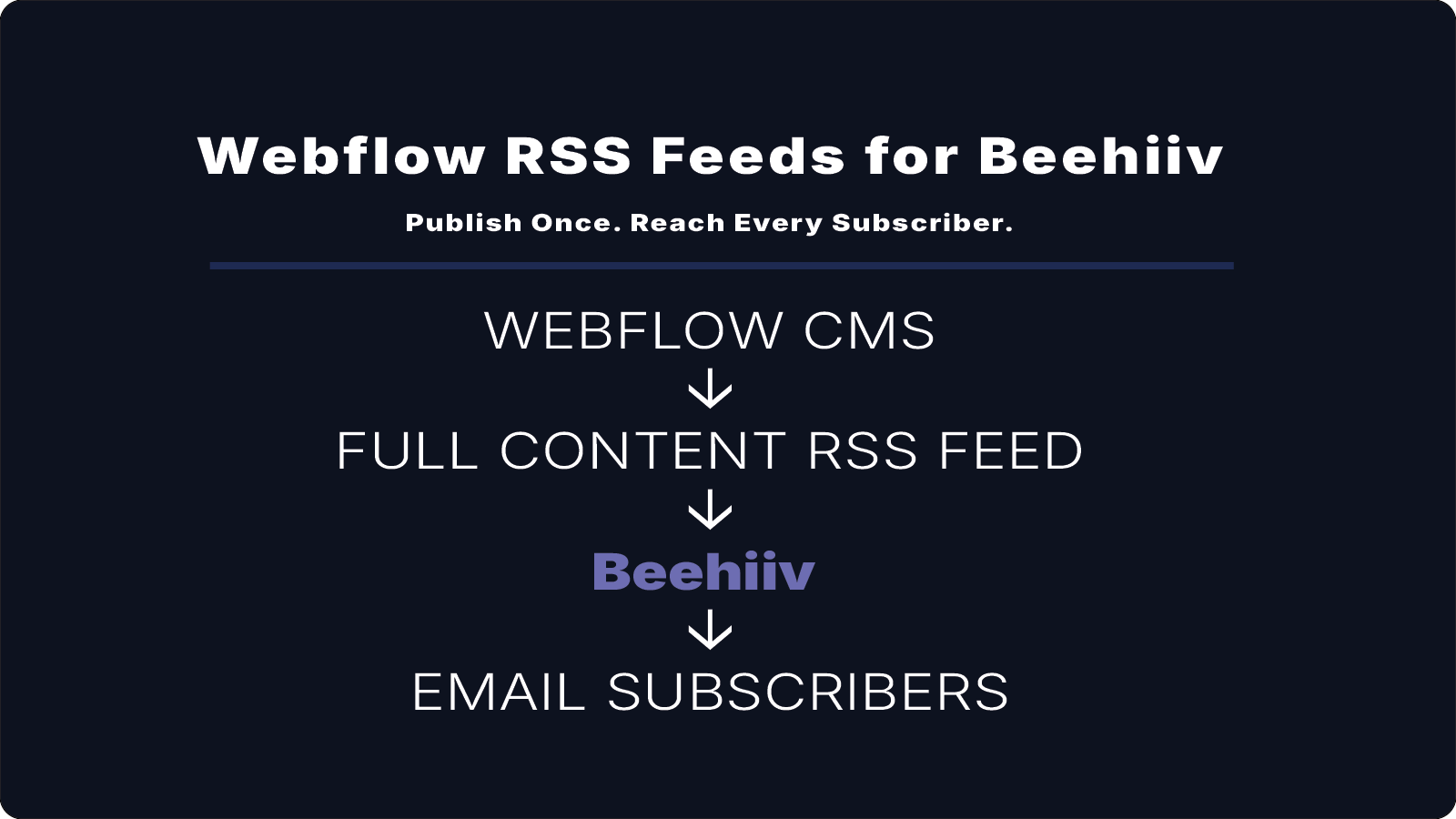
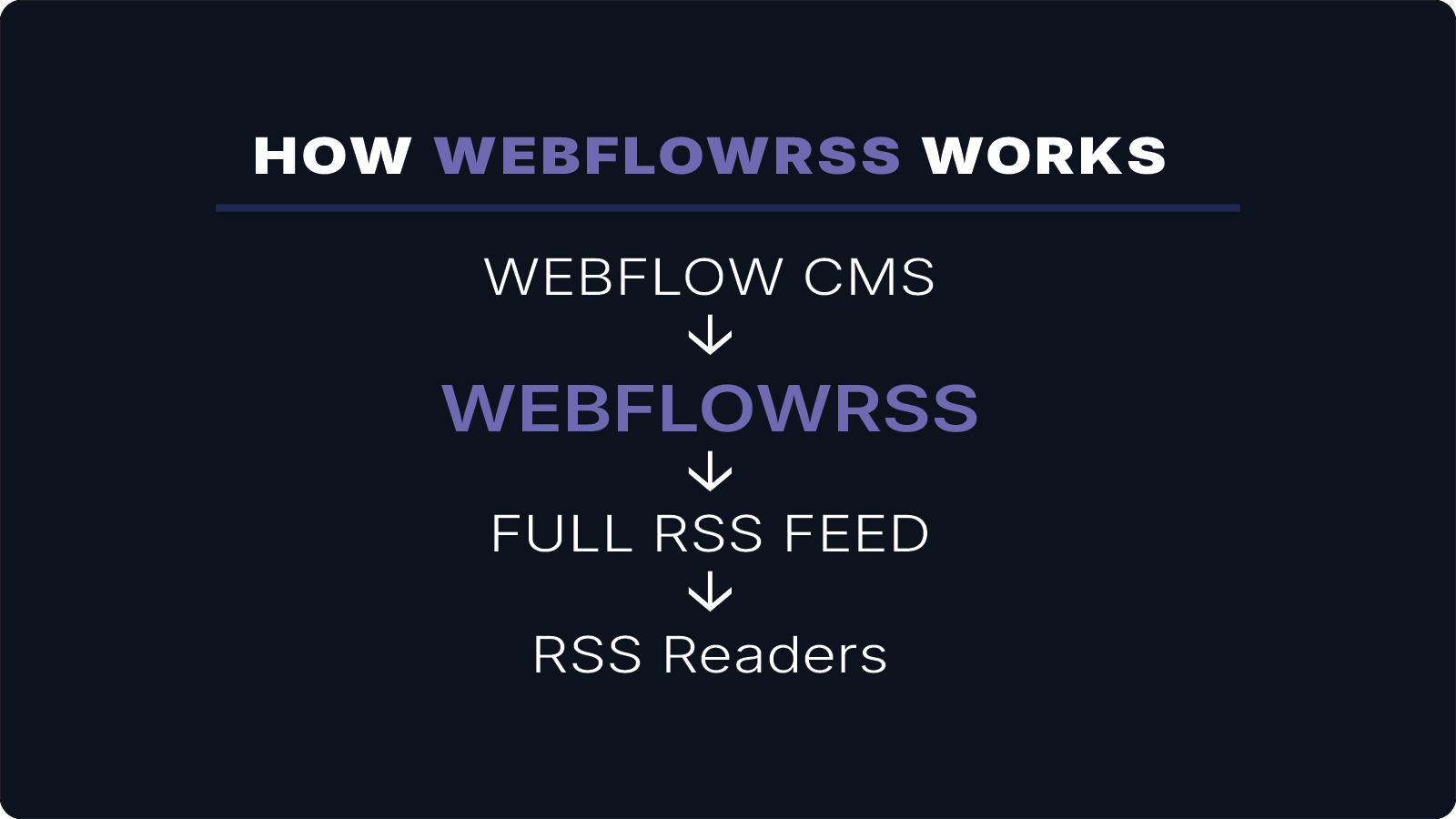
A typical automated newsletter workflow looks like this:
Webflow CMS
↓
WebflowRSS
↓
Full RSS Feed
↓
Mailchimp RSS Campaign
When a new CMS item is published, Mailchimp automatically generates and sends a newsletter using the content from the RSS feed.
How WebflowRSS Fixes This
WebflowRSS generates RSS feeds using the full content from your Webflow CMS via the Webflow API.
This ensures that your RSS feed includes:
- the complete article body
- images and media
- properly formatted rich content
As a result, Mailchimp can generate newsletters using full articles instead of truncated summaries.
Example Setup
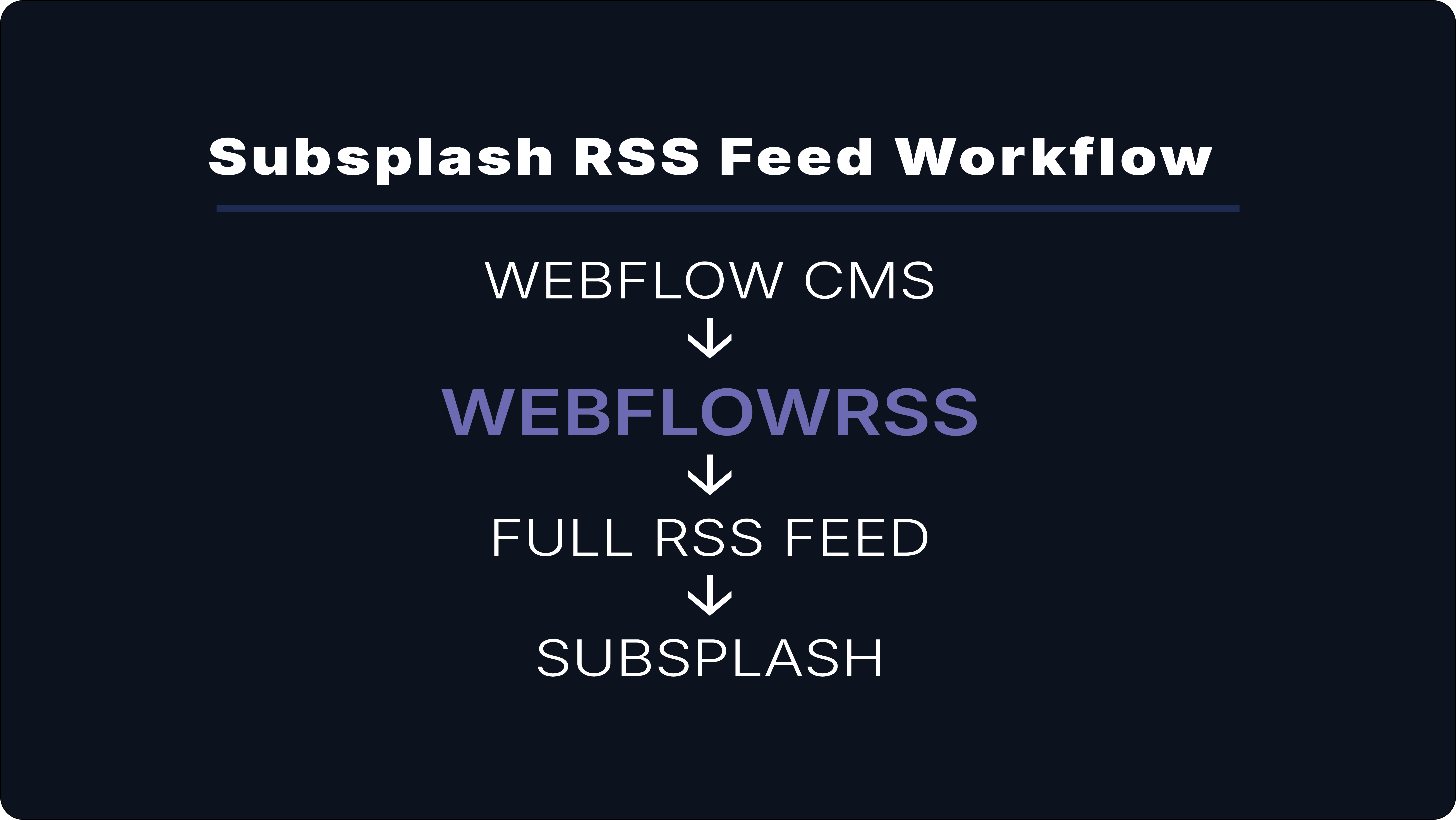
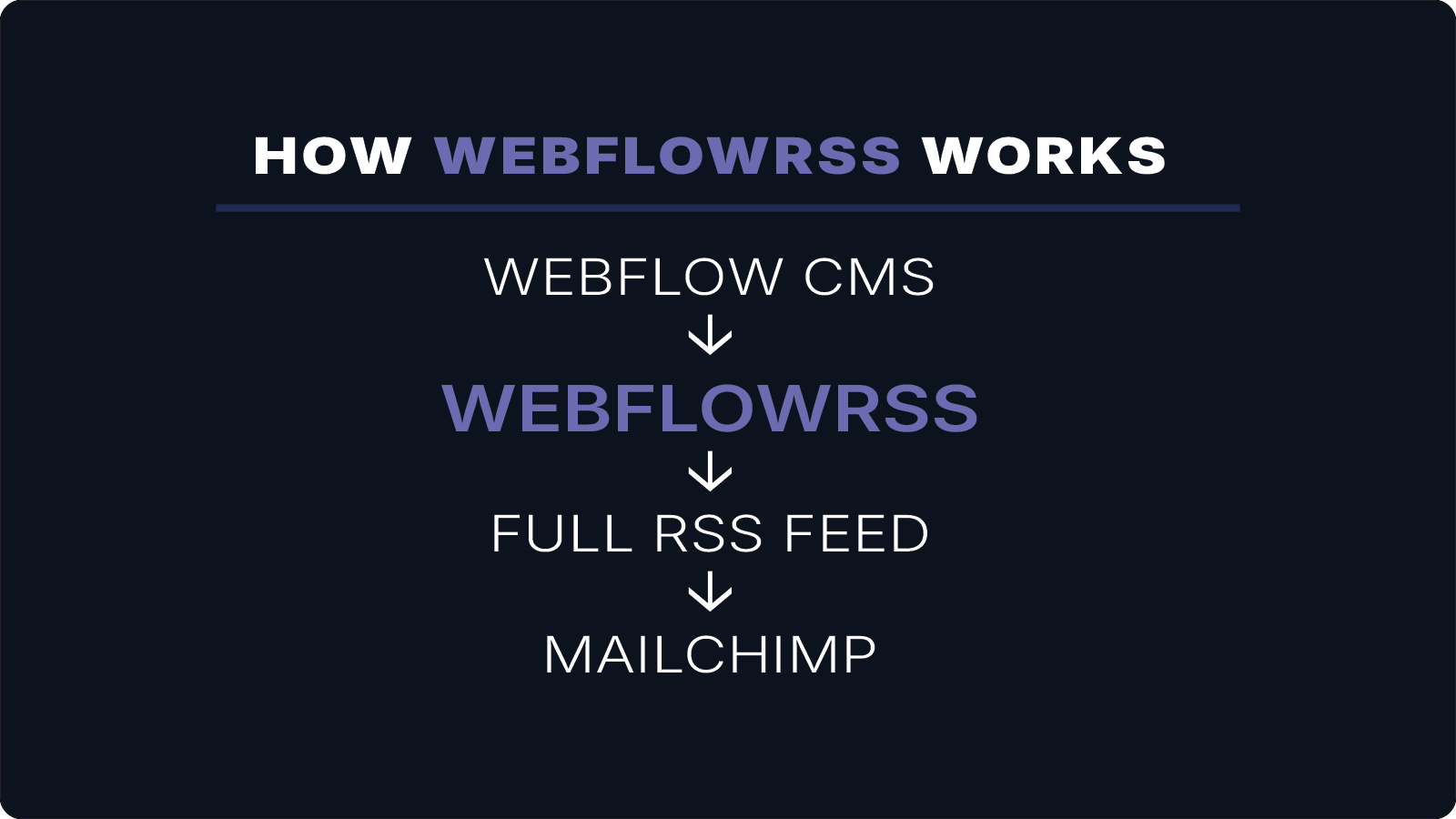
A typical setup using WebflowRSS looks like this:
Webflow CMS
↓
WebflowRSS
↓
Full RSS Feed
↓
Mailchimp Newsletter
Each time new content is published in Webflow CMS, Mailchimp automatically generates and sends a newsletter.
Conclusion
Using WebflowRSS with Mailchimp RSS campaigns allows Webflow CMS content to power fully automated newsletters without external databases or complex automation workflows.
Your Webflow CMS becomes the single source of content, while Mailchimp handles automated distribution to subscribers.
If you need a full-content RSS feed that works reliably with Mailchimp, WebflowRSS handles the setup so your newsletters send correctly without workarounds.
Need help setting this up in your Webflow CMS?
I’ll walk you through the exact setup.
15–30 min • No commitment.