Overview
Webflow CMS often contains multiple collections used to organize different types of content — such as blog posts, tutorials, and product updates.
Each of these collections may require its own RSS feed.
WebflowRSS allows separate RSS feeds to be generated from different Webflow CMS collections, enabling each type of content to be distributed independently.
Feed Workflow
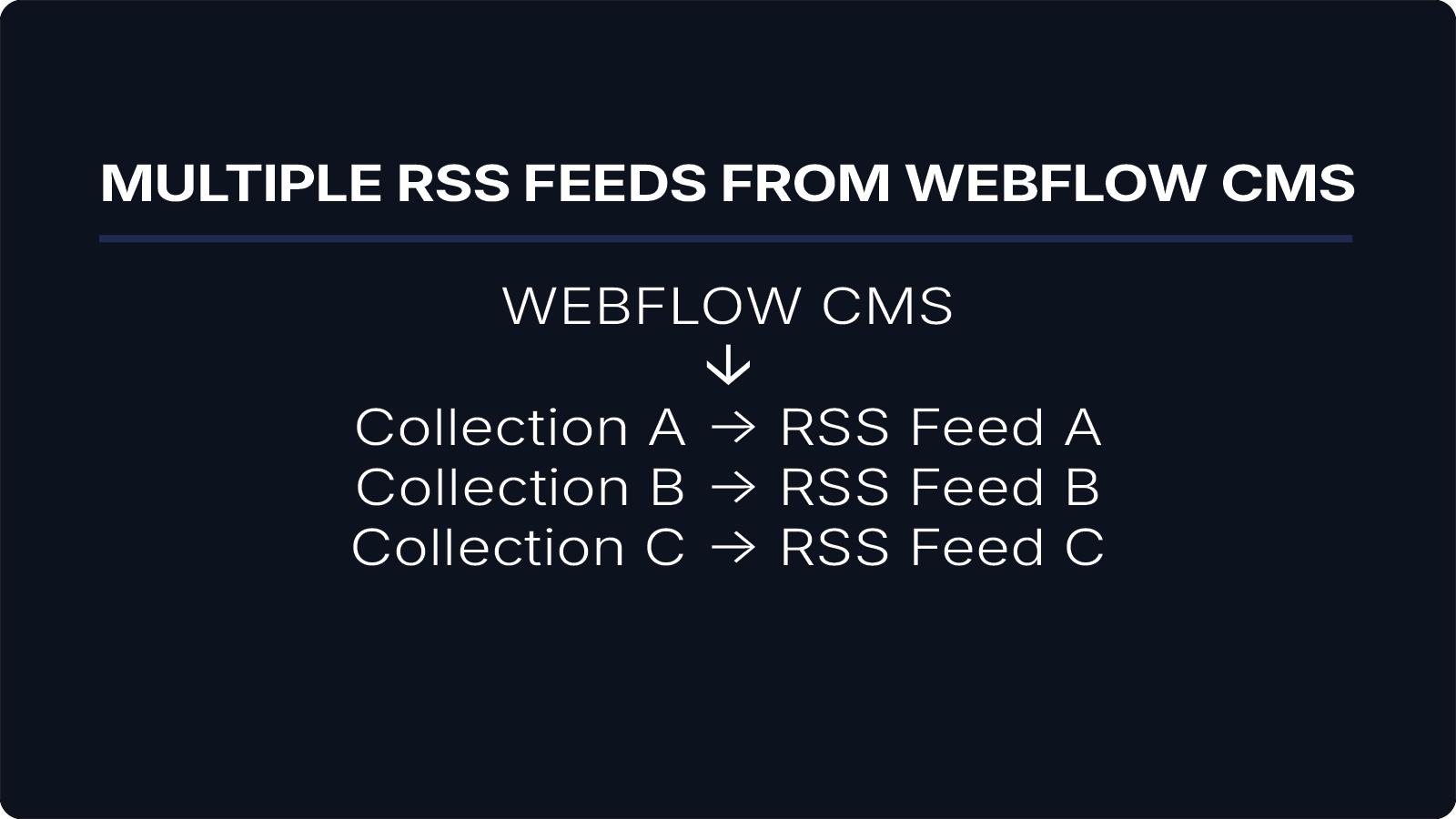
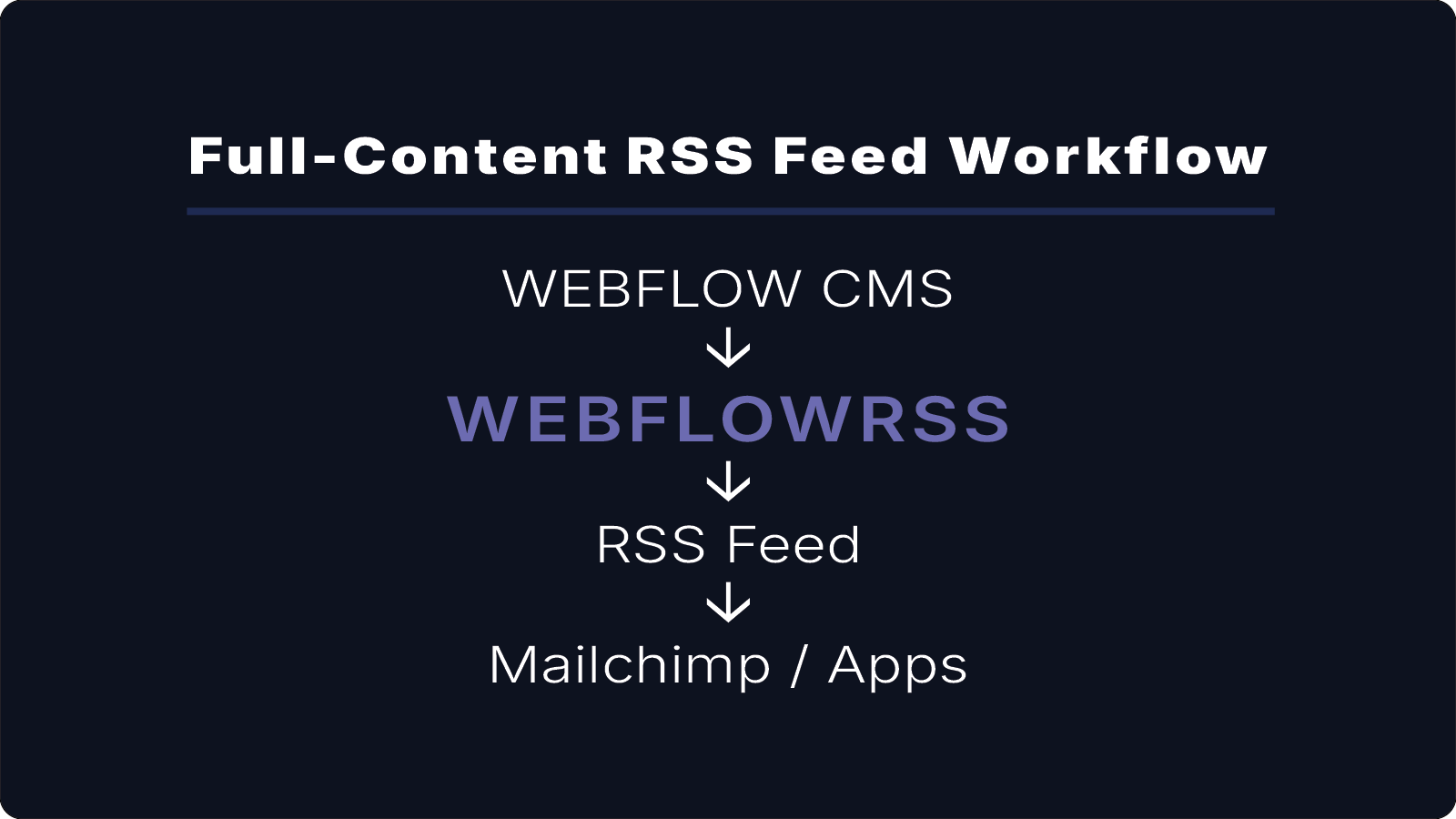
A multi-feed setup using WebflowRSS typically looks like this:
Webflow CMS
↓
Collection A → RSS Feed A
Collection B → RSS Feed B
Collection C → RSS Feed C
Each CMS collection produces its own RSS feed, allowing different content streams to be distributed independently.
Why Multiple RSS Feeds Are Useful
Many websites distribute different types of content to different audiences.
For example:
- a blog newsletter powered by the blog feed
- product updates sent to customers
- tutorials published to RSS readers
Generating multiple RSS feeds allows each content stream to remain focused and relevant.
Example Use Cases
Multiple RSS feeds can power several distribution channels at the same time:
- newsletters for different topics
- feeds used by automation tools
- feeds for apps or integrations
- feeds for RSS readers
Each feed is generated from a specific CMS collection and can be used independently.
View the Live RSS Feed
This is the raw RSS feed used in this example.
Contact: hello@webflowrss.com© 2026 WEBFLOWRSS LLC. All rights reserved.
Not affiliated with or endorsed by Webflow, Inc.