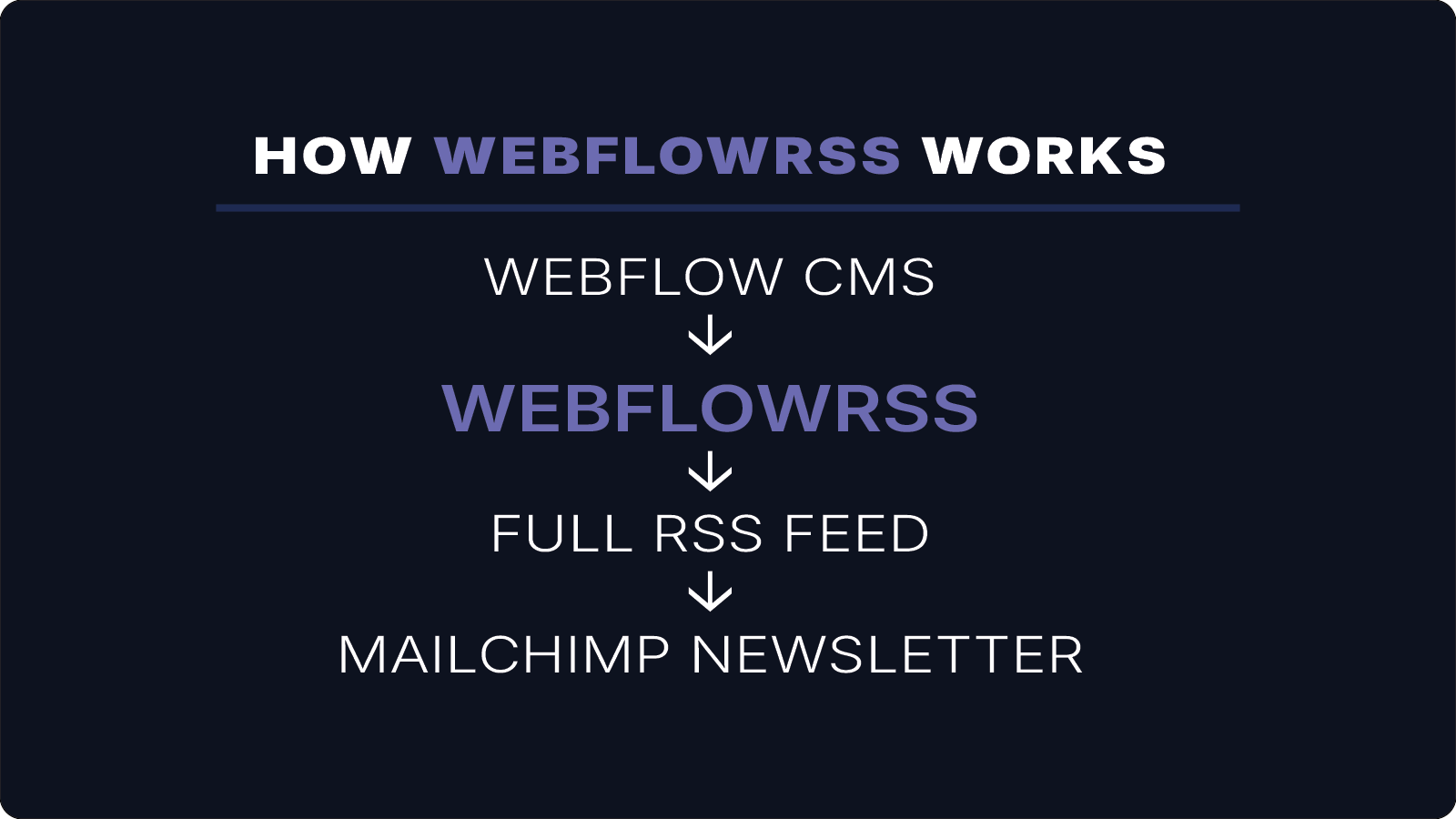
This example shows how a Webflow CMS collection can power automated newsletters using a Mailchimp RSS campaign.
WebflowRSS generates a full-content RSS feed that Mailchimp uses to automatically create and send newsletters whenever new content is published.
This setup allows newsletters to run automatically without manual campaign creation.
Feed Workflow
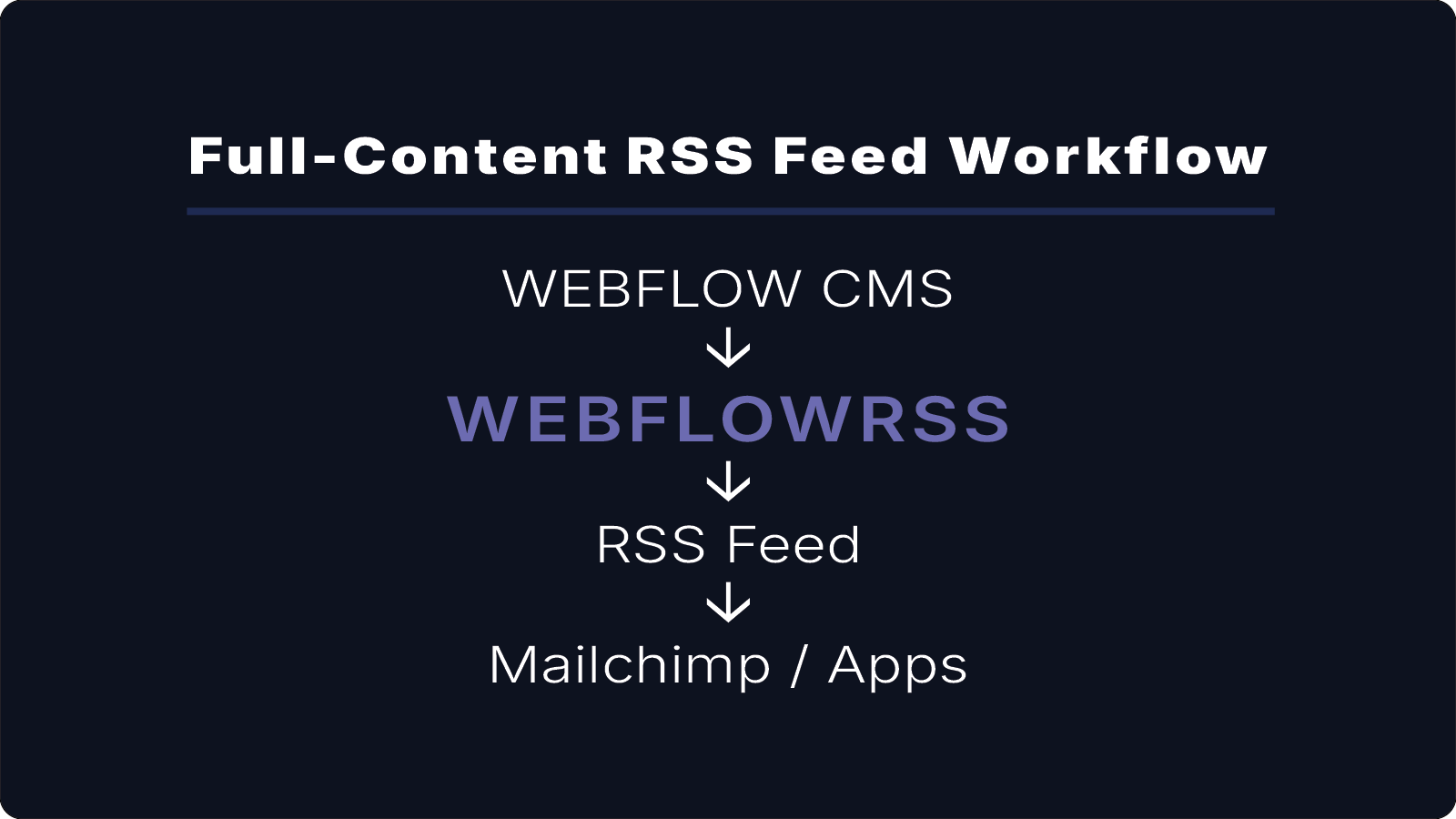
The workflow for an automated newsletter looks like this:
Webflow CMS
↓
WebflowRSS
↓
Full RSS Feed
↓
Mailchimp RSS Campaign
When a new CMS item is published in Webflow, Mailchimp reads the RSS feed and generates a newsletter using the content from that feed.
What This Feed Includes
This RSS feed includes:
- full article body content
- images and embedded media
- properly formatted rich text
- titles and publication dates
Because the feed includes the complete article, Mailchimp can generate emails that display full content instead of summaries.
Typical Newsletter Workflow
Many teams use this setup to automate their newsletters:
- publish an article in Webflow CMS
- WebflowRSS updates the RSS feed
- Mailchimp detects the new item
- a newsletter is automatically generated and sent
This allows newsletters to be fully automated without manually creating each campaign.
Common Uses
This type of RSS feed is commonly used for:
- weekly blog newsletters
- product update emails
- content marketing newsletters
- automated email digests
View the Live RSS Feed
Use the link below to view the RSS feed used to power Mailchimp campaigns.
View Live RSS Feed (XML)
Contact: hello@webflowrss.com© 2026 WEBFLOWRSS LLC. All rights reserved.
Not affiliated with or endorsed by Webflow, Inc.